
When entering cash payments, you can enter the cash amount the customer paid. The system will then automatically calculate how much change is due. To do so, open a particular Order and click on ‘Charge Payment’. A dialog box appears as follows:
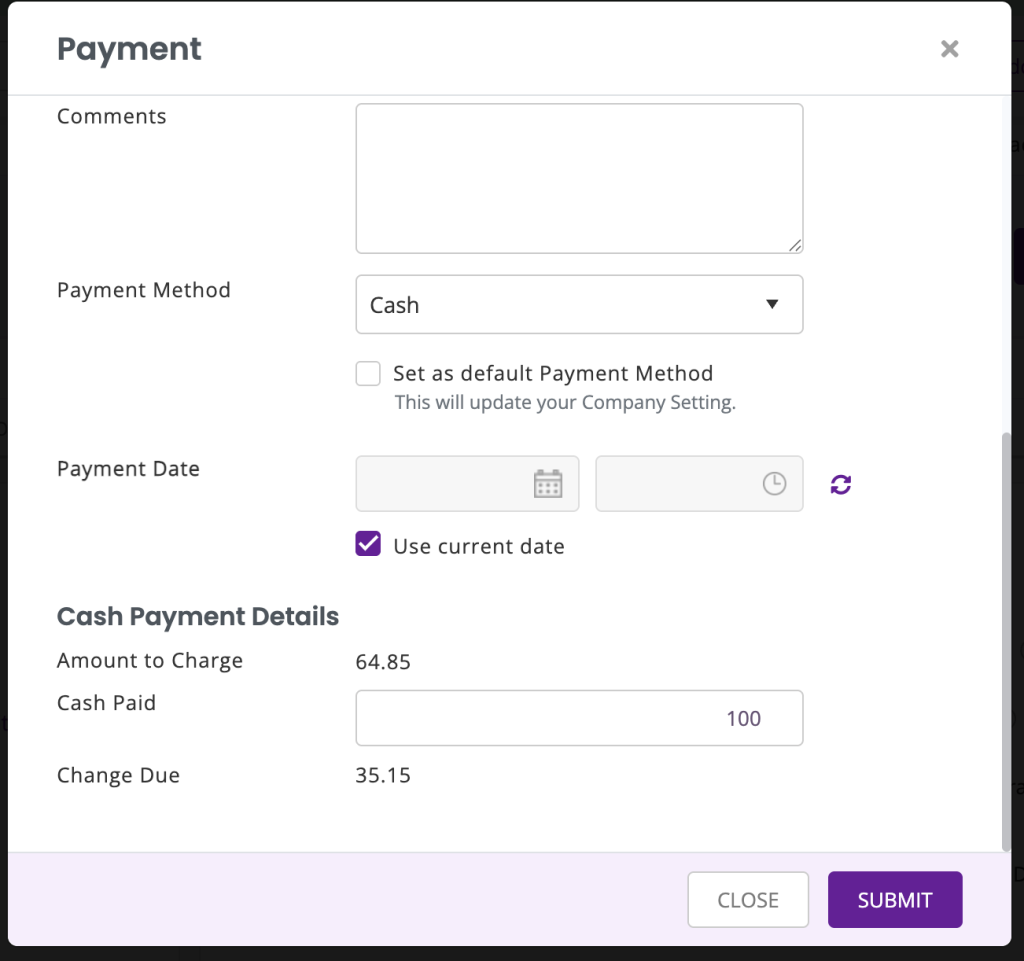
Here, you can add the amount the customer pays under ‘Cash Paid’ and you will see that the change is automatically calculated and stored once you hit ‘Submit’.
