
Equipment checkout software helps teams track, assign, and manage shared assets across locations in real time. The best solutions go beyond basic tracking by adding scheduling, maintenance, and audit workflows, giving organizations full visibility, preventing equipment loss, and improving operational efficiency at scale.
Introduction
Imagine your workday starting with a missing asset. A technician is waiting for equipment that was supposed to be available, but no one knows where it is. Another team may have checked it out, yet the update never made it into the spreadsheet. Now you’re searching across files, emails, and messages just to confirm basic availability.
That time adds up fast. The McKinsey Global Institute found that interaction workers spend 19% of their work time tracking down information, including searching through email. For equipment-heavy teams, that search often starts with one question: where is the asset?
When assets are managed across locations, departments, or projects, disconnected tracking creates double bookings, unclear ownership, delayed handoffs, and audit gaps.
That’s why modern teams are moving to dedicated equipment checkout software. The right tool helps centralize asset movement, improve accountability, prevent scheduling conflicts, and give teams real-time visibility into who has what, where it is, and when it is due back.
In this guide, we evaluate the 7 best equipment checkout software solutions for 2026 based on workflow depth, scalability, integrations, and real-world usability.
Signs your team needs equipment checkout software
If any of these situations sound familiar, your team has likely outgrown manual tracking.
As operations scale across teams, locations, and workflows, gaps in visibility and accountability begin to show up in day-to-day work. These aren’t isolated issues; they’re signals that your current system can’t support how your organization operates.
In fact, Samsara’s 2026 equipment loss study found that large operations lose an average of $13.2 million annually to equipment theft and loss, with 72% of losses coming from small gear rather than heavy machinery.
- Equipment goes missing or shows up in the wrong location
Assets move across sites, but without real-time tracking, their actual location doesn’t match system records, leading to delays and confusion.
For example, a construction team marks a generator as “available” in Site A, but it was moved to Site B days ago. Work is delayed while teams try to locate it. - Team members don’t know what’s available or who has what
Without centralized visibility, teams rely on guesswork, messages, or manual checks to locate equipment.
For example, an IT team preparing for onboarding pings multiple colleagues to find spare laptops, only to discover later that devices were already assigned. - Double-bookings and scheduling conflicts happen regularly
Multiple teams end up reserving or using the same equipment because there’s no system to manage availability and prevent conflicts.
For example, two AV teams schedule the same camera kit for different shoots, causing last-minute rescheduling and client delays. - Check-out processes rely on spreadsheets, emails, or paper logs
Manual processes create fragmented records, making it difficult to track asset movement accurately or consistently.
For example, a shared spreadsheet lists a device as available, but an outdated version in someone’s inbox lists it as assigned; no one knows which is correct. - No clear accountability when equipment is damaged or lost
Without structured logs, it’s unclear who last used an asset, making it difficult to enforce responsibility or investigate issues.
For example, a damaged tool is returned without any record of who last checked it out, leaving teams unable to trace responsibility. - Audits and inventory checks take hours or days
Teams spend significant time reconciling data across systems just to verify basic asset records.
For example, a finance team spends two days cross-checking spreadsheets, emails, and logs to prepare for an internal audit. - Equipment sits idle while other teams rent or buy duplicates
Lack of visibility leads to underutilized assets in one area and unnecessary spending in another.
For example, one warehouse has unused equipment, while another team rents the same items because they don’t know they already exist internally.
If more than two of these apply, it’s a clear sign your operations need a purpose-built equipment checkout system; one that brings structure, visibility, and control into how assets are managed. The tools below are the best place to start.
What should you look for in equipment checkout software?
The right equipment checkout software depends on your team size, equipment type, and operational workflows.
As operations scale, the goal isn’t just to track equipment; it’s to build a system that supports how assets move, get assigned, maintained, and audited across teams without friction.
Check-in/check-out workflows
Fast, frictionless checkout is the foundation of any system. If this breaks, everything else slows down.
Look for tools that support:
- Mobile-based scanning (QR codes or barcodes)
- One-click check-in/check-out actions
- Role-based or approval-driven workflows for high-value assets
In practice, this means a technician or operator can scan an asset, assign it in seconds, and move on, without switching tabs or manually logging data. At scale, even small delays here compound into lost productivity.
Reservation and booking system
Equipment is often planned in advance, not just assigned on demand.
A strong system should include:
- Availability calendars with real-time status
- Conflict detection to prevent double bookings
- Advance reservations across teams, locations, or projects
This ensures teams don’t run into last-minute conflicts. Instead of reacting to availability issues, they can plan ahead with confidence, especially in environments where equipment is shared across multiple teams.
Asset tracking and visibility
Visibility is what turns tracking into operational control. Without it, you’re just maintaining records.
Look for:
- Real-time asset status (available, in use, under maintenance)
- Location and ownership tracking across sites
- Complete audit trails (who used what, when, and where)
- Support for QR, barcode, or RFID tracking
Teams should be able to instantly answer: Where is this asset, who has it, and what’s its current status? This level of asset tracking visibility reduces downtime, prevents loss, and improves decision-making across operations.
Maintenance and service tracking
Checkout is only one part of the lifecycle; maintenance is what keeps assets usable.
A strong system should:
- Schedule preventive maintenance automatically
- Trigger service alerts based on time or usage
- Maintain a full service history for each asset
This helps teams move from reactive fixes to planned maintenance. The result: fewer breakdowns, longer asset lifespan, and more predictable operations.
Integrations and mobile access
Equipment checkout doesn’t operate in isolation; it sits within a broader operational ecosystem.
Look for:
- Mobile-first access for field teams and distributed operations
- Integrations with ITSM, help desk, or operational tools
- User and system sync across platforms
The goal is simple: your checkout system should connect with how your team already works. Strong integrations eliminate duplicate work and ensure asset data flows across systems without manual effort.
Pricing and scalability
What works for 50 assets often fails at 5,000. Scalability is where many tools break down.
Evaluate:
- Total cost of ownership (including setup, training, and expansion)
- Ability to support multiple locations, teams, and workflows
- Scalability without adding complexity or slowing performance
The system should grow with your operations, handling increased volume, users, and complexity without forcing you to switch tools later.
Evaluation checklist
| Criteria | What to Look For | Red Flags |
| Check-in/Check-out Workflows | Mobile scanning, quick actions, approval workflows | Manual entry, multi-step processes |
| Reservation System | Availability calendar, conflict prevention | Double bookings, no scheduling visibility |
| Asset Visibility | Real-time tracking, ownership, and audit logs | Static records, no usage history |
| Maintenance Tracking | Preventive scheduling, alerts, service logs | No maintenance workflows |
| Integrations & Mobile | Mobile-first, integrates with existing tools | Siloed system, desktop-only access |
| Pricing & Scalability | Flexible pricing supports growth | Breaks at scale, hidden costs |
The best equipment checkout software isn’t the one with the most features; it’s the one that fits how your operations actually run, giving you real-time visibility, structured workflows, and the ability to scale without adding operational friction.
7 best equipment checkout software solutions for teams in 2026
Several leading equipment checkout software solutions are shaping how teams manage assets, reservations, and workflows at scale.
We evaluated these tools based on checkout workflow depth, asset visibility, scheduling capabilities, maintenance support, integrations, and scalability for mid-market and enterprise teams.
EZO leads this list as the most complete solution for B2B teams, combining equipment checkout, asset tracking, maintenance, and workflow automation into a single platform.
1. EZO: Best complete equipment checkout solution for B2B teams
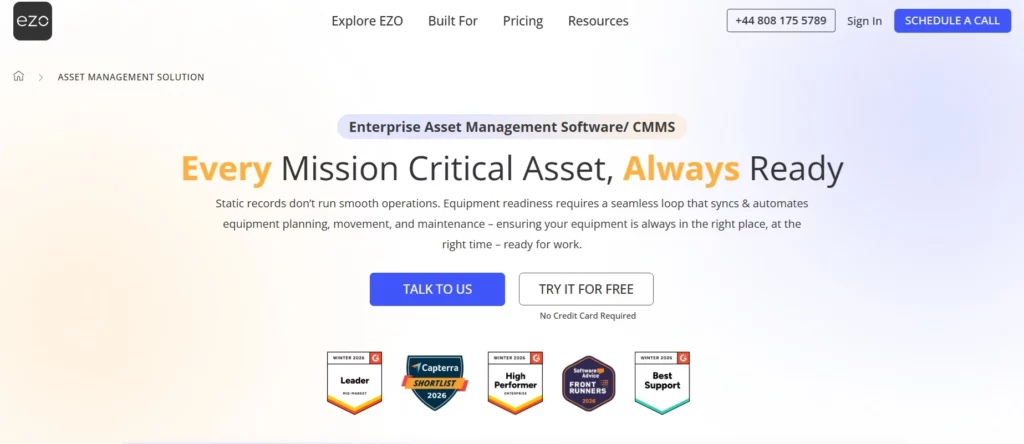
EZO is the most complete equipment checkout software for teams that need structured workflows, real-time visibility, and end-to-end asset lifecycle management.
What it does
EZO is a cloud-based asset management and equipment checkout platform that connects checkout workflows, reservations, maintenance, and procurement into a unified system. It moves teams from basic tracking to full asset operations.
Key features
- High-Velocity Checkout Flows: QR/barcode-based, approval-driven checkouts
- Request Management: Ticket-based asset assignment and approvals
- Real-Time Asset Visibility: Status, ownership, and location tracking
- Proactive Maintenance (CMMS): Preventive scheduling and service history
- Unified Stock & Procurement: Track inventory, vendors, and purchasing
- Workflow Automation: Rule-based actions across the asset lifecycle
- AI Co-pilot (Zoe): Context-aware insights and recommendations
Tracking capabilities
Supports barcode, QR code, RFID, and GPS tracking, enabling fast identification and real-time updates across locations.
Integrations
Integrates with ITSM tools, identity systems, MDM platforms, and operational workflows, ensuring asset data flows across systems without silos.
Real‑world results (as reported by EZO users)
- Reduced instances of asset loss and duplicate records by improving visibility and tracking.
- Faster checkout and onboarding workflows through automated assignment and scanning.
- Improved audit readiness enabled by complete and consolidated asset histories.
- Higher asset utilization across teams thanks to clearer visibility into where equipment is assigned and available.
Who it is for
- Mid-market and enterprise teams
- Multi-location operations
- Industries: construction, healthcare, education, AV/media, warehousing
Deployment
Cloud-based (SaaS), with a 15-day free trial available.
Ratings
- G2: ⭐ 4.4
- Capterra: ⭐ 4.6
2. CHEQROOM: Best for media, production, and creative teams
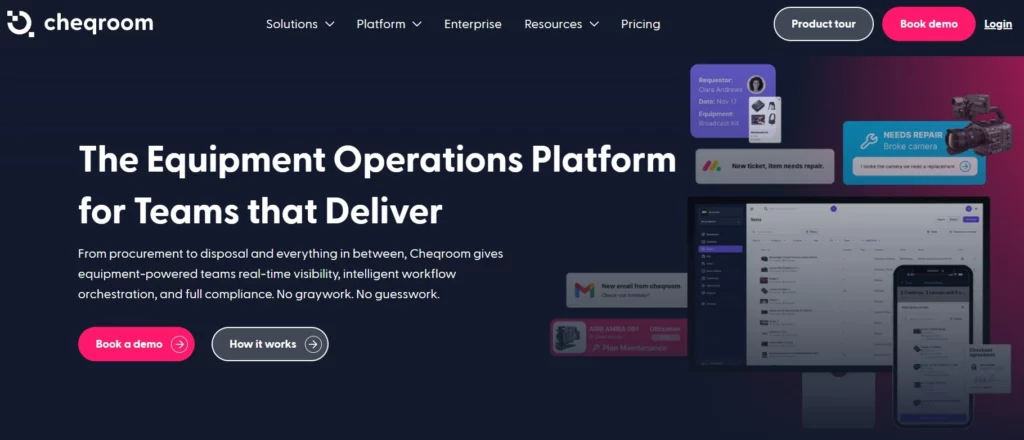
CHEQROOM is designed for teams that rely heavily on equipment scheduling and shared usage.
What it does
A specialized equipment checkout platform focused on reservations, booking, and coordination.
Key features
- Equipment reservation and availability planning
- Conflict prevention and booking calendars
- Equipment kits and grouping
- Mobile-first check-in/check-out
Who it is for
Media production teams, universities, and AV environments
Pros
- Strong scheduling and booking capabilities
- Great for shared equipment environments
Cons / Limitations
- Limited maintenance and lifecycle management
- May require additional tools for full asset operations
Ratings
- G2: ⭐ 4.6
- Capterra: ⭐ 4.5
3. Asset Panda: Best for enterprise teams with complex workflows
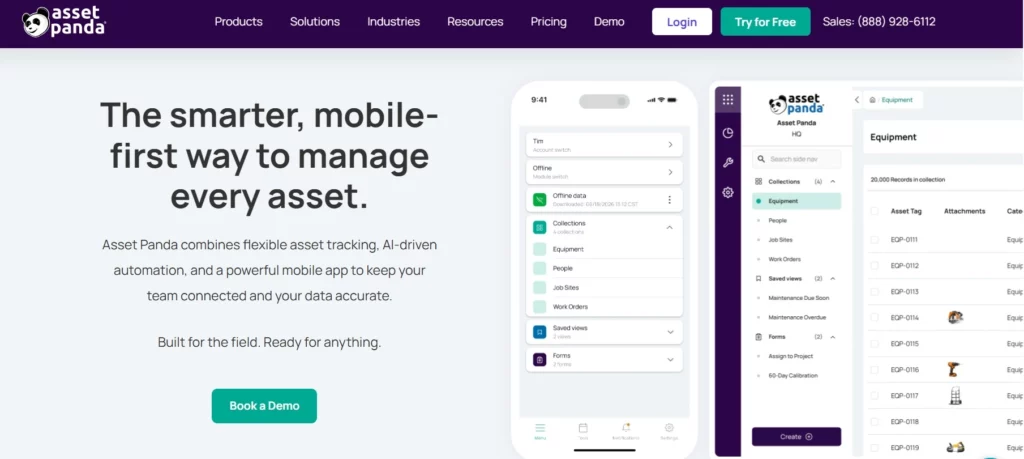
Asset Panda offers deep customization for teams with unique asset tracking workflows.
What it does
A highly configurable asset tracking platform that allows teams to build custom workflows and data structures.
Key features
- Custom fields and workflows
- Mobile asset tracking
- Flexible reporting and dashboards
Who it is for
Enterprise teams with non-standard processes
Pros
- High flexibility and configurability
- Strong reporting capabilities
Cons / Limitations
- Complexity increases at scale
- Requires ongoing configuration and governance
Ratings
- G2: ⭐ 4.6
- Capterra: ⭐ 4.7
4. itemit: Best for Field Teams and Multi-Site Operations
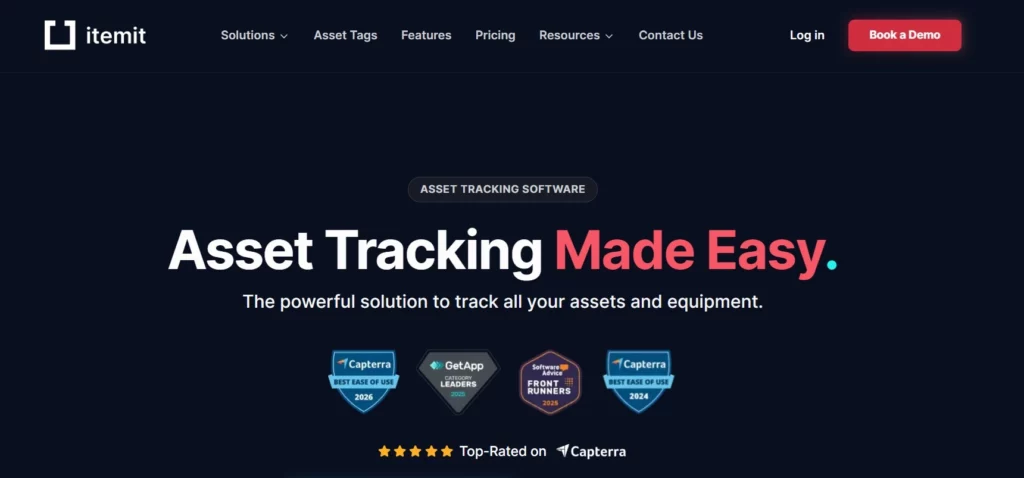
itemit is a mobile-first equipment checkout solution designed for distributed teams.
What it does
A lightweight asset tracking and checkout system optimized for field usage and multi-location visibility.
Key features
- Mobile app with QR scanning
- Location-based tracking
- Quick asset assignment
Who it is for
Field service teams, construction crews, and distributed operations
Pros
- Easy mobile adoption
- Fast setup
Cons / Limitations
- Limited workflow depth
- Less suitable for complex enterprise operations
Ratings
- G2: ⭐ 4.4
- Capterra: ⭐ 4.5
5. Sortly: Best for simple visual equipment tracking
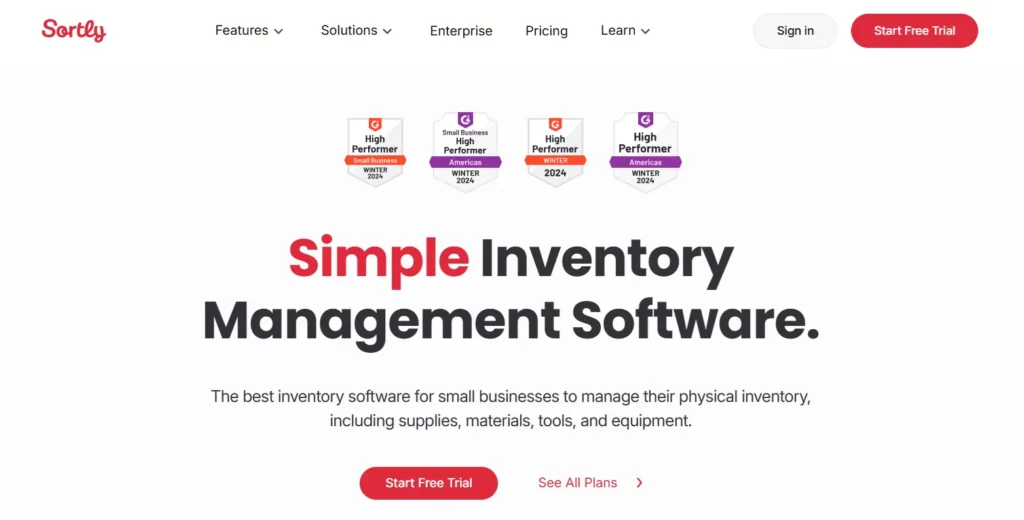
Sortly is ideal for teams that prioritize simplicity and visual asset organization.
What it does
An intuitive inventory and equipment checkout tool focused on ease of use and quick adoption.
Key features
- Visual asset tracking with images
- QR/barcode scanning
- Folder-based organization
Who it is for
Small teams or departments transitioning from spreadsheets
Pros
- Very easy to use
- Minimal setup required
Cons / Limitations
- Limited scalability
- Lacks advanced workflows and automation
Ratings
- G2: ⭐ 4.4
- Capterra: ⭐ 4.5
6. Shelf.nu: Best free open-source option
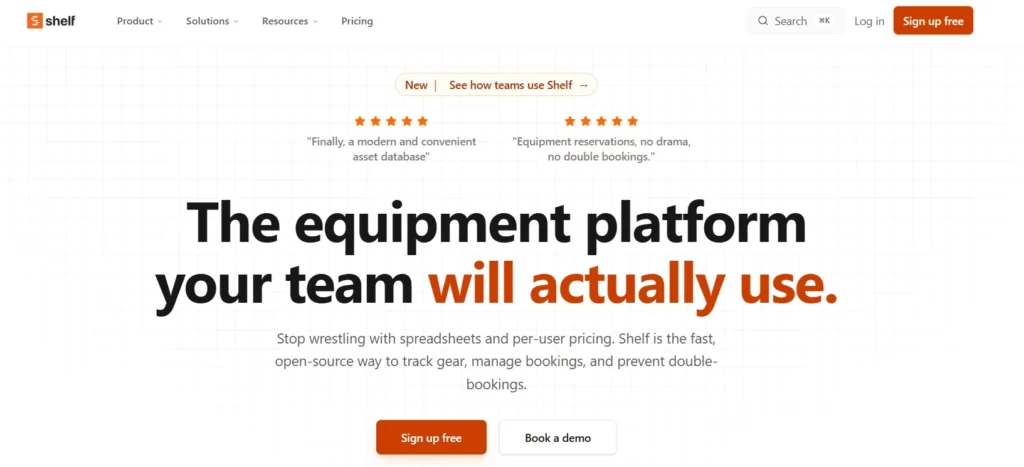
Shelf.nu is a modern open-source equipment checkout system for teams on a budget.
What it does
An open-source platform for basic asset tracking and checkout workflows.
Key features
- Self-hosted deployment
- Basic check-in/check-out tracking
- Open API for customization
Who it is for
Technical teams looking for cost control and flexibility
Pros
- Free and customizable
- No vendor lock-in
Cons / Limitations
- Requires self-hosting and maintenance
- Limited enterprise support and scalability
Ratings
- G2: Not widely listed
- Capterra: Limited data
7. GoCodes: Best for construction and trades teams
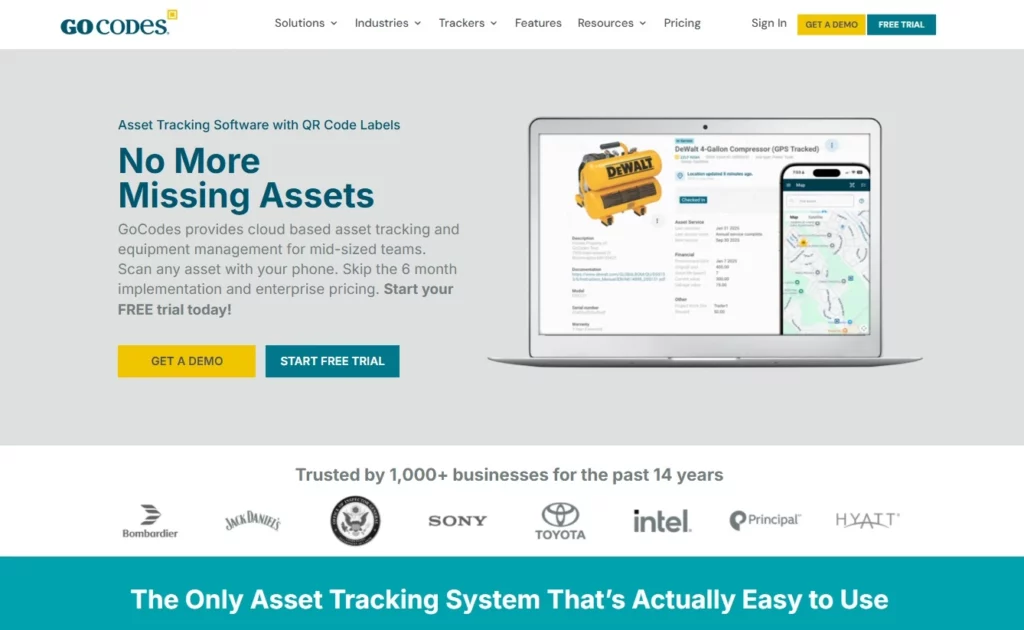
GoCodes is a QR-based equipment tracking solution built for field-heavy industries.
What it does
A cloud-based system focused on tracking tools and equipment across job sites.
Key features
- QR code tracking
- GPS location tracking
- Maintenance logs
Who it is for
Construction, field service, and trades teams
Pros
- Strong location tracking
- Simple setup for field teams
Cons / Limitations
- Limited workflow automation
- Less depth in enterprise asset lifecycle management
Ratings
- G2: ⭐ 4.6
- Capterra: ⭐ 4.5
Comparison table: Equipment checkout software solutions
| Tool | Deployment | Best For | Key Features | Pricing Model | G2 Rating |
| EZO | Cloud (SaaS) | Mid-market & enterprise teams | Checkout workflows, CMMS, automation, AI | Subscription | ⭐ 4.5+ |
| CHEQROOM | Cloud | Media & AV teams | Reservations, booking, equipment kits | Subscription | ⭐ 4.6 |
| Asset Panda | Cloud | Custom enterprise workflows | Custom fields, reporting, and mobile tracking | Subscription | ⭐ 4.6 |
| itemit | Cloud | Field & multi-site teams | Mobile tracking, QR scanning | Subscription | ⭐ 4.4 |
| Sortly | Cloud | Simple tracking | Visual tracking, quick setup | Subscription | ⭐ 4.4 |
| Shelf.nu | Open-source | Budget / technical teams | Self-hosted, customizable | Free | N/A |
| GoCodes | Cloud | Construction & trades | QR + GPS tracking | Subscription | ⭐ 4.6 |
How to choose the right equipment checkout software for your team
The best equipment checkout software is the one that fits your team’s size, equipment type, and daily workflows.
There’s no one-size-fits-all solution. The right choice depends on how your operations are structured today and how they’re expected to scale. What works for a single team managing a few assets will not hold up for organizations operating across multiple locations, departments, or workflows.
For small and growing teams
If your operations are still relatively simple, ease of use and speed of setup matter most.
Look for tools that:
- Require minimal configuration
- Offer intuitive interfaces
- Provide quick onboarding without heavy training
- Have affordable, flexible pricing
These tools help teams move away from spreadsheets without introducing unnecessary complexity. However, it’s important to ensure the system can still support growth as your asset volume increases.
For field and construction teams
For distributed and on-site operations, mobility and real-time access are critical.
Look for solutions that offer:
- Mobile-first experience for field teams
- Offline capability in low-connectivity environments
- GPS-based location tracking
- Durable QR/barcode scanning for fast check-ins and checkouts
In these environments, speed and accuracy directly impact productivity. Teams need to track and assign equipment on the ground, not from a desk.
For media and creative teams
For teams working with shared, high-value equipment, planning and coordination are key.
Look for tools that support:
- Equipment kit management (grouping assets together)
- Reservation systems with availability calendars
- Conflict prevention to avoid double bookings
- Easy scheduling across projects and teams
These features ensure equipment is available when needed and reduce last-minute disruptions during production or project execution.
For Enterprise and Multi-Location Teams
As operations scale, control, visibility, and integration become non-negotiable.
Look for platforms that provide:
- Role-based access and approval workflows
- Real-time visibility across locations and teams
- Integration with ITSM, ERP, and identity systems
- Scalable infrastructure that supports large asset volumes
At this level, equipment checkout is no longer just a task; it’s part of a broader operational system that needs to support governance, compliance, and efficiency across the organization.
Here’s the key takeaway: Choose a system that not only solves your current tracking challenges but also supports how your operations will run as they grow.
Before making a decision, start with a free trial and test the workflows in a real environment. For more complex needs, it’s worth scheduling a demo with vendors to see how the system fits into your existing operations.
Common mistakes to avoid
1. Choosing tools designed only for small teams
Many tools work well when you’re managing a limited number of assets, but start to break down as soon as you introduce multiple locations, teams, or workflows.
A growing logistics company adopts a simple tracking tool that works fine at one warehouse. As they expand to three locations, they struggle to track equipment transfers between sites. The system lacks proper location controls, leading to confusion, delays, and duplicate purchases.
What works for 50 assets won’t necessarily work for 5,000.
2. Ignoring maintenance and lifecycle tracking
Checkout is only one part of the asset lifecycle. Without maintenance tracking, teams risk using equipment that isn’t safe, functional, or ready.
A construction team checks out machinery that hasn’t been serviced on schedule because the system doesn’t track maintenance. The equipment fails on-site, causing downtime, safety risks, and unexpected repair costs.
This is not just an operational issue; it can become a cost issue fast. A peer-reviewed maintenance cost analysis estimated that maintenance-related costs and losses average $222 billion annually, while preventive maintenance is associated with 48.5% lower unplanned downtime and 63.2% lower defects.
That is why equipment checkout software should do more than record who has an asset. It should also help teams track service schedules, lifecycle status, and equipment readiness.
If maintenance isn’t built into the system, it becomes an afterthought.
3. Overlooking reporting and compliance requirements
Many teams only realize the importance of reporting when audits or financial reviews come up. Without structured data and audit trails, reporting becomes a manual and time-consuming process.
An educational institution is asked to provide records for grant-funded equipment. Since their system doesn’t track detailed asset history, the team spends days reconstructing usage data from emails and spreadsheets, risking compliance issues.
A system that can’t support audits will eventually slow you down.
4. Prioritizing UI simplicity over operational capability
A clean interface is important, but not at the cost of functionality. Tools that come with a simple user interface often lack the depth needed to support real workflows.
An AV team selects a tool because it’s easy to use, but later realizes it doesn’t support reservations or approval workflows. They end up managing bookings manually across parallel systems, creating more work rather than less.
Ease of use matters, but only if the system can handle how your operations actually run.
How to successfully roll out equipment checkout software in your team
Choosing the right tool is only half the battle. A successful rollout depends on preparation, team buy-in, and a clear implementation plan.
Even the most powerful equipment checkout software fails if teams don’t adopt it consistently. A structured rollout ensures your system becomes part of daily operations, not just another tool.
Step 1: Audit your current equipment inventory
Start with a complete physical audit of your assets before introducing any system.
This means identifying:
- What equipment do you have
- Where it is located
- What condition is it in
- Who is currently using it
Without accurate baseline data, even the best system will produce unreliable results. This step ensures your system starts with clean, trustworthy information.
Step 2: Define your checkout workflows
Before configuring the software, define how your operations actually work.
Map out:
- Who can check out equipment
- Whether approvals are required
- How returns are handled
- What happens if items are overdue or damaged
This prevents you from forcing your team into rigid workflows later. Platforms like EZO allow you to configure workflows around real operational needs rather than adapting your process to the tool.
Step 3: Tag and label your equipment
Every asset should be uniquely identifiable before go-live.
Use:
- QR codes
- Barcodes
- RFID tags (if needed)
This enables fast scanning during check-in/check-out and eliminates manual entry errors. Tagging turns your system into a real-time operational tool rather than a static database.
Step 4: Set up user roles and permissions
Define who can do what in the system to maintain control and accountability.
Set permissions for:
- Users who can check out equipment
- Managers who approve requests
- Admins who manage inventory and workflows
Role-based access ensures sensitive equipment is controlled while still enabling teams to operate efficiently. This is especially important for multi-team or multi-location environments.
Step 5: Train your team
Adoption depends on how easy the system is to use and how well your team understands it.
Effective onboarding includes:
- Short, focused training sessions
- Mobile-first demos for real workflows
- Clear SOPs for checkout, returns, and issue handling
The goal isn’t to teach every feature; it’s to ensure your team can perform their daily tasks quickly and confidently.
Step 6: Run a pilot before full deployment
Start small before rolling out across the organization.
Choose:
- One team
- One department
- Or one location
A pilot helps you:
- Identify workflow gaps
- Fix configuration issues
- Gather feedback from real users
This reduces risk and builds confidence before scaling the system company-wide.
Step 7: Monitor, measure, and optimize
Once live, track how the system is actually being used.
Key metrics to monitor:
- Checkout frequency
- Overdue returns
- Equipment utilization rates
- Loss or misplacement incidents
These insights help you continuously refine workflows and improve operational efficiency. Systems like EZO provide built-in reporting and audit trails, making it easier to move from reactive tracking to data-driven optimization.
Conclusion
The right equipment checkout software eliminates the friction of manual tracking, prevents equipment loss, and gives teams full visibility over shared assets. Instead of relying on spreadsheets or disconnected tools, teams can manage equipment through structured workflows, real-time tracking, and centralized systems that actually support how operations run.
Throughout this guide, we covered different categories of tools based on team needs. Simpler tools like Sortly work well for small teams prioritizing ease of use, while platforms like CHEQROOM are ideal for media and creative teams focused on scheduling and coordination. Tools like Asset Panda offer flexibility for organizations with highly customized workflows, and solutions like GoCodes and itemit cater to field and construction environments where mobility is critical.
For B2B teams operating across multiple locations, departments, and workflows, the requirements are different. You need more than just tracking; you need a system that connects checkout, reservations, maintenance, and visibility into one operational layer. That’s where EZO stands out as the most complete solution, combining structured workflows, real-time asset visibility, and lifecycle management with the flexibility of a modern SaaS platform.
Before making a final decision, it’s worth testing how these tools perform in your actual environment. Start with a free trial, evaluate real workflows, and speak with vendors to understand how the system will scale with your operations. The right choice isn’t just about features; it’s about finding a solution that fits how your team works today and how it will grow tomorrow.