








Meet the help desk that knows your IT from day one.

AssetSonar Features Itsm Self Service Portal

IT Self Service Portal Software

The Self-Service Portal Employees Don’t Avoid

Give employees the fastest way to search for, ask about, submit, and track IT requests. While requests can start in email or chat, they’re resolved faster in the portal with guided intake, relevant answers, and full visibility into progress.
Best Meets Requirements
High Performer Mid market
best support-2026
Momentum Leader
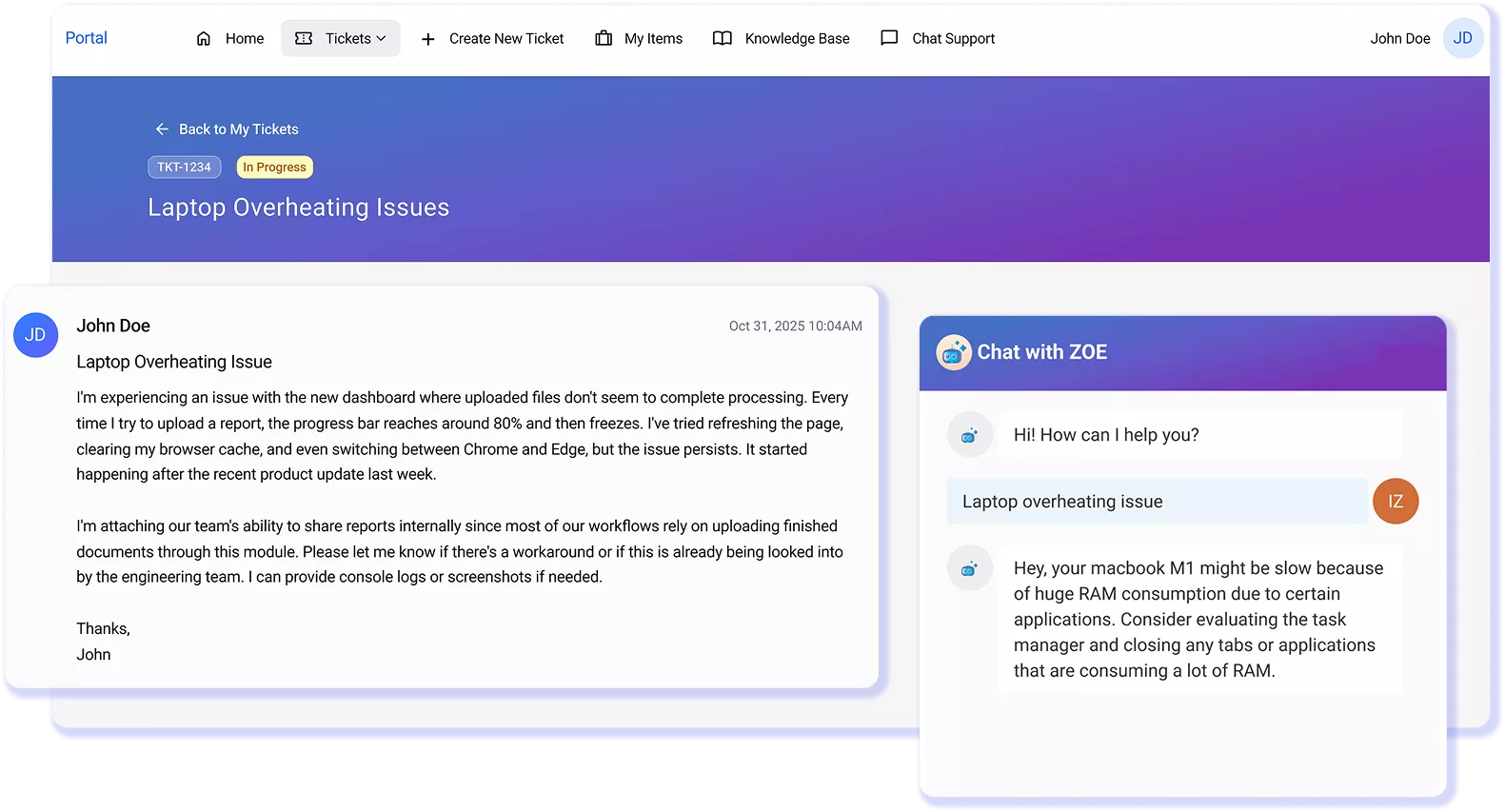
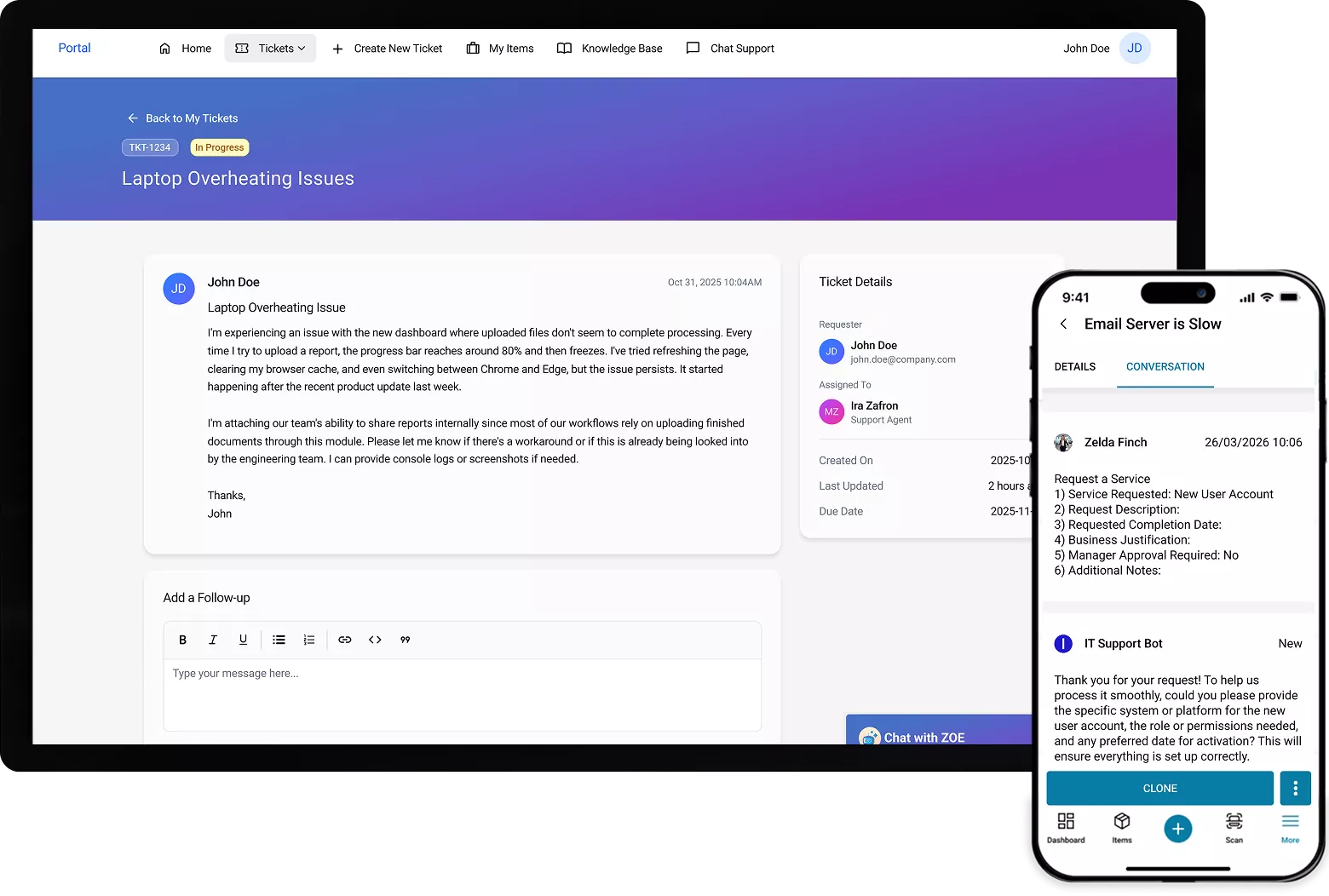
AssetSonar ITSM self-service portal showing ticket details, status, conversation thread, and mobile view

Proven Impact Across IT Teams

Faster Ticket Resolution
0 %
Automated Asset Discovery
0 %
Automated CMDB Setup
0 %

From Scattered Requests to Structured, Context-Aware Service

One Place for IT Help

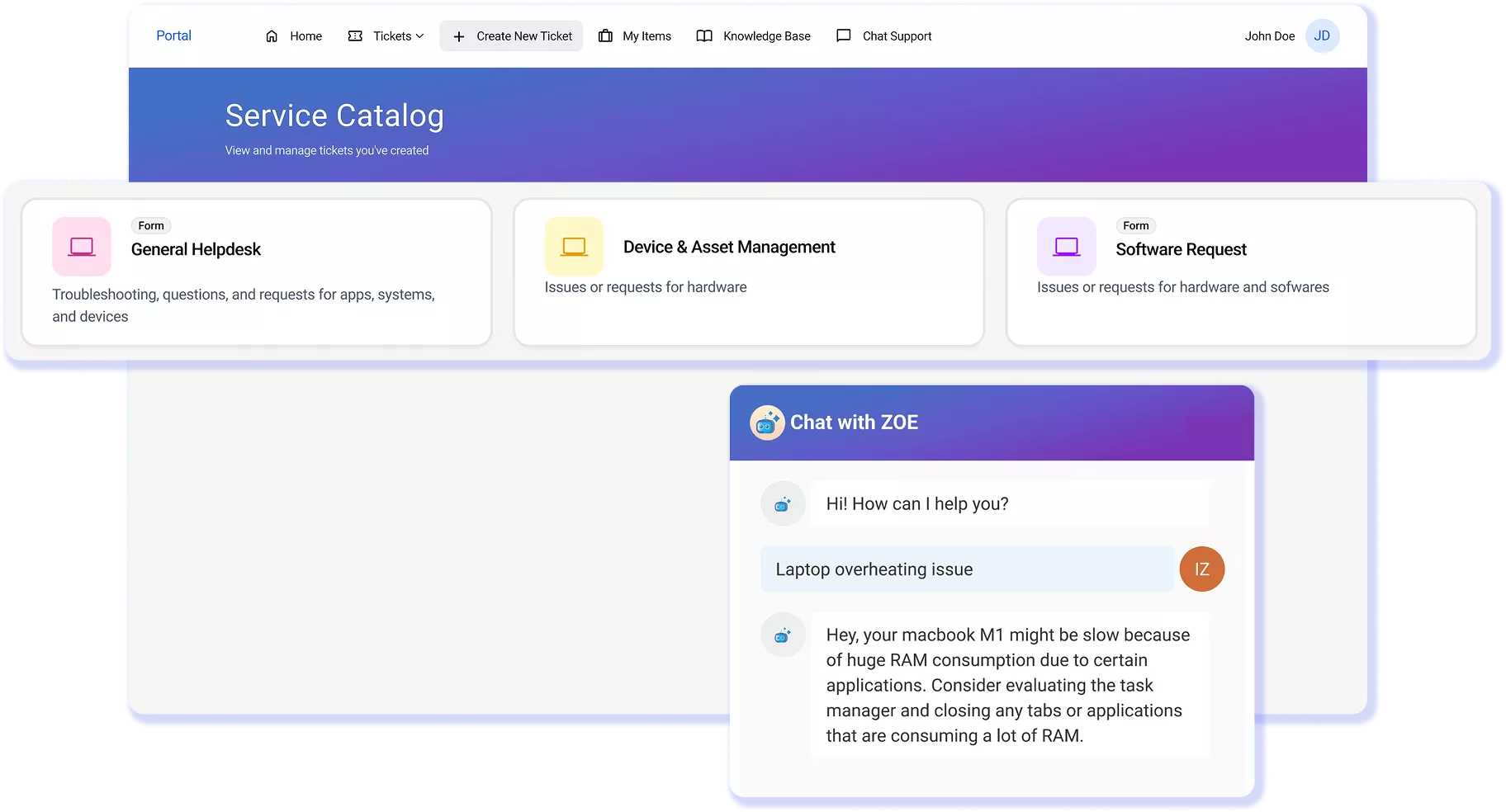
Employees search, submit, and track requests from one portal, so IT stops fielding the same question across email, chat, and walk-ups.

Answers That Match the User’s Device

Zoe, the AI Copilot, checks the knowledge base against the employee’s device and software to return answers that match their setup.

Intake With Context

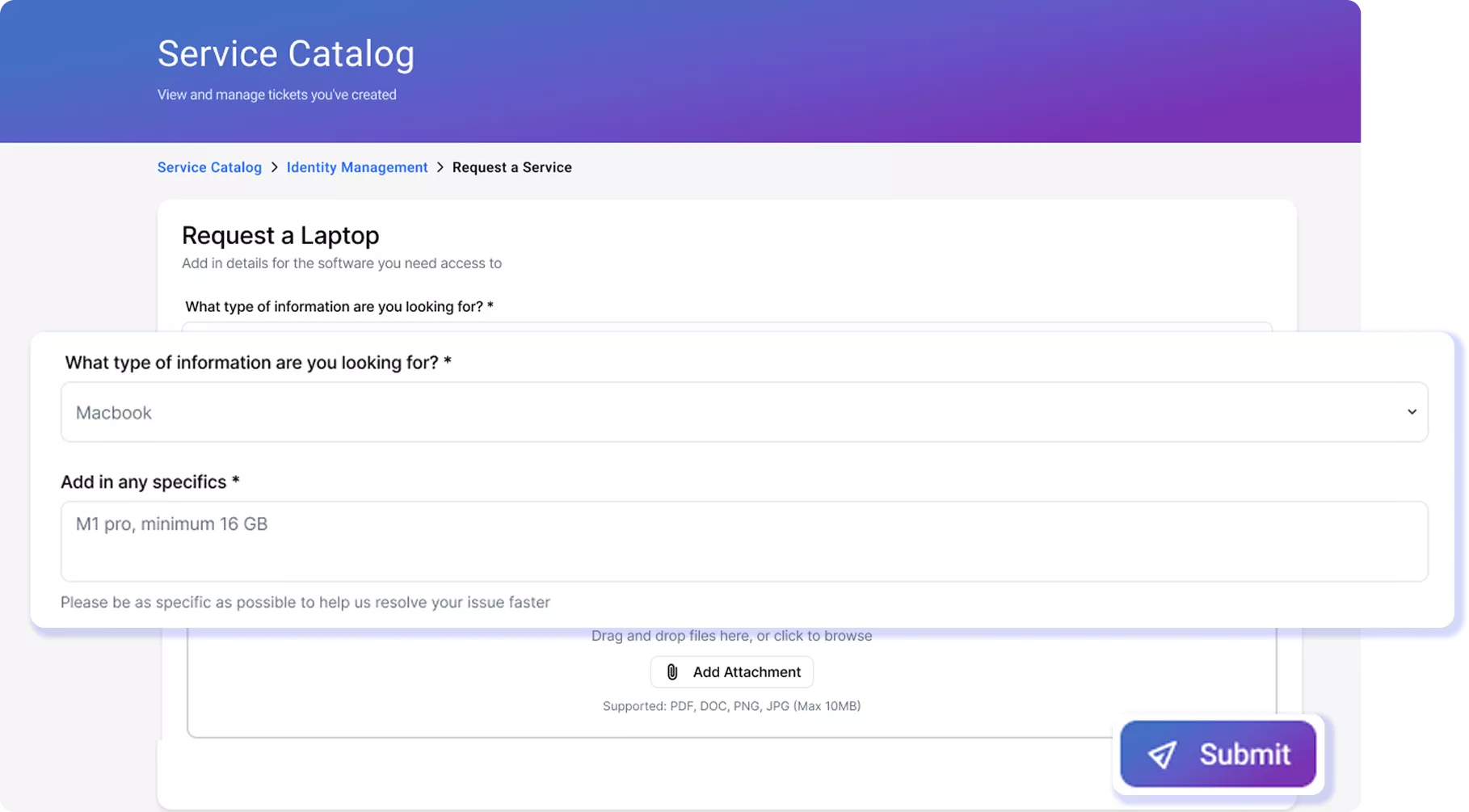
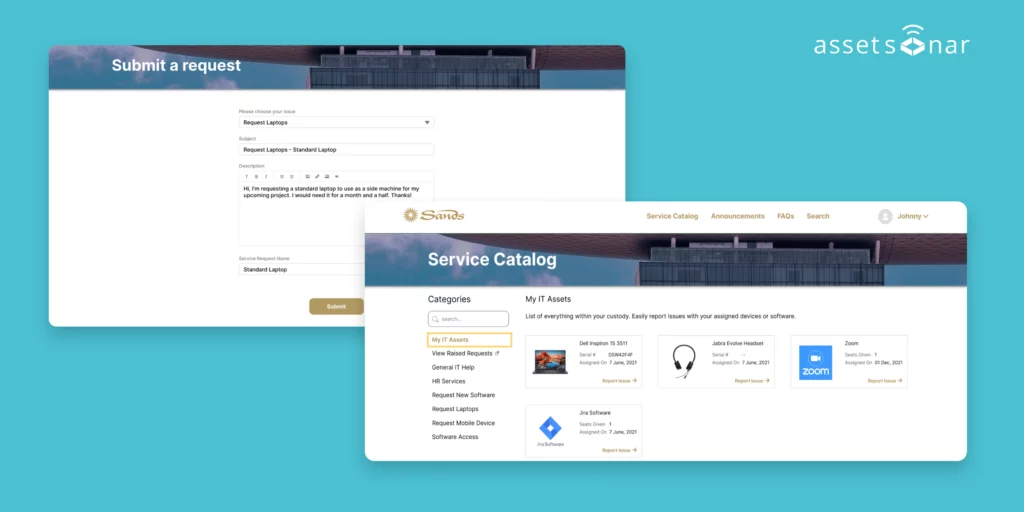
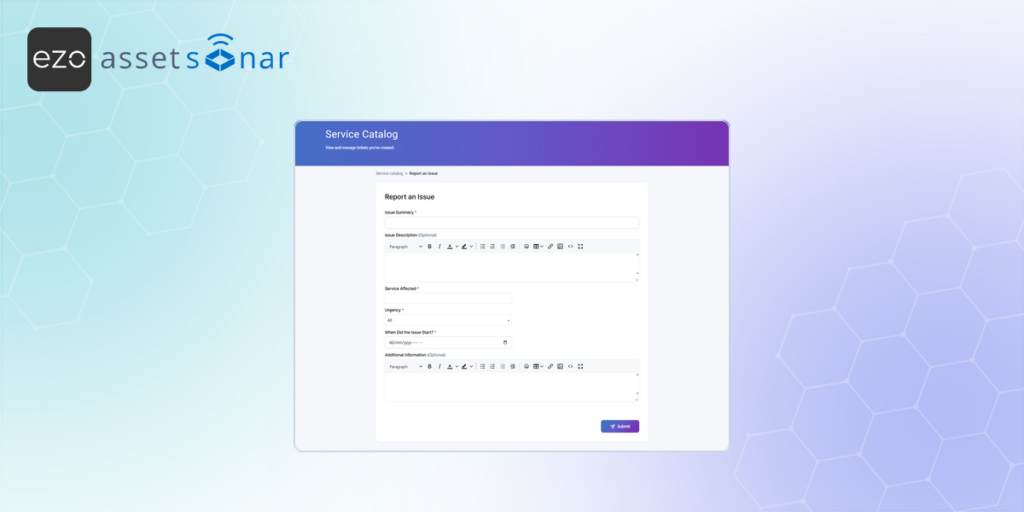
Structured forms and conditional fields capture the right details upfront so IT doesn’t chase missing information after submission.

Guided Request Paths

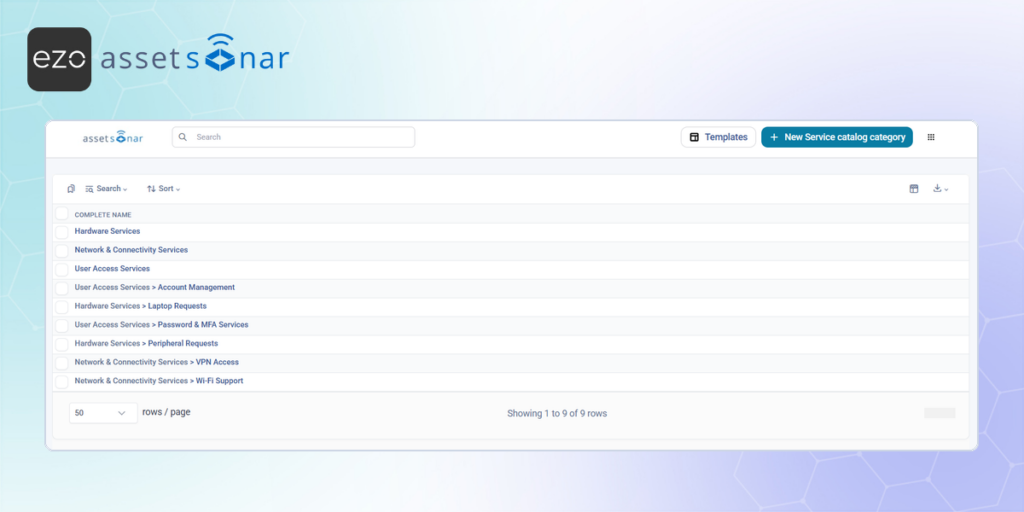
Employees choose from clear catalog options instead of guessing request types, ensuring every request is routed correctly from the start.

Status Without Follow-Ups

Employees get notified on request progress, technician updates, and SLA status, reducing "any update?" messages across every ticket.

Clear Metrics on What's Not Working

ESAT scores, unresolved queries, and repeat patterns show IT where the portal falls short and where to improve.

Trusted by High-Performing Teams

See How Self-Service Becomes Your Cleanest Intake Channel

Make Self-Service Work From the First Interaction

Customer Testimonials

Most Portals Collect Tickets. AssetSonar Prevents Them.

Learn How to Make Self-Service Actually Work

Frequently Asked Questions

Yes. AssetSonar’s ITSM self-service portal provides real-time status updates on submitted requests. Employees can view ticket status, assigned technician, SLA countdowns, and the full conversation history directly from the portal.

Updates are reflected as work progresses, so users always know where their request stands without needing to follow up. Pending approvals and recent activity are also visible in the same view, giving complete transparency from submission to resolution.

Because everything is tied to a single request thread, employees don’t have to switch between email and chat to get updates. Status tracking stays centralized and continuously updated.

Leading ITSM platforms like AssetSonar allow organizations to define SLAs and expected fulfillment times for different request types, giving employees clearer expectations before and after submission.

AssetSonar surfaces these timelines directly in the self-service portal by tying each request type to SLA policies and priority rules. When an employee submits a request, they can see expected response and resolution times, along with live SLA countdowns once the ticket is in progress.

Because these timelines are built into the request workflow and not communicated separately, employees know how long a request should take from the start, reducing uncertainty, follow-ups, and duplicate submissions.

Partially. Employees can request software through AssetSonar’s self-service portal, but direct self-scheduling of installations depends on your setup.

Users can select software from the service catalog, see license availability, and submit a request. From there, approval workflows and automation handle fulfillment. If integrated with tools such as Intune, Jamf, or SCCM, installations can be triggered automatically or scheduled according to predefined policies.

AssetSonar focuses on structured intake, eligibility checks, and workflow automation, enabling employees to initiate and track the process through self-service, while IT ensures compliant, controlled deployment in the background.

Yes, with structured workflows. AssetSonar’s self-service portal supports department moves and large-team changes via predefined service catalog requests. Managers can submit structured requests capturing all required details upfront (users, assets, access changes, locations). These requests then flow through approval workflows and can be fulfilled using bulk actions, automation, or backend processes. While the portal focuses on guided intake rather than one-click mass submission, it enables IT teams to handle large-scale changes efficiently through standardized workflows, improved visibility, and full asset-level context, without relying on unstructured emails or repeated follow-ups.
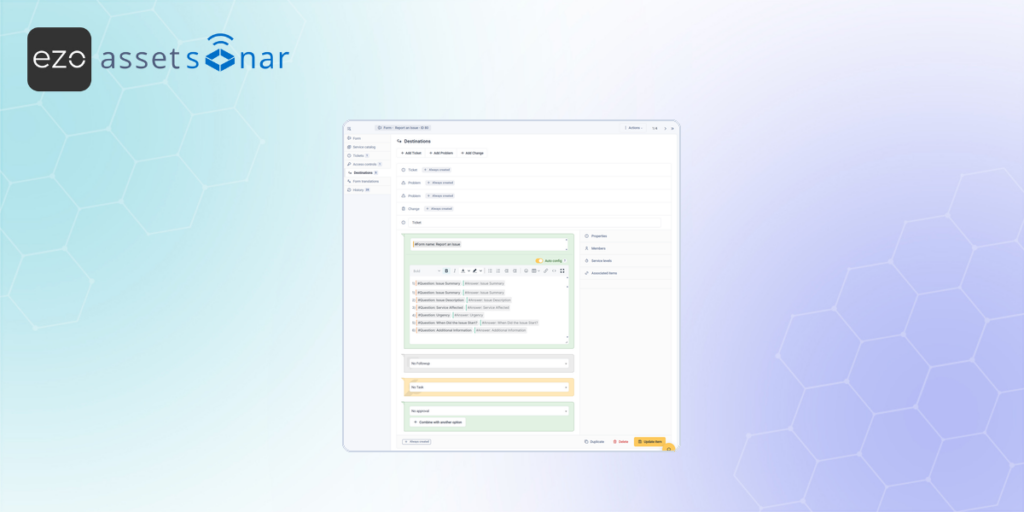
Yes. AssetSonar’s self-service portal supports customizable forms and routing based on user attributes like department. IT teams can build service catalog requests with conditional fields that adapt to the user and request type, ensuring only relevant information is captured. Routing rules can then automatically assign requests to the right team or workflow based on department, role, or request category. Because these forms are tied to the IT Graph, user context (including department and ownership) is already known, so requests are correctly routed from the start, reducing manual triage, misrouted tickets, and follow-up questions.

IT self-service portals reduce ticket volume by resolving common issues before a request is created. Employees can search knowledge articles, get AI-assisted answers, or follow guided steps to fix problems on their own.

AssetSonar improves this by matching answers to the employee’s actual device, software, and context using its IT Graph, ensuring suggestions are relevant rather than generic. When a request is still needed, the portal guides users into the right path with structured intake.

This means fewer repetitive tickets, better-quality requests, and less time spent on manual triage, allowing IT teams to focus on higher-value work.

Employees avoid IT self-service portals when they feel slower or harder than simply messaging IT. Common issues include poor search results, generic answers that don’t match their setup, long or confusing forms, and a lack of visibility after submission.

Many portals serve as static ticket forms rather than helping users solve problems first, so employees default to email, chat, or walk-ups, where they expect faster responses.

AssetSonar addresses this by making the portal the fastest path to resolution. Ask Zoe (copilot) delivers answers tailored to the employee’s device and software, guided forms simplify requests, and real-time status tracking keeps users informed, so there’s no need to switch channels or follow up.

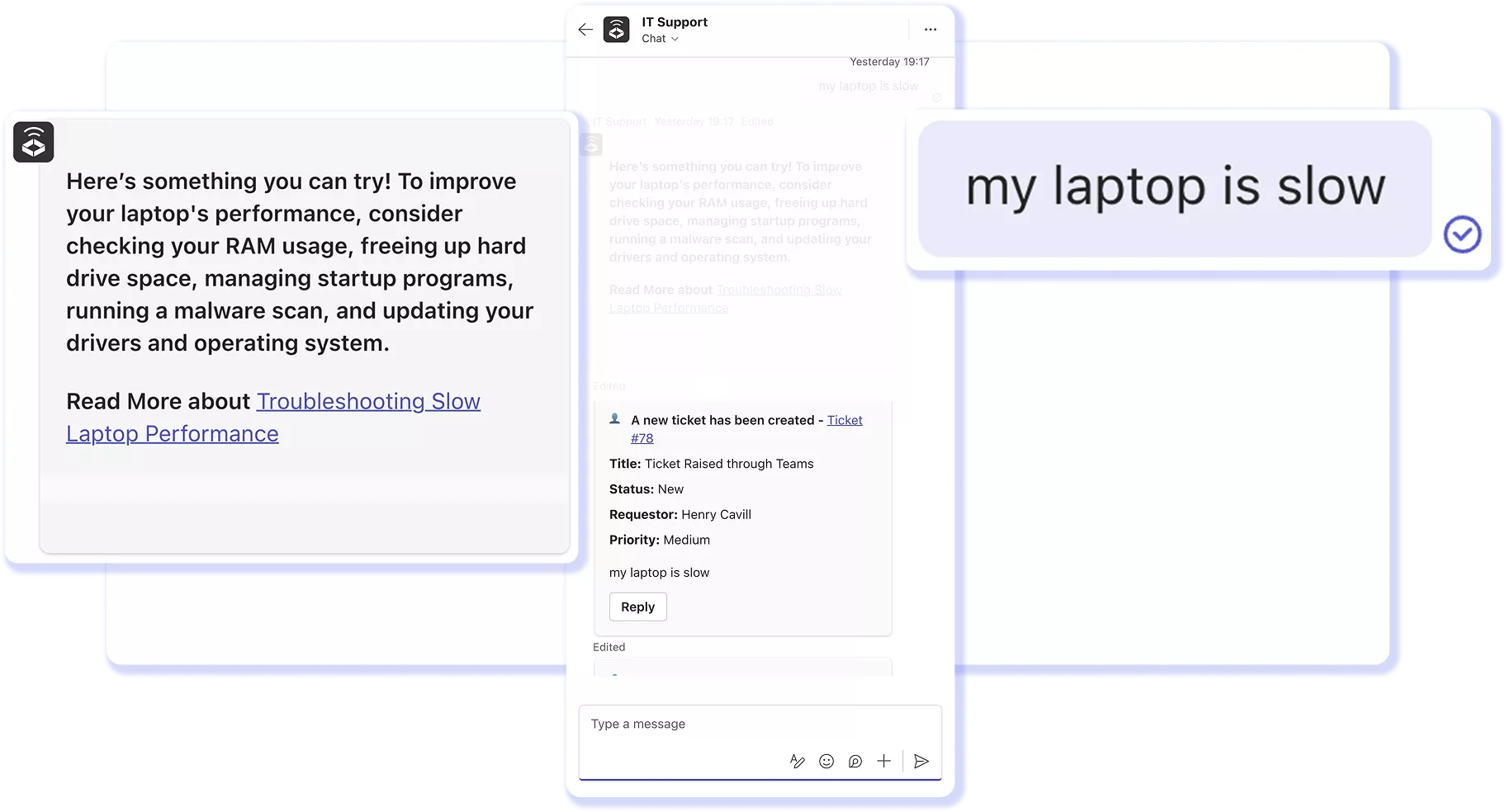
Yes. Modern ITSM platforms let employees start requests from Teams, Slack, email, or the portal; whichever they prefer.

AssetSonar connects all these channels into one structured intake system. No matter where a request starts, it’s captured as a ticket with a consistent format and full IT Graph context attached. Updates and responses flow back through the same channel, so employees stay in their preferred workspace.

The portal remains the recommended path because it provides guided intake, relevant answers, and full visibility, but IT still maintains a single, centralized queue to prevent requests from being lost in scattered conversations.

A self-service portal improves ticket quality by guiding employees to submit structured, complete requests instead of vague messages. Using predefined request types and conditional forms, it captures the right details upfront, like device, issue type, and urgency, so IT doesn’t need multiple follow-ups to understand the problem. AssetSonar goes further by pre-filling tickets with asset, software, and user data from its IT Graph. This ensures every request arrives with accurate, real-time context already attached, allowing technicians to start diagnosing immediately. The result is clearer tickets, faster triage, and quicker resolution with less back-and-forth.

A good IT service catalog should include clearly defined request types such as hardware, software, and access; each with structured forms, conditional fields, and approval workflows.

It should guide employees along the right request path, capture only the relevant details upfront, and automatically enforce policies such as approvals, eligibility, and routing. Visibility into availability (e.g., devices in stock or license availability) is also key to preventing incorrect requests.

AssetSonar connects the service catalog to its IT Graph, so request options and eligibility are based on real-time asset and software data. This ensures accurate submissions and gives IT complete, actionable context from the start, without back-and-forth.

Start Every IT Request With the Right Context

Give employees a faster way to get answers and submit requests while IT receives structured, complete tickets ready for resolution from the start.