






OPERATIONAL EFFICIENCY GAIN
“All my invoicing and all my payments get pushed over there, so I don’t have to physically do that anymore.”

SAVED PER YEAR
“You can save over 2,000 hours per year with EZRentOut. There is nothing comparable.”

REDUCTION IN COSTS
“EZRentOut increased our productivity by about 50% in the renting-out process or locating the equipment.”

Saved Cards
Deposit Pre-Authorization
Bulk & Recurring Payments
Refunds & Voids
Online Card Payments
Stripe Terminal
Saved Cards
Charge Returning Customers More Quickly
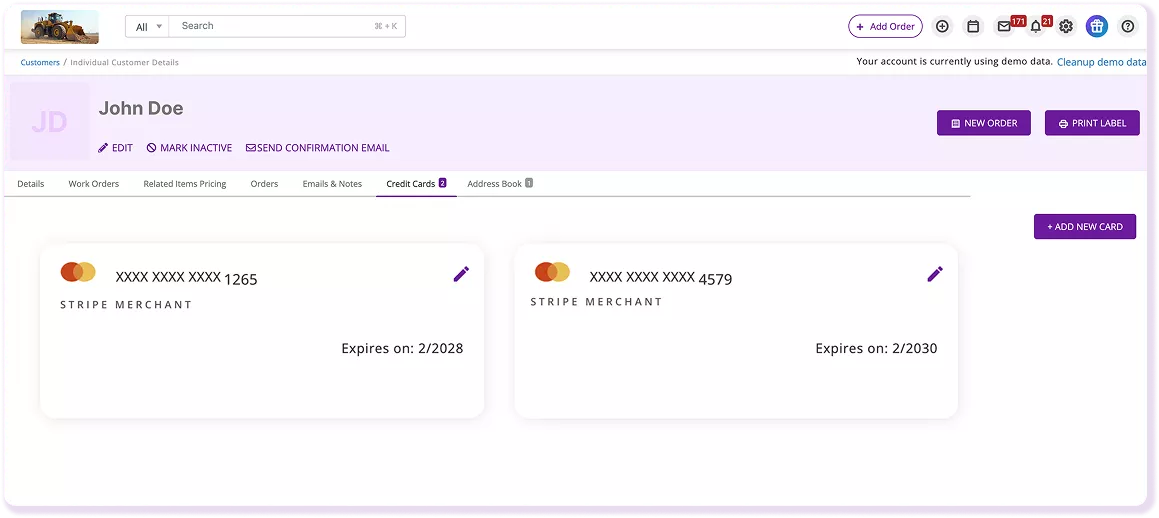
Save a customer’s card on file and use it for future rental orders instead of collecting payment details again. This makes repeat checkout faster for returning customers and ongoing rentals. Saved cards also support mass payments, so you can charge multiple eligible orders at once when the customer’s card is already stored and ready for reuse.
Deposit Pre-Authorization
Hold Deposits Before Equipment Goes Out
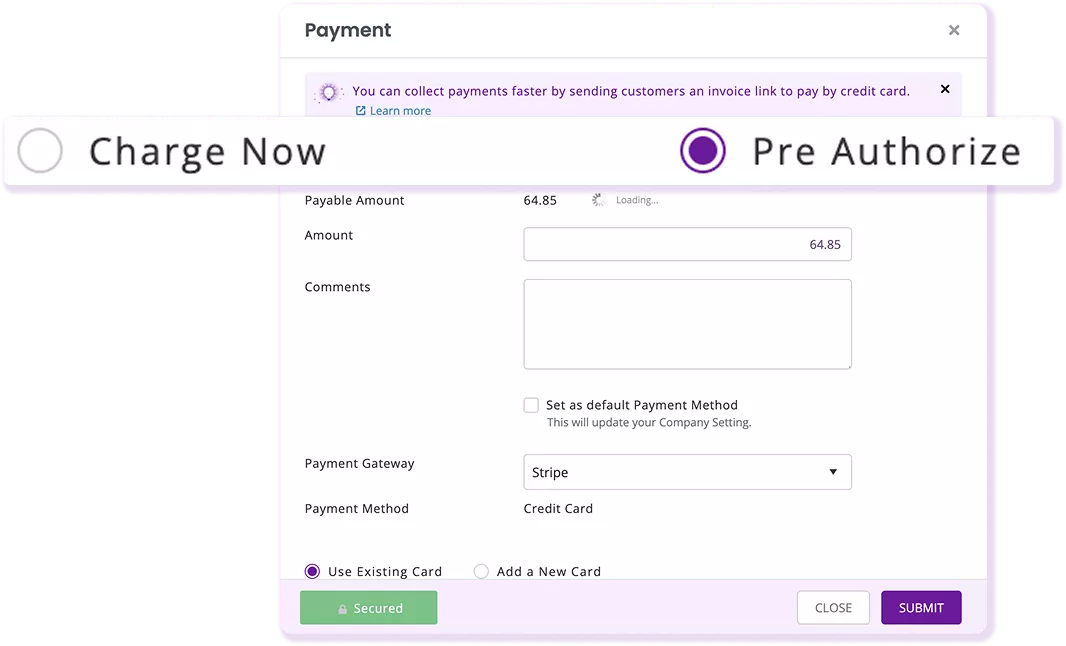
Use pre-authorization to place a hold on funds before equipment goes out, then capture or release that amount later. This gives your team a clear way to manage rental deposits without treating the hold as a completed charge. The payment activity stays connected to the equipment rental order, so staff can review what was authorized and what happened afterward.
Bulk & Recurring Payments
Collect Repeat and Multi-Order Payments
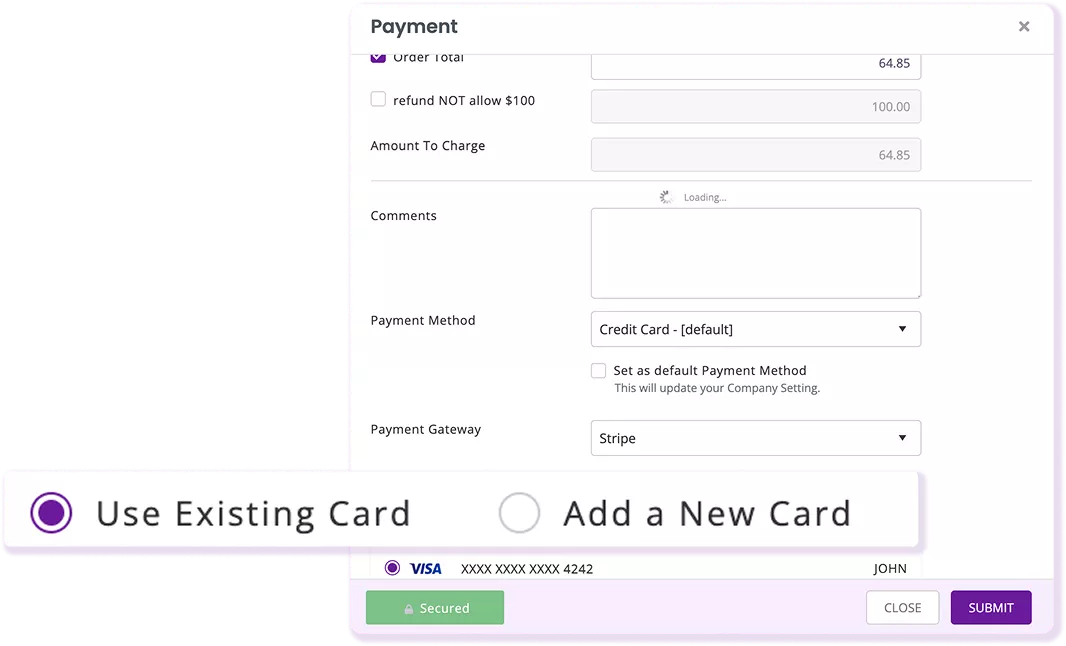
For customers with a saved card, charge several rental orders together instead of processing each one separately. For recurring orders and long-term cycle billing, EZRentOut can also automatically charge rental payments through Stripe. Both flows use your connected Stripe account and keep each charge tied to the related rental order in EZRentOut.
Refunds & Voids
Reverse Payments From the Rental Order
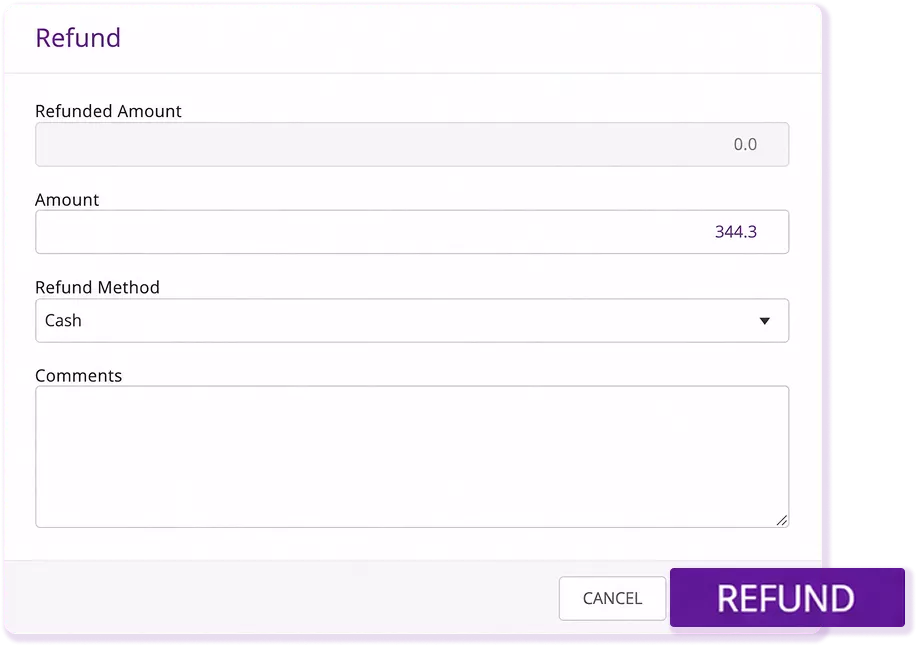
Refund or void a payment directly from the order detail page, rather than managing the reversal in a separate equipment rental record. The original payment and follow-up action remain tied to the same order, making the payment history easier to review. EZRentOut records the activity on the rental order while Stripe handles the transaction through your connected account.
Online Card Payments
Take Card Payments From the Rental Order
Accept card payments through your Stripe account for rental orders, the customer portal, or the webstore. Each payment is recorded against the related order in EZRentOut, so your team can see the rental and payment together. Stripe processes the transaction, while EZRentOut keeps the payment tied to the rental record for easier review and follow-up later.
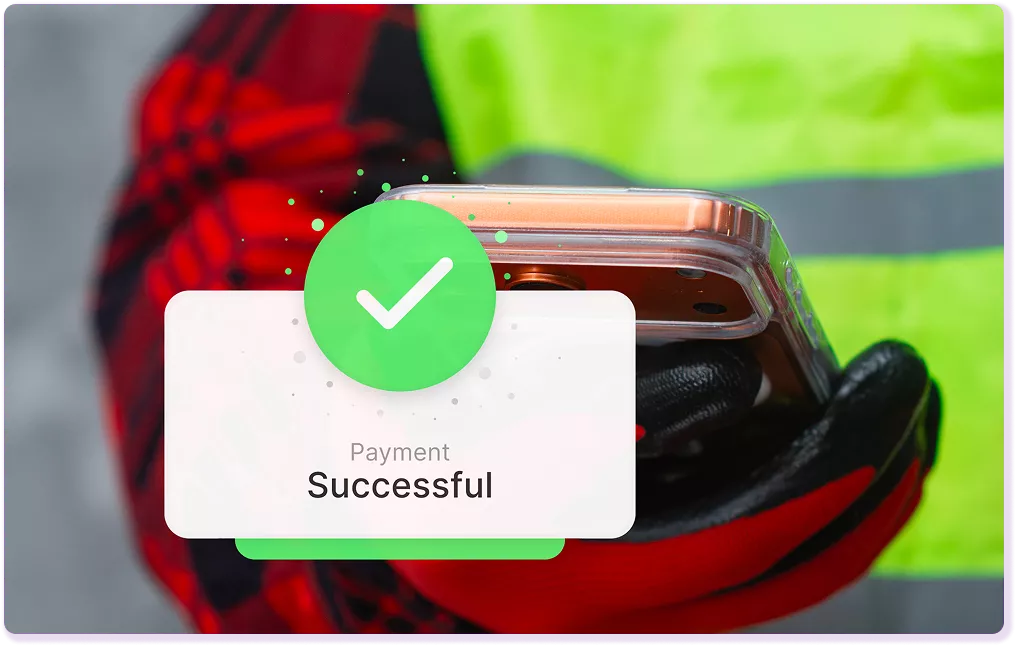
Stripe Terminal
Take In-Person Payments at the Counter
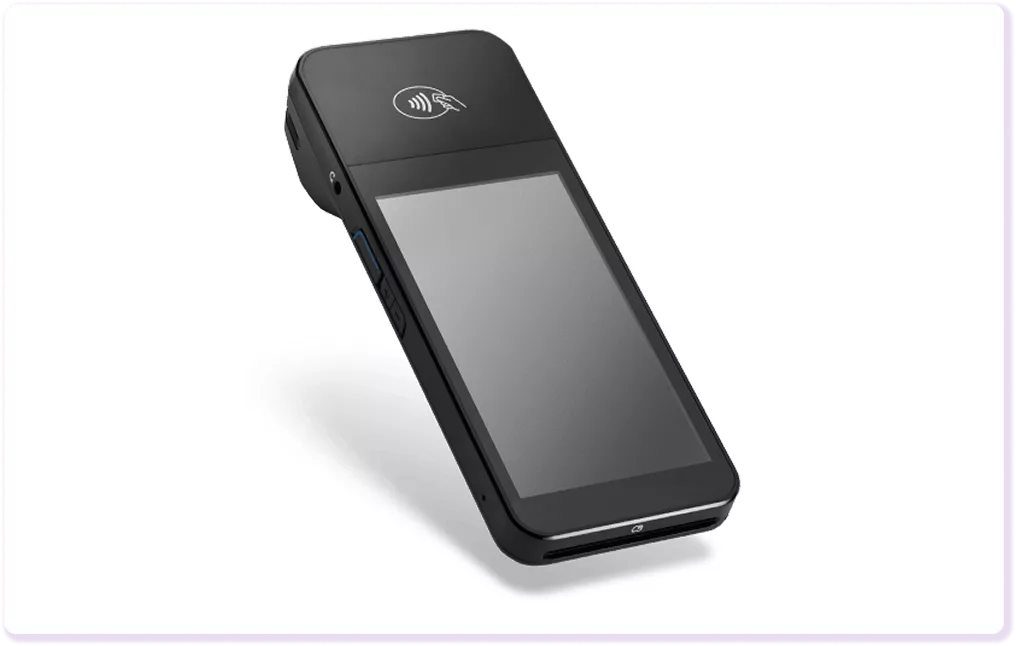
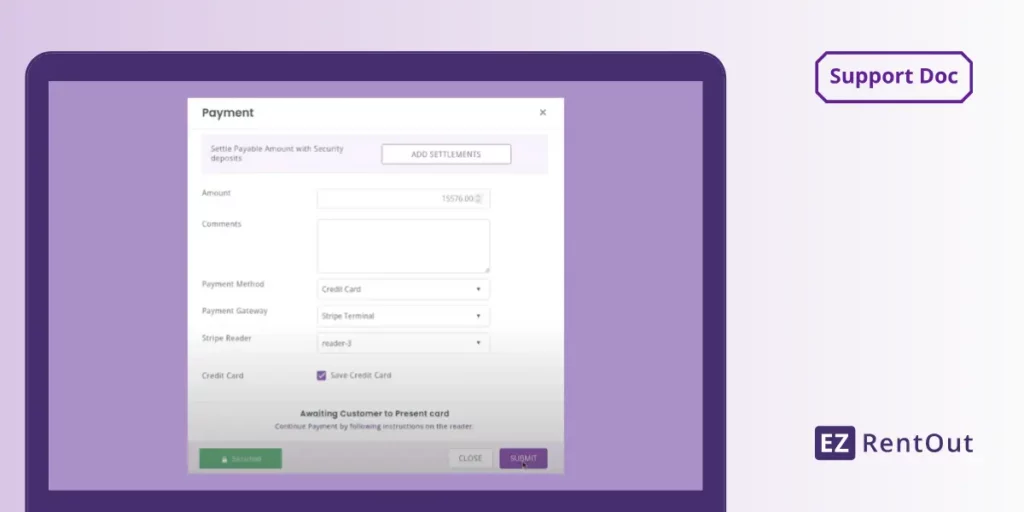
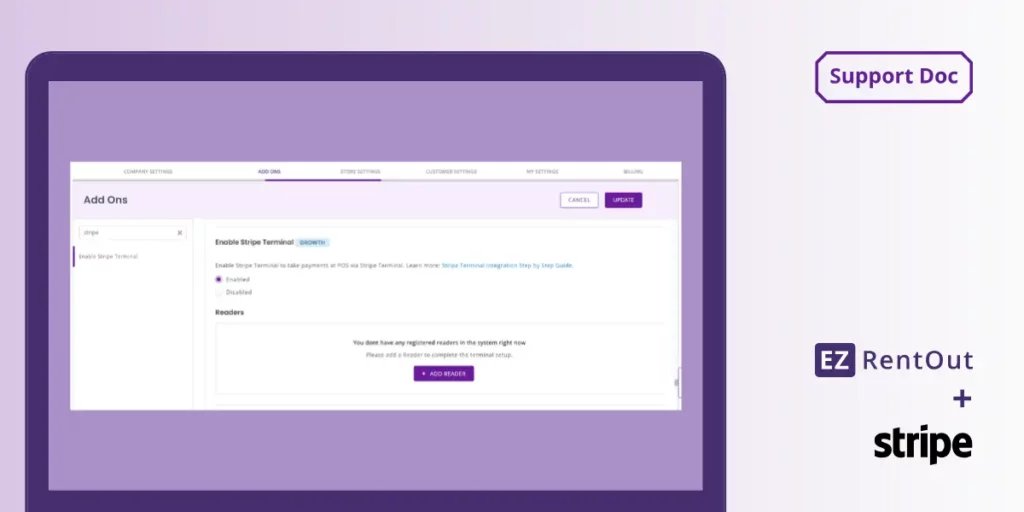
Use Stripe Terminal with the BBPOS WisePOS E reader to take payments during rent-out and return. Customers can tap, insert, or swipe their cards, and EZRentOut records each payment against the rental order. Keep the reader on the same network as EZRentOut so counter staff can charge the right order without entering the payment a second time manually.