EZRentOut vs MCS Rental Software
Keep Every Rental Move Connected to Revenue
No Credit Card Required
We're Trusted by the Best





EZRentOut vs MCS: Side-by-Side Comparison
Feature

|
Table Header
|
||
|---|---|---|
|
Best fit
|
✔ Heavy equipment rental teams |
✔ Logistics for multi-depot rentals |
|
Implementation |
✔ Go live in under 3 weeks |
⚠️ Configuration-led rollout |
|
Pricing |
✔ Public, from $399/month |
⚠️ Quote-based |
|
Free trial |
✔ 7 days, no card required |
❌ |
|
QuickBooks sync
|
✔ Two-way sync + Xero and Sage |
⚠️ Sync depth unclear |
|
Live rental changes
|
✔ Changes tied directly to billing |
✔ Contract amendments supported |
|
Long-term rentals
|
✔ |
✔ |
|
Customer pricing
|
✔ |
✔ |
|
Availability tracking
|
✔ |
✔ |
|
Equipment readiness
|
✔ |
✔ |
|
Work orders
|
✔ |
✔ |
|
Inspections & damage
|
✔ |
✔ |
|
Mobile workflows
|
✔ |
✔ |
|
Customer portal
|
✔ |
✔ |
|
Rental webstore
|
✔ |
✔ |
|
GPS/telematics
|
✔ Multiple providers + open API |
✔ Telematics integrations |
|
Reporting & dashboards
|
✔ |
✔
|
|
Team adoption
|
✔ Minimal training required |
⚠️ Role-based training required |
|
Table Header
|
|
|---|---|
|
Best fit
|
|
|
✔ Heavy equipment rental teams |
✔ Logistics for multi-depot rentals |
|
Implementation |
|
|
✔ Go live in under 3 weeks |
⚠️ Configuration-led rollout |
|
Pricing |
|
|
✔ Public, from $399/month |
⚠️ Quote-based |
|
Free trial |
|
|
✔ 7 days, no card required |
❌ |
|
QuickBooks sync
|
|
|
✔ Two-way sync + Xero and Sage |
⚠️ Sync depth unclear |
|
Live rental changes
|
|
|
✔ Changes tied directly to billing |
✔ Contract amendments supported |
|
Long-term rentals
|
|
|
✔ |
✔ |
|
Customer pricing
|
|
|
✔ |
✔ |
|
Availability tracking
|
|
|
✔ |
✔ |
|
Equipment readiness
|
|
|
✔ |
✔ |
|
Work orders
|
|
|
✔ |
✔ |
|
Inspections & damage
|
|
|
✔ |
✔ |
|
Mobile workflows
|
|
|
✔ |
✔ |
|
Customer portal
|
|
|
✔ |
✔ |
|
Rental webstore
|
|
|
✔ |
✔ |
|
GPS/telematics
|
|
|
✔ Multiple providers + open API |
✔ Telematics integrations |
|
Reporting & dashboards
|
|
|
✔ |
✔
|
|
Team adoption
|
|
|
✔ Minimal training required |
⚠️ Role-based training required |

Why Rental Teams Choose EZRentOut?
Revenue slips when availability, readiness, returns, and billing tell different stories. EZRentOut connects them in a single rental record, helping teams prevent double-bookings, adjust live orders, document equipment condition, and invoice for on-site work. Mobile updates keep the counter, yard, service, and accounting aligned, while QuickBooks sync cuts duplicate entry.
MCS offers broader logistics, depot, and workshop capabilities, but that scope can require more configuration and training. EZRentOut delivers tighter rental control without adding more system than your operation needs.
How EZRentOut Delivers the Rental Advantage
Track
Real-time fleet visibility. No blind spots.
- Track asset status, location, and full rental history across all job sites and yards.
- Prevent double-bookings automatically with the built-in real-time Availability Calendar.
- Automate recurring billing and renewals for long-term, multi-month project rentals.
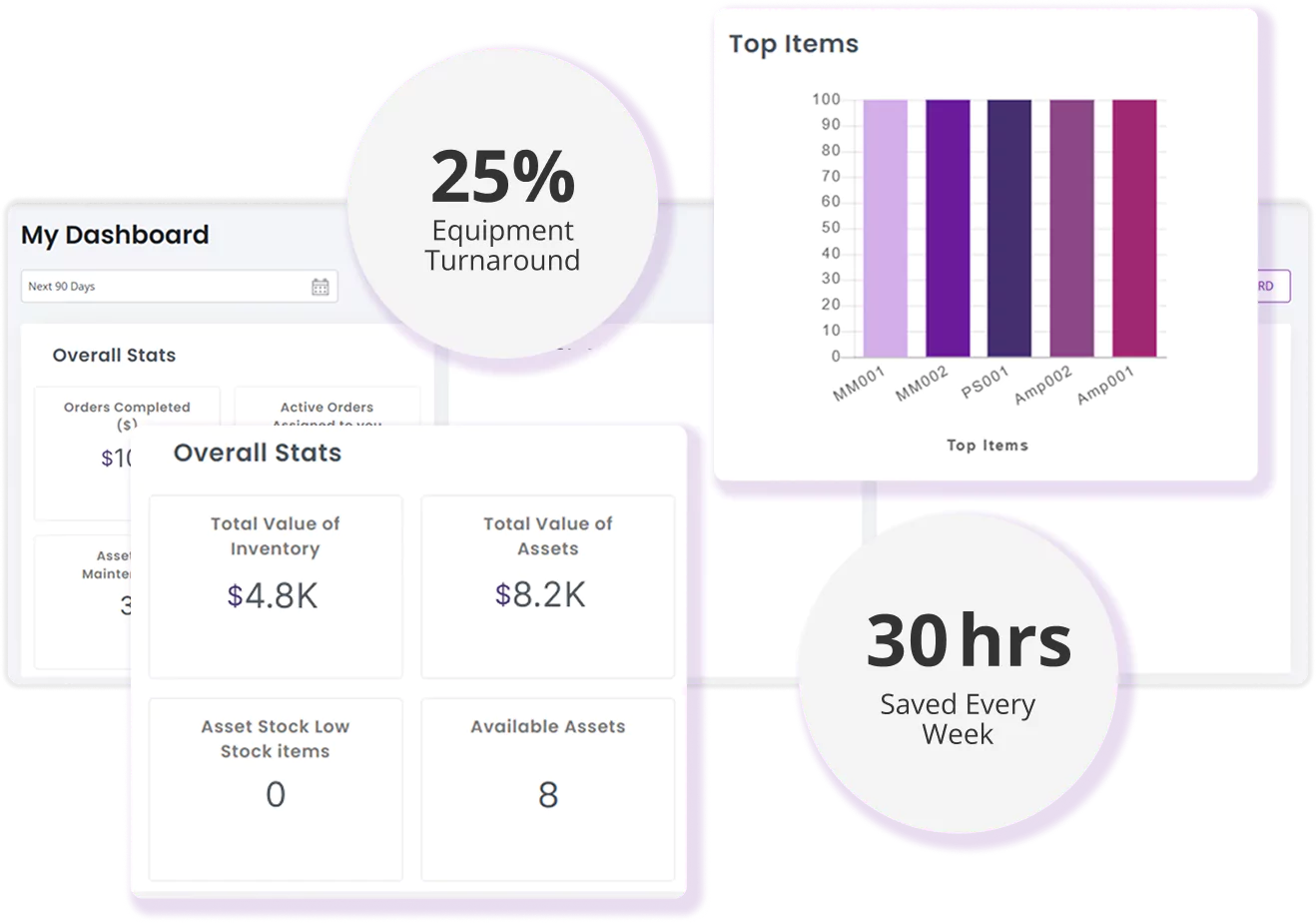
Superior Construction saved $200K annually, managing 300+ projects with EZRentOut’s tracking tools.

Maintain
Built-in maintenance. No extra tools needed.
- Log work orders with cost tracking, service triage, and complete asset service history in one place.
- Schedule maintenance by time, usage, or return trigger, with no manual tracking required.
- Block equipment under active service automatically from the Availability Calendar.
Yellow Iron Rentals cut costs by 50% and grew profits by 20% by automating service.

Monetize
Capture more revenue. Fewer manual steps.
- Handle extensions, partial returns, swaps, and overage charges without manual edits.
- Apply customer-specific pricing, taxes, and fees automatically at checkout every single time.
- Sync every billing change back to the rental record and QuickBooks in real time, instantly.
Key Rentals Group saved 2,000+ hours a year by automating 95% of billing workflows.

Connect
Keep QuickBooks as your source of truth.
- Sync invoices, payments, customers, taxes, locations, deposits, and credit memos.
- Update QuickBooks automatically when rentals are extended, modified, or canceled.
- Keep QuickBooks as your accounting system—no double entry, no workarounds.
Iron Ranch Equipment achieved a ~30% gain in operational efficiency by replacing manual entry with EZRentOut’s QuickBooks sync.
Confidence Built on Results!

4.6/5

4.5/5
G2 Overall Sentiment
0 (Difficult)
10 (Easy)
<1 Day
>12 Months
<6 Months
48+ Months
Proven Results by Our Customers
OPERATIONAL EFFICIENCY GAIN
“All my invoicing and all my payments get pushed over there, so I don’t have to physically do that anymore.”

SAVED PER YEAR
“You can save over 2,000 hours per year with EZRentOut. There is nothing comparable.”

REDUCTION IN COSTS
“[EZRentOut] decreases the amount of rework, chasing down the equipment, and knowing whether or not we’ve done the maintenance.”

ACCOUNTING INTEGRATIONS
“QuickBooks and Xero integrations helped MASE Agency streamline accounting procedures and track orders and payment receipts in one place.”

Connect Every Rental From Yard to Cash
Frequently Asked Questions
EZRentOut focuses on keeping revenue-critical rental workflows connected without requiring a broader operational system. It links reservations, equipment availability, order changes, checkouts, returns, maintenance, billing, mobile updates, and accounting integrations through shared rental and equipment records. MCS Rental Software covers a broader operational footprint, including sales, contracts, depot coordination, logistics, workshop management, invoicing, and business intelligence.
EZRentOut is generally the better fit for teams prioritizing straightforward rental execution and accounting connectivity. MCS is better aligned with organizations that need deeper logistics, workshop, and multi-depot coordination within one platform.
MCS Rental Software is better aligned with complex multi-depot operations that require centralized equipment visibility, delivery and collection planning, workshop coordination, and standardized processes across branches. EZRentOut supports multiple stores, divisions, locations, and job sites from one account, with aggregate reporting and location-aware equipment records. Its Availability Calendar, barcode and QR code scanning, bulk actions, and mobile updates help teams coordinate equipment across sites.
EZRentOut is the stronger fit when multiple locations primarily need connected availability, custody, maintenance, and billing. MCS may be preferable when depot-to-depot logistics and transport planning are central operating requirements.
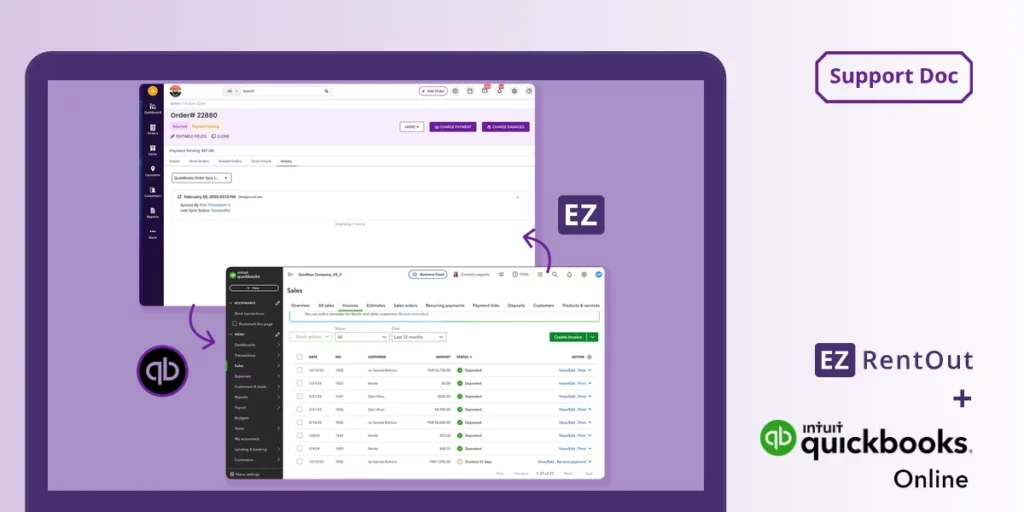
EZRentOut is designed to keep an external accounting platform connected to rental operations. Its QuickBooks Online integration supports two-way synchronization of invoices and payments, and customer and item information can be imported into EZRentOut. The platform also supports accounting workflows with Xero and Sage. This allows rental teams to manage orders, returns, fees, and equipment activity in EZRentOut while retaining their established accounting system.
MCS supports accounting integrations and connects invoicing, payments, and financial reporting with its broader rental platform, but buyers should confirm the exact synchronization available for their accounting product, region, and MCS configuration.
Yes. EZRentOut lets authorized users modify the rental order as field conditions change. Teams can extend rental periods, process partial returns, swap equipment, apply no-charge days, add overage or service charges, and update payment information without creating a disconnected transaction.
Equipment movement, return activity, charges, and supporting records remain associated with the order, helping billing reflect what occurred on-site. Mobile access also allows field and yard teams to update orders, equipment status, photos, and locations. Buyers comparing MCS should test the same amendment scenarios and confirm how each change flows into invoicing and accounting.
EZRentOut connects reservation availability with maintenance and equipment status. The Availability Calendar shows what is booked, returning, available, or unavailable for service during a selected period. Teams can create work orders, assign technicians, add checklists and work logs, record maintenance costs, and maintain service histories for individual pieces of equipment. Equipment undergoing active service can be kept out of the available rental pool until work is complete.
MCS also provides workshop management and condition-based availability. The distinction is that EZRentOut keeps readiness directly connected to the rental order, equipment record, and billing workflow in a focused interface.
EZRentOut is suited to teams that need to manage rental transactions and equipment updates on phones or tablets. Its iOS and Android apps support rental checkouts and returns, customer and order access, location updates, photo capture, and barcode or QR code scanning without dedicated scanners. Technicians can also add work logs to work orders, including offline entries that synchronize once connectivity is restored.
MCS offers mobile tools for delivery, collection, workshop, inspection, and field activities across its broader logistics environment. EZRentOut is the better fit when mobile work should remain tightly connected to the rental order and equipment record.
Yes. EZRentOut supports recurring orders and billing cycles for equipment rented over extended periods. Teams can configure rates, taxes, fees, customer-specific pricing, deposits, and recurring payment arrangements around the rental order. When the rental changes, users can adjust dates, swap equipment, process partial returns, or apply additional charges while retaining the order history. The platform also connects recurring rentals with availability and maintenance records, helping teams determine whether equipment remains committed or requires service.
MCS also supports recurring billing, so buyers should compare how each platform handles mid-cycle changes and accounting synchronization.
EZRentOut provides a customer portal and rental webstore that connect directly with customer, equipment, and order records. Customers can view orders and invoices, browse approved equipment, place bookings, and make online payments depending on the company’s settings. Rental businesses can publish items and bundles, customize catalog information, use their own URL, and connect payment providers such as Stripe or PayPal.
MCS also offers a branded 24/7 portal for reservations, documents, off-hire requests, issue reporting, and e-commerce connectivity. Buyers should compare which portal best matches their booking, payment, document, and off-hire workflows.
EZRentOut reporting focuses on day-to-day rental and equipment decisions. Teams can monitor equipment availability, utilization, order activity, accounts receivable, payments, maintenance, customer history, staff performance, and asset-level costs through standard and customizable reports. Multi-Store accounts can also consolidate reporting across locations.
MCS provides broader operational and corporate reporting across sales, contracts, logistics, workshops, fleet activity, invoicing, and multiple depots, with preconfigured business intelligence reports and customizable dashboards. EZRentOut is generally better suited to focused rental performance reporting, while MCS may be preferable when leadership needs consolidated analysis across a more complex operating environment.
EZRentOut implementation focuses on configuring the rental workflow: importing equipment and customer data, creating locations and roles, defining rates and taxes, setting availability rules, preparing barcode or QR labels, and connecting accounting or payment systems. Because the platform can work alongside QuickBooks, Xero, or Sage, companies do not necessarily need to replace their wider financial environment.
MCS implementation may cover additional areas such as depot processes, logistics, workshops, corporate reporting, and customer portals. That broader scope can require more process mapping and role-based training. Actual timelines for either platform depend on data quality, integrations, locations, and configuration requirements.
![Support Blog - [What-are] Orders in EZRentOut](https://cdn.ezo.io/wp-content/uploads/2015/06/25104053/Support-Blog-What-are-Orders-in-EZRentOut-1024x512.webp)