





Xero Integration

Keep Rental Billing and Xero Records Aligned

Push rental invoices and customer records from EZRentOut into Xero, sync payments across both systems, and map tax and account settings so rental billing reaches your books without re-keying the same details.
No Credit Card Required
Office, documents, and man with laptop

We're Trusted by the Best

Move Rental Transactions Into Xero With Less Rework

Send Rental Invoices Into Xero

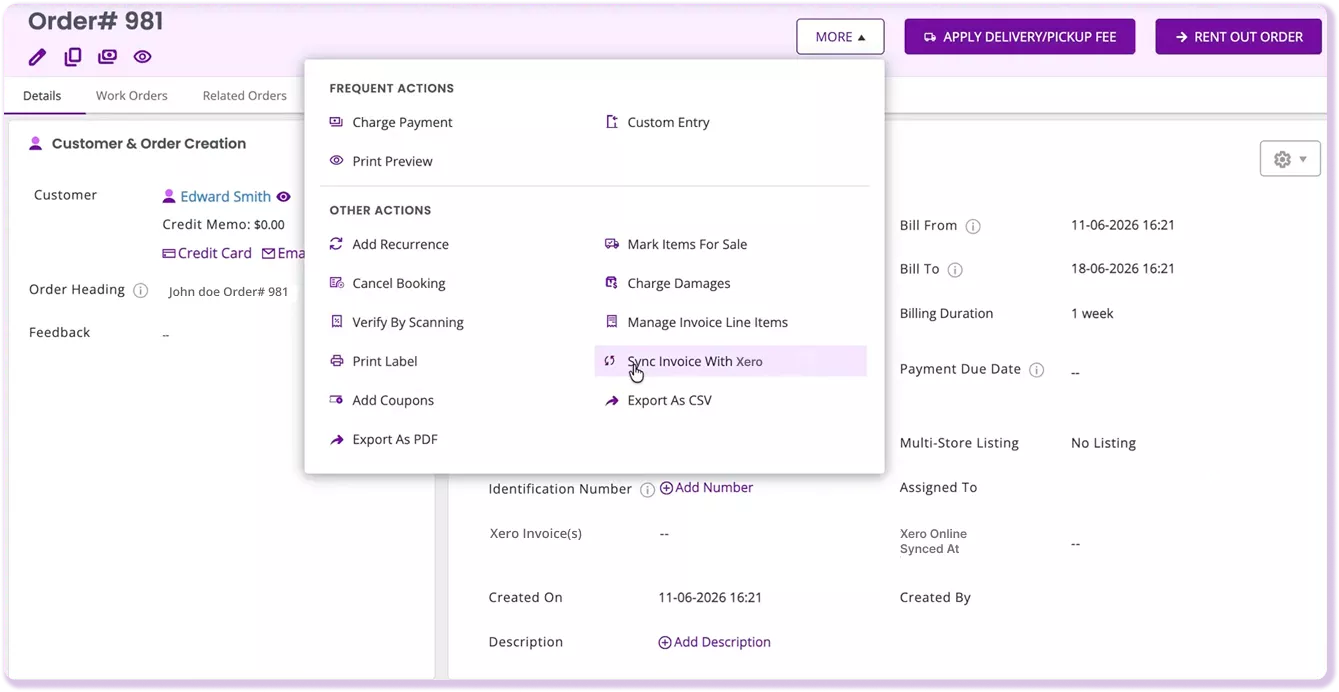
Turn EZRentOut rental orders into Xero invoices without entering them twice by hand. Choose whether invoices sync when an order is booked, rented out, or returned.

Keep Payments Matched Both Ways

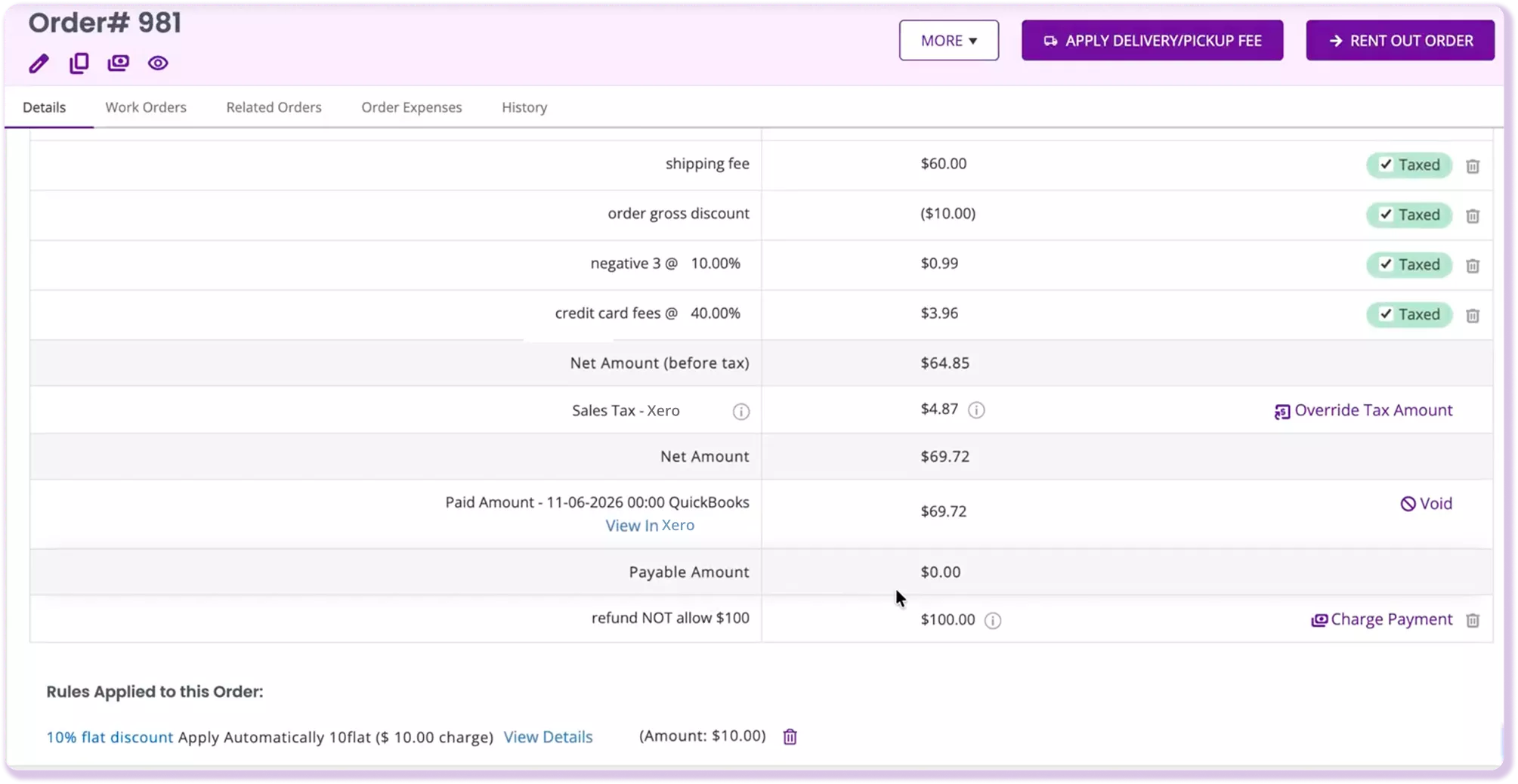
Record a payment in EZRentOut and post it to Xero. If you record the payment in Xero, initiate the sync from EZRentOut to keep the related rental order up to date.

Keep Tax and Account Codes Aligned

Map tax and account settings between EZRentOut and Xero to ensure the correct invoice codes are applied. Rounding adjustments keep totals aligned when tax calculations differ.

Our Clients Reported

1.2M

Customers Managed Seamlessly

22%

Quarterly Revenue Growth

3.1M

Orders Created with Ease

The EZRentOut Advantage

Equipment rental operations and accounting can drift apart when the same transaction has to be maintained across separate systems. That leaves teams checking records instead of moving the rental forward.

EZRentOut keeps the rental record connected to its Xero accounting trail, helping reduce duplicate entry and giving teams a clearer path from order to reconciliation.

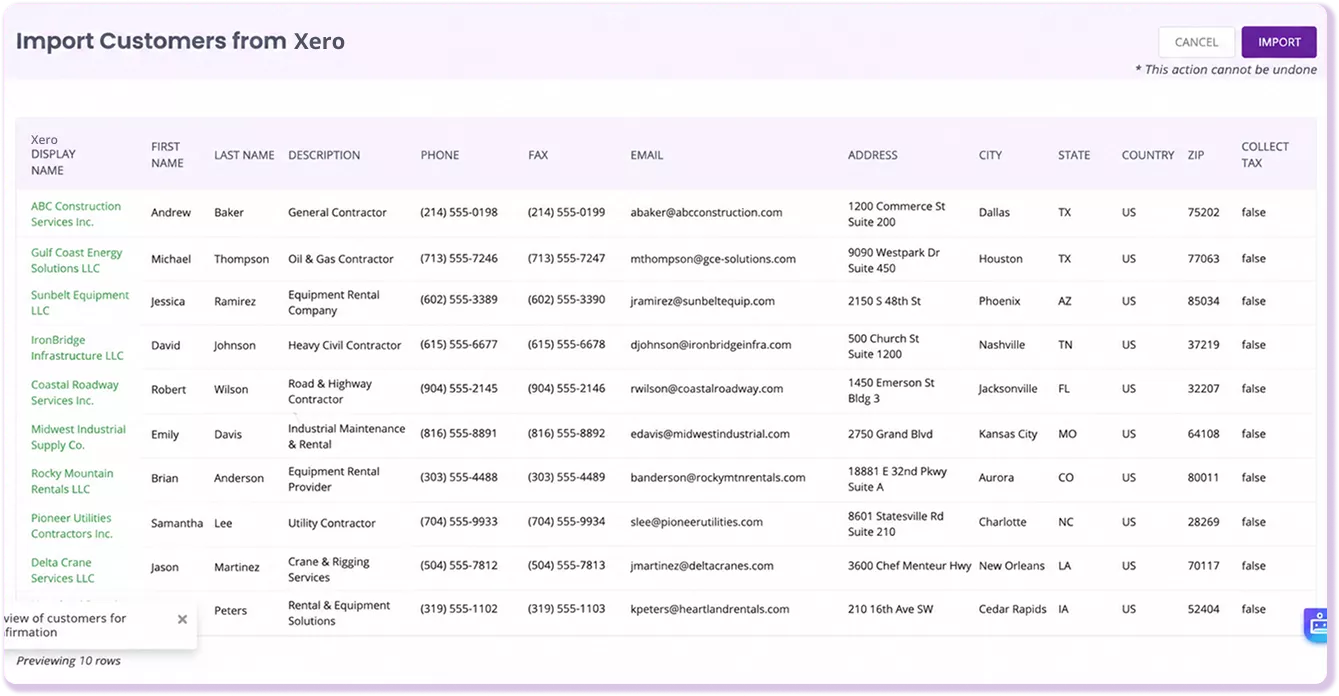
EZRentOut and Xero screens showing synchronized rental orders, payments, and invoices.

Proven Results by Our Customers

How EZRentOut Connects Rental Records to Xero

Reduce Manual Work Between Rentals and Xero

Confidence Built on Results!

Capterra
4.6/5
G2 Logo

4.5/5

G2 Overall Sentiment

Frequently Asked Questions

Yes. EZRentOut’s Xero integration covers four core parts of the rental-to-accounting handoff: rental invoices, customers, payments, and tax/account settings. Rental orders can be sent into Xero’s Sales Overview as invoices, while customers map to All Contacts. Payments sync in both directions, and tax and account settings can be mapped between the systems. This does not mean every Xero record syncs both ways. Invoices and customers are moved from EZRentOut to Xero, and payments sync in both directions.

The integration reduces the need to re-enter rental billing information in Xero. Rental orders can be converted into Xero invoices, customer details can be carried over to Xero contacts, and payments can be kept aligned across both systems. Your team still uses Xero for accounting, but the information generated during the rental process does not have to be recreated from scratch when it reaches the books.

No. A payment recorded in Xero does not automatically appear in EZRentOut. You need to initiate the sync in EZRentOut so the payment is reflected in the related rental order. The reverse direction is different: a payment recorded in EZRentOut can post to Xero. Payment movement is therefore two-way, but Xero-side entries still require that sync step. If your team records payments in Xero, include the EZRentOut sync step in your reconciliation process rather than treating the connection as real-time.

Yes. You can configure when a rental order is sent to Xero based on its status in EZRentOut. An invoice can sync when the order is booked, rented out, or returned. This lets the accounting handoff align with the point in your rental process when you want the invoice created, rather than forcing every rental into Xero at the same stage.

When an order is rented out, EZRentOut can create the customer in Xero if the contact does not already exist. The customer is added to Xero’s All Contacts list, so your team does not need to create the same customer again before accounting for the rental. Customer information moves from EZRentOut into Xero rather than operating as a general two-way contact sync.

Xero remains your accounting system. EZRentOut manages the rental workflow and passes supported billing information into Xero rather than replacing the accounting work done there. Financial reporting, bank reconciliation, general-ledger accounting, accounts payable, and other accounting processes outside the documented integration continue to be managed through Xero or your existing finance workflow.

The Xero integration is included with EZRentOut’s Premium plan. It is a paid-tier accounting integration rather than a free add-on. The confirmed workflow covers rental invoices, customers moving into Xero, payments syncing in both directions via the Xero-side sync step, and the mapping of tax and account settings. If those are the accounting handoffs your rental business needs, the Premium plan gives you access to the Xero connection. Refer to the EZRentOut pricing page for current plan details.

Yes. EZRentOut supports syncing late fees to Xero, so a late fee applied during the rental billing process does not have to be recreated separately in the accounting system. Late fees are a supporting part of the integration rather than a separate workflow.

If EZRentOut and Xero calculate tax slightly differently, EZRentOut can create a rounding-adjustment line to account for the difference and keep the invoice total aligned. That does not remove the setup requirement for tax mapping. The tax names and rates still need to match exactly in both systems. Treat the rounding line as a way to handle minor calculation differences once the tax settings are correctly mapped, not as a substitute for matching the tax setup between EZRentOut and Xero.

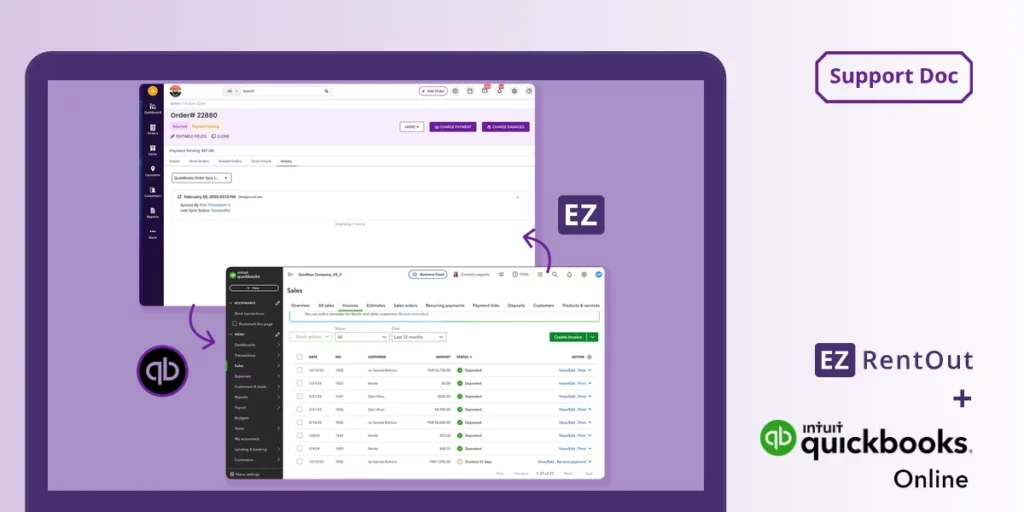
Use the accounting system your rental business already relies on. EZRentOut supports both Xero and QuickBooks, so neither should be framed as universally better than the other. If your books are already in Xero, the key question is whether the confirmed Xero workflow aligns with how you bill and reconcile rentals. If your business runs on QuickBooks, use the QuickBooks integration instead. Evaluate each connection based on its documented capabilities rather than assuming both integrations share the same feature set.

Explore More Articles

Keep Rental Records Aligned With Xero

Bill rentals in EZRentOut, send the right records to Xero, and keep invoices, payments, customers, and tax settings connected without duplicate entry.