





EZRentOut Integrations Samsara
Samsara integration with EZRentOut
Bring Samsara GPS Into Your Rental Workflow
We're Trusted by the Best


Use Samsara Location Data Across Rental Workflows
Spend Less Time Chasing Location
Keep last known equipment location inside EZRentOut so office and yard teams can check the same record instead of relying on calls, texts, or separate portal lookups.
Keep Synced GPS Context Current
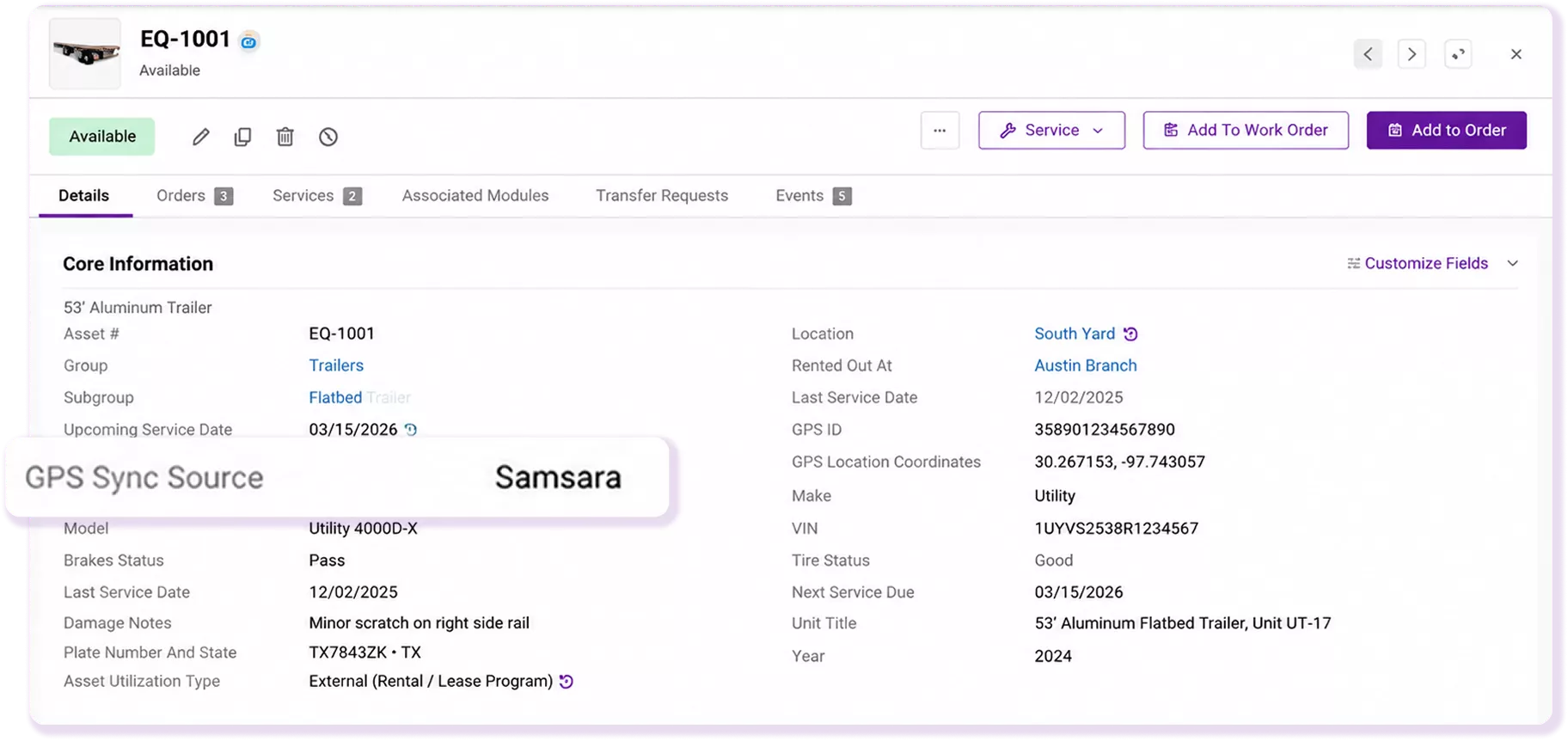
Linked equipment receives refreshed GPS coordinates and location details every 24 hours, reducing the need for staff to manually update equipment location information.
Plan Dispatch With Better Context
Review the latest synced location before assigning deliveries, following up on returns, or moving equipment between yards and job sites to give dispatch clearer context.
Our Clients Reported
1.2M
Customers Managed Seamlessly
22%
Quarterly Revenue Growth
3.1M
Orders Created with Ease
The EZRentOut Advantage
Samsara remains your team’s telematics system. EZRentOut remains the system for rental operations. The integration brings supported GPS context into the equipment record, so location sits alongside the rental, service, return, and dispatch information your team already uses.
That means fewer basic location lookups in a separate portal and clearer context when someone needs to decide where equipment was last reported.
Proven Results by Our Customers
SAVED PER YEAR
“It is super easy to use, and super easy to learn. EZRentOut; the name does what it says!”
PROJECT VALUE SUPPORTED
“Used to keep equipment accountable and reporting clear across 20+ active projects. I’ve been thrilled with the dependability EZRentOut offers.”
REDUCTION IN COSTS
“EZRentOut decreases the amount of rework, chasing down the equipment, and knowing whether or not we’ve done the maintenance.”
HOURS SAVED PER YEAR
“Automated critical workflows so daily ops do not require manual follow-ups or extra admin overhead. EZRentOut is definitely the best value out there!”
FASTER TURNAROUND
“Manages 300+ orders and saves ~30 hours weekly by automating lending workflows in EZRentOut.”
EFFICIENCY IMPROVEMENT
“Fast, reliable support has made it easier to run day-to-day operations as we scale locations.”
Manage Samsara GPS Data Inside EZRentOut
Equipment Map View
Samsara GPS Mapping
Equipment Map View
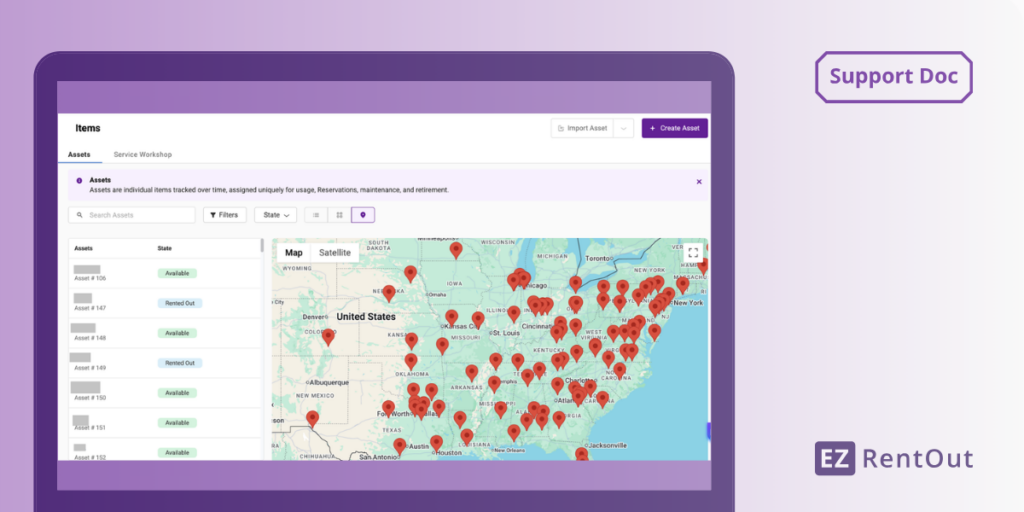
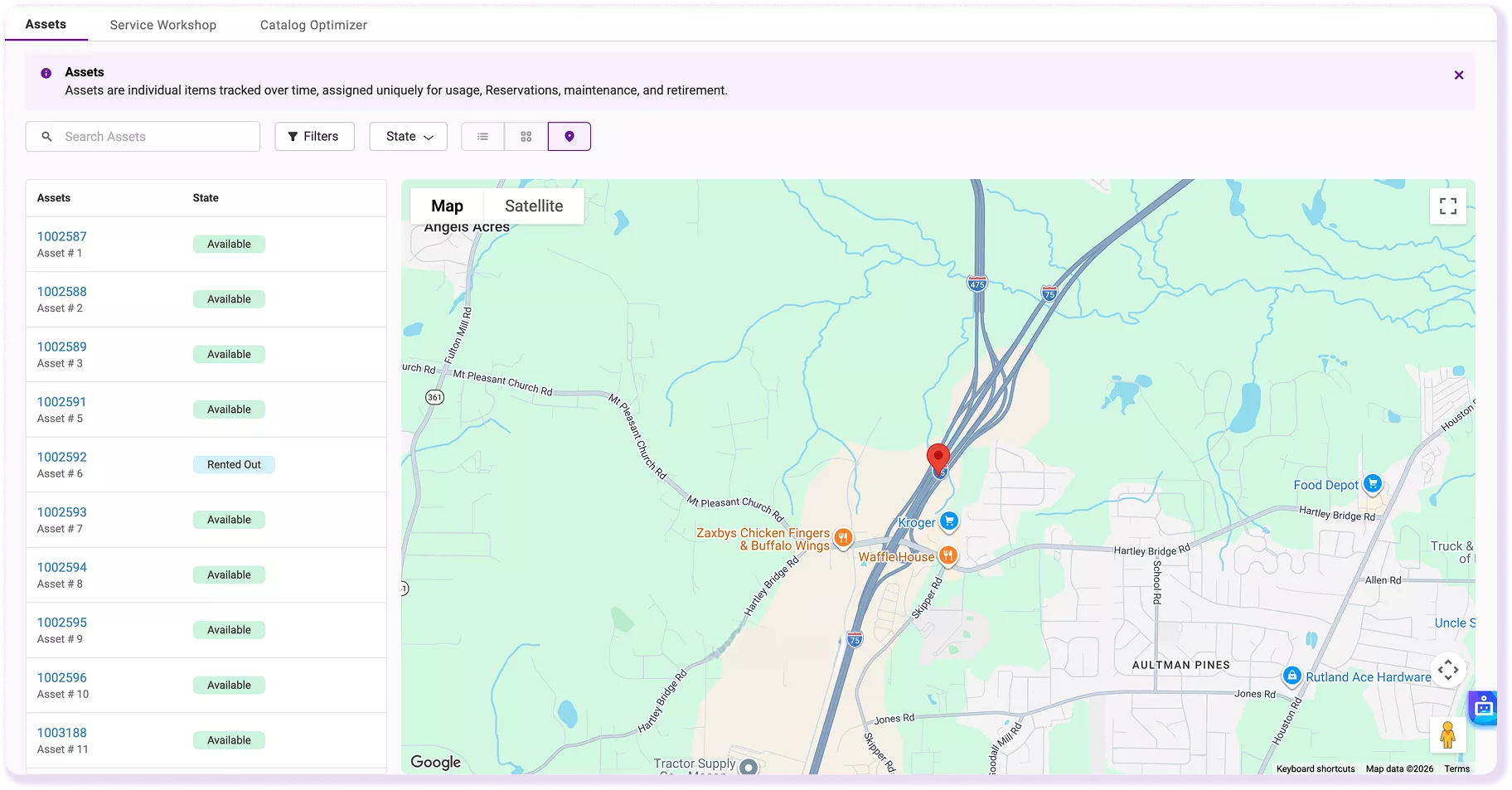
View Linked Equipment on the Assets Map
Open the Assets page and switch to the map view to see linked equipment plotted by its latest synced Samsara location. The map sits alongside the equipment list, so teams can compare location with each unit’s current state without opening records individually. Use it as a visual reference for where equipment was last reported after a 24-hour refresh.
Samsara GPS Mapping
Link Each Unit to Its Samsara Device
Connect an equipment record to the correct Samsara device from Edit by entering its GPS ID and setting GPS Sync Source to Samsara. Select Update to save the mapping. For larger fleets, use Excel Import to apply GPS IDs and the Samsara sync source in bulk, then verify that each device is paired with the intended equipment record before using synced location.
Stop Switching Systems to Find Equipment
Confidence Built on Results
4.5/5
G2 Overall Sentiment
0 (Difficult)
10 (Easy)
<1 Day
>12 Months
<6 Months
Frequently Asked Questions
No. EZRentOut refreshes supported Samsara data every 24 hours for linked equipment. The sync is designed to give rental teams the latest available GPS coordinates and city/state within the rental record and Assets map. For continuous telematics monitoring between refreshes, teams can continue using Samsara directly while using EZRentOut for rental operations and equipment records.
No API key setup is required in the documented connection flow, but the integration requires the EZRentOut Premium plan. An administrator can go to Settings > Integrations > Samsara Integration, select Enabled, choose Connect to Samsara, and select Allow to authorize access. Then link each equipment record to its Samsara device using GPS ID and GPS Sync Source. Follow the Samsara integration setup guide for detailed instructions.
Open the equipment record, select Edit, enter the device’s GPS ID, set GPS Sync Source to Samsara, and select Update. The GPS ID links that EZRentOut equipment record to the corresponding Samsara device. Teams should confirm that each GPS ID is assigned to the intended unit before relying on the synced location in equipment rental operations.
Yes. EZRentOut supports Excel Import for bulk setup, so teams do not have to open and edit every equipment record individually. The import can be used to add the required GPS ID and GPS Sync Source values across multiple units. This is especially useful when rolling out the integration across a larger fleet, as long as each Samsara GPS ID matches the correct equipment record.
Synced Samsara location is available in the linked equipment record, and linked units also appear on the map view on the Assets page. The map lets teams review equipment locations together rather than opening every record individually. The information reflects the most recent 24-hour synchronization cycle, so treat it as the latest synced location rather than continuous tracking.
No. Samsara remains the telematics provider, while EZRentOut remains the system used for equipment rental operations, equipment records, service, returns, and dispatch. The integration brings supported Samsara GPS context into EZRentOut, so teams do not have to leave the equipment rental workflow for every basic location check. More detailed or continuous telematics activity tracking still belongs in Samsara.
The Samsara GPS integration is available with the EZRentOut Premium plan. If you use a lower-tier plan, you’ll need to upgrade before setting up the connection.