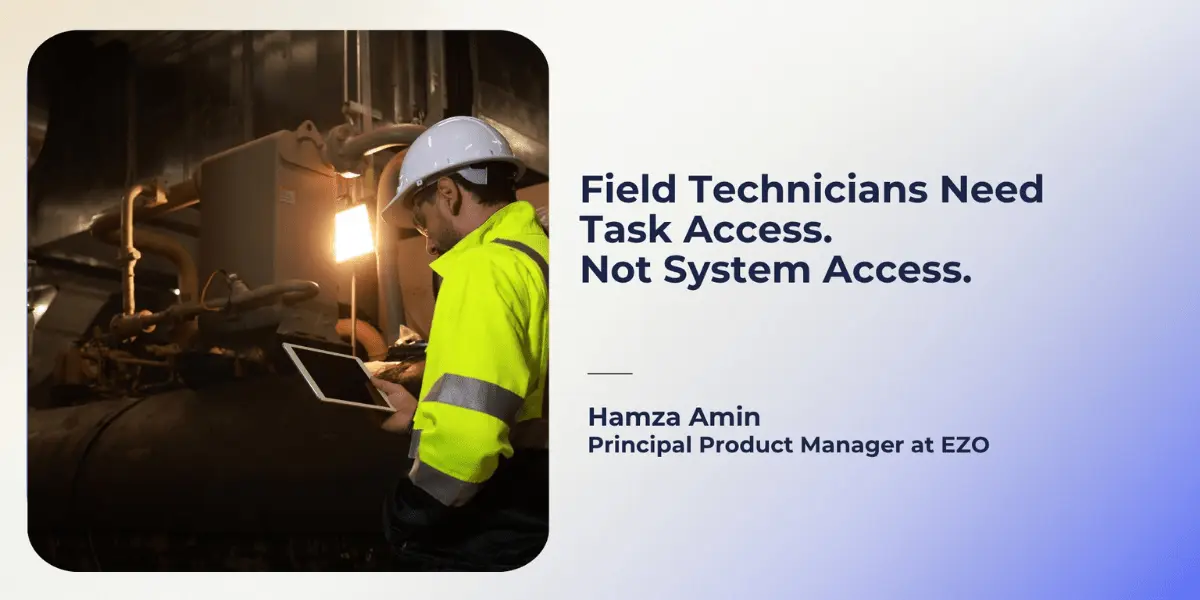
Picture a technician standing beside a compressor that has stopped mid-shift. She scans its label, opens the work order, checks the last repair, and finds a failed seal. She replaces it, records the part and labor, attaches a photo, and reports a vibration that still needs investigation.
The maintenance manager wants every one of those details captured before she leaves the site.
The manager does not want that same account to change the compressor’s asset record, alter the cost of the replacement part, or move next month’s inspection. Yet those actions can sit surprisingly close together in a maintenance system. The person completing the work and the person governing the equipment record are looking at the same asset, often through the same app.
That is where the question “Does your CMMS support custom roles?” falls short. A role can have a name, a limited menu, and a convincing administrator setup screen. The buyer still needs to know what happens when a technician uses it to do a real job.
The permission problem begins at the handoff
Maintenance work does not fall neatly into categories called execution and administration. A technician opens an asset to identify the equipment, reads its history to diagnose the fault, uses a part, and reports something the planner did not anticipate. Each step touches information that someone else may own.
Take the vibration found during the compressor repair. The technician should be able to describe it, add a reading or a photo, and ensure it reaches the supervisor or planner. She should not have to choose between ignoring it and changing the preventive maintenance schedule herself.
If the system cannot support that handoff, the information usually finds another route. It goes into a phone call, a message, or a note that someone in the office must later interpret and enter. By then, the technician is on the next job, and the person updating the record may not have seen the machine.
This is why I would define field permissions from the work outward. Give the technician a reliable way to record what happened and to escalate items that need a decision. Keep the decision itself with the person accountable for it.
Five questions behind a “custom role”
When evaluating CMMS or EAM software for field technicians, I would separate access into five questions. They sound simple until you try them with an actual technician account.
Which work can the technician reach? Seeing an assigned work order is different from seeing every order at the facility. A traveling technician may need work across several sites; a contractor may need one site for one week. The role must reflect the assignment, not just the person’s job title.
What can the technician do to complete the job? Scanning the asset, reviewing service history, recording readings, completing a checklist, logging labor and parts, attaching photos, and submitting the work are all part of execution. If one of those actions requires a broader role, find out what else that role grants.
Which asset details can they change? The technician may need the serial number and service history to confirm that she is working on the right compressor. That does not mean she should be able to change the serial number, ownership, classification, or other master data while closing the order.
What financial information follows the workflow? A technician can report that a seal came from van stock without assigning it a price. Ask whether parts costs, labor rates, purchase prices, and work-order totals appear elsewhere in the mobile app or reports. Restricting one screen may not settle the question.
Who controls the next decision? Submitting a repair is different from approving it. Reporting an emerging fault is different from changing a maintenance interval. Those boundaries matter most when the day does not go according to the original work order.
The point is not to give technicians the fewest possible buttons. It is to let them tell the truth about the work without accidentally becoming the owners of asset data, financial data, or maintenance policy.
Why a clean demo can give the wrong answer
A vendor may show an administrator configuring a field role, then open a mobile app with a short task list and scanner. That tells you something about the setup. It does not yet indicate whether the restrictions remain in effect as the user progresses through the job.
For example, the asset-editing screen may be hidden, but an editable asset field appears in the work-order form. Perhaps a part price is absent from the work order but visible in parts search. Perhaps the browser blocks a schedule change while the mobile workflow behaves differently. These are test cases, not claims that a particular vendor has these defects.
The reverse problem matters just as much. If a technician cannot report an unexpected defect without asking a supervisor to log in, the organization may end up with a tightly controlled system and an incomplete maintenance history. The settings look disciplined; the record no longer reflects the work.
The field technician test I would run with every vendor
Ask the vendor to create a technician account, assign it one work order for one asset at one location, and let you use that account. Start on the phone the technician will use. Repeat the critical actions in the browser.
First, complete the intended job:
- Open the assigned work order and scan the asset.
- Read its relevant service history.
- Add a meter reading, photo, labor entry, and part used.
- Report a second fault that was not on the original order.
- Submit the work for review.
Then test the boundaries. Try editing the asset’s master record, viewing sensitive costs, changing the preventive maintenance schedule, approving the work, and opening an order at another site. Ask what a temporary contractor would see under the same configuration and how access would be removed at the end of the assignment.
I would record the result for each action as allowed, blocked, or requiring another role or configuration. I would also record whether it worked differently on mobile and in the browser. An administrator’s explanation is useful, but it should sit beside what the technician account actually did.
So which CMMS or EAM platform meets the requirement?
The answer depends on more than whether EZO EAM, MaintainX, UpKeep, Limble, Fiix, eMaint, or another shortlisted platform advertises role-based access. The buyer’s requirement is more specific: can a technician perform these exact field actions while the asset, cost, schedule, and approval boundaries remain in place under the relevant plan and configuration?
I lead product work at EZO, so I would put EZO EAM through the same account-level test. I would not mark any platform as passing a field-level restriction on the strength of a general “custom roles” claim. Where the documentation does not establish specific behavior, the honest answer is that it is not yet verified until demonstrated.
This exercise offers a useful signal at the end. If a maintenance manager still needs to ask what the technician might have changed after every completed job, the role has not made the handoff trustworthy. A good field role lets the technician finish the work and leaves the planner, supervisor, and asset administrator confident about which decisions remain theirs.

![[How-to] Set Up Work Orders in EZO](https://cdn.ezo.io/wp-content/uploads/2017/04/AS_Work-Orders-copy-1-1.jpg)