





EZRentOut Integrations Authorize Net
Authorize.Net Integration with EZRentOut
Keep Card Payments Tied to Every Rental Order
We're Trusted by the Best


Make Card Collection Simpler at Every Rental Stage
Collect Card Payments on the Spot
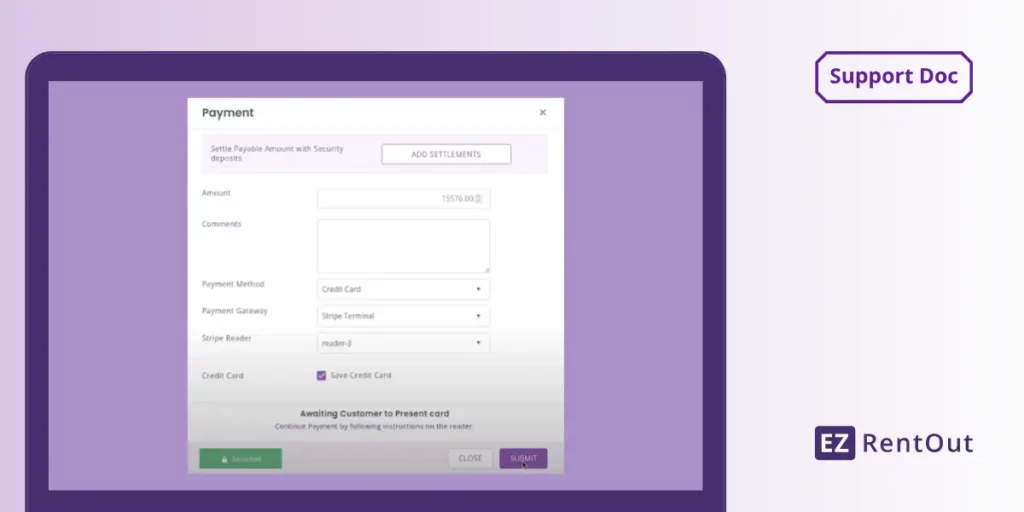
Charge customers directly from their rental order instead of opening another payment tool. Authorize.Net processes the card, and the result appears on the order.
Make Repeat Rentals Easier to Pay
Reuse a customer card profile held in Authorize.Net for future rental orders. Your team can collect another payment without asking for card details all over again.
Bring Online Payments to Rentals
Let customers pay by card through the Rental Webstore or Customer Portal. Authorize.Net processes the transaction, and the payment is reflected on the rental order.
Our Clients Reported
1.2M
Customers Managed Seamlessly
22%
Quarterly Revenue Growth
3.1M
Orders Created with Ease
The EZRentOut Advantage
Card collection is only one part of the job. Returns and accounting still create work for equipment rental teams.
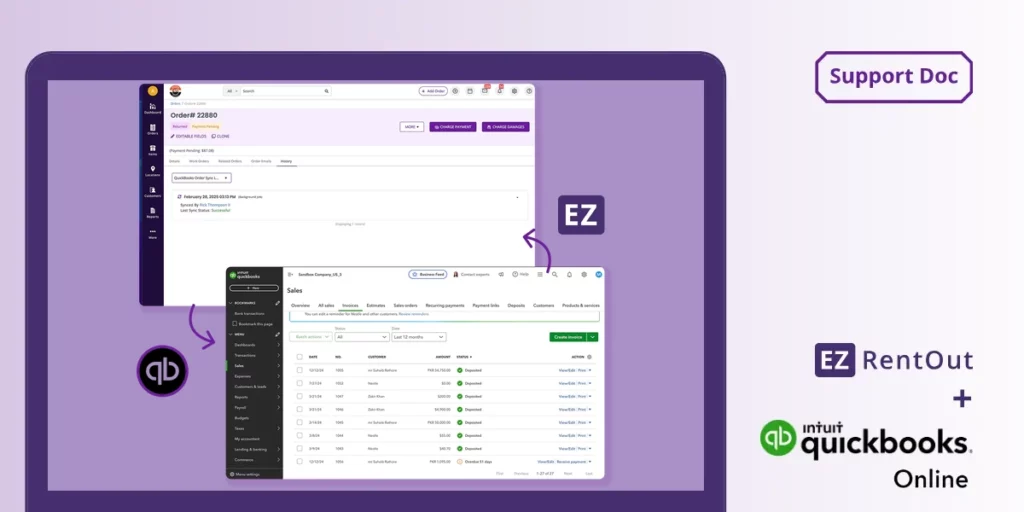
EZRentOut supports card holds, refunds, and bulk charges via Authorize.Net. Eligible payments can sync to QuickBooks or Xero through a configured accounting integration.
Proven Results by Our Customers
OPERATIONAL EFFICIENCY GAIN
“All my invoicing and all my payments get pushed over there, so I don’t have to physically do that anymore.”
SAVED PER YEAR
“You can save over 2,000 hours per year with EZRentOut. There is nothing comparable.”
REDUCTION IN COSTS
“EZRentOut decreases the amount of rework, chasing down the equipment, and knowing whether or not we’ve done the maintenance.”
Collect Rental Payments Without the Extra Work
Confidence Built on Results
4.5/5
G2 Overall Sentiment
0 (Difficult)
10 (Easy)
<1 Day
>12 Months
<6 Months
Frequently Asked Questions
Yes. You can connect an existing Authorize.Net account rather than opening a new gateway account just for EZRentOut. In EZRentOut, choose Authorize.Net under credit card payment integrations, enter your API Login ID and Transaction Key, verify the connection, and save it. To use stored customer cards, enable Customer Information Manager (CIM) in Authorize.Net as well. Your gateway agreement and merchant processing settings continue to be managed with Authorize.Net, not EZRentOut.
Yes. When taking payment on an EZRentOut rental order, staff can choose the credit card already on file or enter a different card and update the customer’s saved card. EZRentOut sends the payment request to Authorize.Net, which maintains the card profile. The interface can show the card’s last four digits, but EZRentOut does not retain the full card details in its own database. Customer Information Manager (CIM) must be enabled in your Authorize.Net account for card-on-file use.
Yes. Choose Pre-Authorize when charging payment on a rental order to place a hold on the customer’s card through Authorize.Net. When you’re ready to collect payment, you can charge the pre-authorized amount or cancel the hold. Collect any remaining balance separately. The hold is not a completed payment, and capture requires a separate action. Check the authorization’s validity before relying on it for the full rental period.
Yes. Customers can pay by card through the EZRentOut Rental Webstore and Customer Portal, with Authorize.Net processing the charge. The payment result appears against the corresponding rental order. The gateway saves staff-entered cards. For cards customers enter through the portal, enable the option to keep a card on file so you can reuse it later.
Yes. From the EZRentOut Orders listing, select the relevant orders, then choose Actions > Charge Payments and enter the payment details. The orders may belong to the same customer or different customers. Credit card charges in this bulk workflow require the applicable customers to have saved card profiles in Authorize.Net. Staff review each order amount and then submit the payment action; bulk charging is not an automatic collection service for overdue invoices or recurring charges.
No. EZRentOut does not charge transaction commissions or additional fees for Authorize.Net payments. Standard gateway and merchant processing fees under your Authorize.Net and merchant agreements still apply.
Check the error shown in EZRentOut before retrying. Payment failures may involve a declined card, missing Customer Information Manager (CIM) permissions, or gateway IP restrictions. Resolve CIM and IP settings in Authorize.Net. For blocked-IP errors, follow the EZRentOut Authorize.Net setup guide to review the documented addresses and allow them in your gateway settings.
Yes. EZRentOut supports syncing Authorize.Net payments through its separate QuickBooks Online, QuickBooks Desktop, and Xero integrations. Enable the relevant accounting connection and configure its sync settings. Payment sync follows that integration’s supported workflow; connecting Authorize.Net alone does not enable accounting sync.
No. Canceling a pre-authorization stops the held amount from being captured; the card issuer determines when the hold disappears. A refund returns funds from an eligible settled payment. In EZRentOut, staff can charge or cancel an Authorize.Net pre-authorization. Refund eligibility and timing depend on the transaction status and gateway rules.