Key Takeaways:
- Equipment availability goes beyond inventory counts. Rental businesses need to know which equipment is actually available for specific dates after accounting for existing bookings, overdue returns, maintenance, and location.
- The right software helps prevent double bookings. Look for tools that provide real-time inventory visibility, manage reservations, track equipment across locations, and keep availability records up to date.
- Test how the software handles booking conflicts. Check whether it can manage overlapping reservations, equipment shortages, rental extensions, and both individually tracked assets and bulk inventory.
- Equipment under maintenance shouldn’t appear as available. Software should exclude equipment from conflicting rental periods while accounting for expected maintenance completion, inspection requirements, and transfer time.
- Test the software with real rental scenarios before committing. Run a 2–4 week pilot to see how it handles daily operations and whether the availability shown online matches what your team can actually fulfill.
When you are trying to confirm a booking window, the real problem is not “do we own it”; it is whether the item is truly available for that date range after reservations, checkouts, overdues, downtime, and location constraints are applied. That is where double bookings start, and where missed deliveries and last-minute swaps tend to follow.
Good equipment rental availability management software should calculate availability across the requested rental period and display the result quickly in a calendar or lookup flow, and block or clearly warn on conflicts before you commit. It also needs to handle serialized assets and quantity-based stock without forcing staff to do overlap math manually.
This guide compares 10 tools for 2026, focusing on how each platform calculates and controls bookable availability, plus a pilot plan you can run with real edge cases.
Use the table to shortlist a few candidates, then test your shortlisted platforms with the pilot plan later in this guide.
Best equipment rental availability management software at a glance
Most equipment rental platforms will say they “show availability.” The operational differences lie in how each platform calculates and controls availability: how the tool allocates items for a date range, what it treats as a constraint (maintenance, overdues, quarantines), and whether staff can confirm bookable quantities for a specific yard, branch, or store.
To keep this comparison practical, the table focuses on availability execution across five layers:
- Equipment visibility: Can rental teams quickly check equipment availability for specific dates using an availability calendar, timeline, or dashboard?
- Reservation management: Can the software manage bookings for individually tracked equipment and bulk inventory while preventing overlapping reservations?
- Availability restrictions: Does the system automatically exclude equipment that is under maintenance, overdue, unavailable for inspection, or otherwise not ready for rental?
- Multi-location availability: Can teams check equipment availability across branches and locations and show customers what is available to rent?
- Real-time updates and integrations: Does the software keep availability information up to date as bookings, returns, and equipment statuses change? Can it connect with other systems through integrations or APIs?
| Product | Calendar | Quick check | Serialized + bulk stock | Maintenance holds | Multi-locations | Customer-facing availability |
| EZRentOut | Included (Growth+) | Documented; plan eligibility requires confirmation | Included (Growth+) | Configurable | Included (Enterprise) | Included (Growth+) |
| Point of Rental | Included (Essentials/Elite) | Included (Elite) | Included (Elite) | Not verified | Documented for Essentials and Elite; confirm configuration. | Built into Essentials; confirm Elite eCommerce packaging. |
| Texada | Included (SRM) | Included (SRM) | Included (SRM) | Not verified | Included (SRM) | Add-on/module (GateWay) |
| Wynne RentalMan | Included (RentalMan) | Add-on/module (Hub Counter) | Included (RentalMan) | Configurable | Included (RentalMan) | Add-on/module (RenterLink) |
| Quipli | Included (Core) | Included (Core) | Included (Core) | Configurable | Included (Core) | Included (Core) |
| MCS Rental | Documented in RM Web; packaging requires confirmation | Included (MCS-rm) | Included (MCS-rm) | Configurable | Included (MCS-rm) | Add-on/module (Online Portal) |
| Baseplan | Included (Enterprise) | Included (Enterprise) | Included (Enterprise) | Configurable delivery restriction; reservation blocking requires confirmation. | Included (Enterprise) | Not verified |
| Booqable | Included (Start+) | Included (Start+) | Included (Start+) | Configurable (Grow+) | Add-on/module (Scale) | Included (Start+) |
| Rentman | Included (Scheduling) | Included (Scheduling) | Bulk planning: Inventory; serialized tracking: Equipment Tracking add-on. | Configurable | Additional Warehouse add-on; requires Inventory Pro. | Via integration |
| InTempo Core | Not verified | Verify with InTempo | Verify with InTempo | Not verified | Included (Core) | Not verified |
How to read this comparison: The table reflects capabilities documented by software vendors, not independently tested product performance. Included means the capability is documented for the named product or plan; Add-on/module means an additional vendor offering is required; Configurable means availability behavior depends on settings or operational rules; Manual means staff intervention is required; Via integration means an external system provides the capability; and Not verified means the available evidence does not establish the specific functionality.
Plan eligibility, integration requirements, and booking restrictions may vary by subscription or deployment. A calendar showing maintenance status does not necessarily mean the software automatically prevents equipment from being reserved.
What is equipment rental availability management software?
Availability management in equipment rental answers one question correctly: can we commit this item type, from this location, for this time window, given everything already promised and everything that makes the item unrentable?
That sounds simple until “available” starts meaning different things depending on context:
- Existing reservations: Equipment may be physically present at a rental location but already reserved for another customer.
- Overdue returns: Equipment expected back before the next booking may still be with a customer, creating scheduling conflicts.
- Maintenance and repairs: Equipment undergoing maintenance, inspections, or repairs should not be available for new bookings until it is ready for use.
- Equipment location: An item may be available at one branch but unavailable at the location where the customer needs it.
How is equipment rental availability software different from other booking tools?
Not all booking or inventory management tools can accurately determine equipment availability. Here’s how they differ:
- Appointment scheduling software: Primarily manages appointments and time slots rather than tracking equipment quantities and availability across rental periods.
- Basic booking calendars: Display scheduled reservations but may not automatically prevent overlapping bookings or track how many units remain available.
- Asset tracking software: Helps businesses monitor equipment locations, assignments, and conditions but may not account for future reservations when calculating availability.
Unlike these tools, equipment rental availability management software combines equipment tracking with reservation management to show what equipment can actually be rented for a selected period.
It helps rental teams check available quantities, avoid booking conflicts, account for equipment downtime, and manage inventory across multiple locations. Some platforms also allow customers to check availability and make reservations online, using the same inventory information as the rental team.
How we selected and evaluated the best equipment rental availability management software
We selected equipment rental software platforms that help businesses check equipment availability, manage reservations, and prevent booking conflicts across rental periods.
To qualify for this comparison, each platform needed documented rental reservation management and a way to check equipment availability. Calendar and timeline interfaces were assessed separately, alongside reservation, booking, or rental order management capabilities. We also considered how the software handles more complex requirements, including equipment maintenance, overlapping reservations, and inventory across multiple locations.
We excluded appointment scheduling tools, staff calendars, and equipment tracking solutions that do not support rental reservations or availability calculations.
The 10 platforms are organized by their primary use cases rather than ranked by overall performance. This comparison is based on public vendor documentation, not hands-on testing. The scenarios below are suggested buyer tests. To evaluate their availability management capabilities, we considered the following criteria.
1. Equipment allocation and double-booking prevention
Equipment rental businesses need software that accurately calculates equipment availability for specific dates, whether they manage individually tracked assets, bulk inventory, or both.
When evaluating a platform, check whether it can:
- Prevent or flag overlapping reservations for the same equipment.
- Update available quantities when multiple bookings overlap.
- Recalculate availability when rental dates are extended or changed.
- Warn users about shortages and control who can override booking conflicts.
What to test: Create an inventory of 20 identical items, reserve 12, and attempt to book another 10 for overlapping dates. The software should identify the shortage of two units and apply its documented conflict-handling rules.
2. Availability calendars and quick inventory checks
An availability calendar should help rental staff confirm what equipment can be booked without manually checking multiple records.
Look for calendars or timelines that display reservations, checkouts, expected returns, and equipment availability by date. Staff should also be able to filter results by equipment type, location, or rental period.
For businesses offering hourly rentals, check whether the system supports hourly availability rather than only daily scheduling.
3. Maintenance restrictions and equipment readiness
Equipment undergoing maintenance, repairs, or inspections should not be treated as ready for rental.
Evaluate whether the software updates bookable availability when equipment is:
- Scheduled for preventive maintenance.
- Placed on hold for repairs.
- Returned but awaiting inspection.
- Marked unavailable due to damage or other restrictions.
What to test: Place a reserved item on maintenance hold and check whether the system prevents or flags a conflicting booking. Confirm that the restriction also appears in the availability calendar.
These restrictions should work alongside the platform’s equipment maintenance management workflows rather than requiring rental staff to track unavailable items manually.
4. Multi-location availability and inventory transfers
Businesses operating multiple branches need to know not only whether equipment is available, but also where it can be rented from.
Check whether the software allows teams to view availability by location, find inventory at other branches, and account for equipment transfers between sites.
What to test: Reserve an item at one branch, initiate a transfer to another location, and check whether availability updates correctly at both locations.
5. Equipment bundles and turnaround times
Some equipment rental orders include multiple items sold or rented together as a package. Others require preparation, inspection, cleaning, or transportation between rentals.
Evaluate whether the software can:
- Check the availability of every component in an equipment bundle.
- Identify missing or unavailable items before confirming a package.
- Apply buffer periods before or after reservations.
- Account for preparation and turnaround times when calculating availability.
These capabilities are particularly important for event equipment, audiovisual rentals, and businesses handling complex rental orders.
6. Customer-facing availability and online bookings
For equipment rental businesses accepting online reservations, the availability shown to customers should reflect what the business can actually fulfill.
Check whether customers can select rental dates, see available equipment quantities, and reserve items without creating conflicts with existing bookings.
What to test: Reserve equipment internally and verify whether the customer-facing booking system updates availability for the same dates. Repeat the test with maintenance holds and overlapping bookings.
7. Availability updates, integrations, and record accuracy
Availability information must remain accurate as equipment is checked out, returned, transferred, or taken out of service.
When evaluating software, confirm which activities update equipment availability automatically and whether staff must perform additional actions to keep records current.
Also consider whether barcode or QR code scanning supports accurate equipment check-ins and checkouts, and whether the platform offers documented APIs or integrations for connected equipment rental workflows.
For example, businesses using multiple operational systems should evaluate how rental software integrations and APIs keep inventory and reservation information consistent.
Before choosing a platform, test these capabilities using actual rental scenarios, including overlapping bookings, late returns, maintenance holds, and inventory shortages. This helps establish whether the software can support daily rental operations rather than simply display equipment availability.
Best equipment rental availability management software for 2026
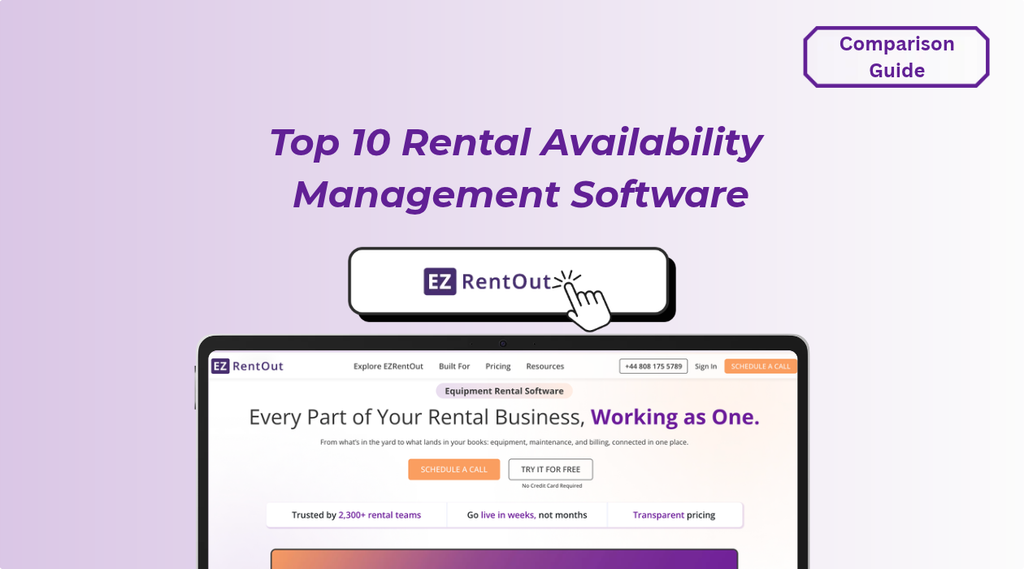
1. EZRentOut: Best for equipment availability and booking control
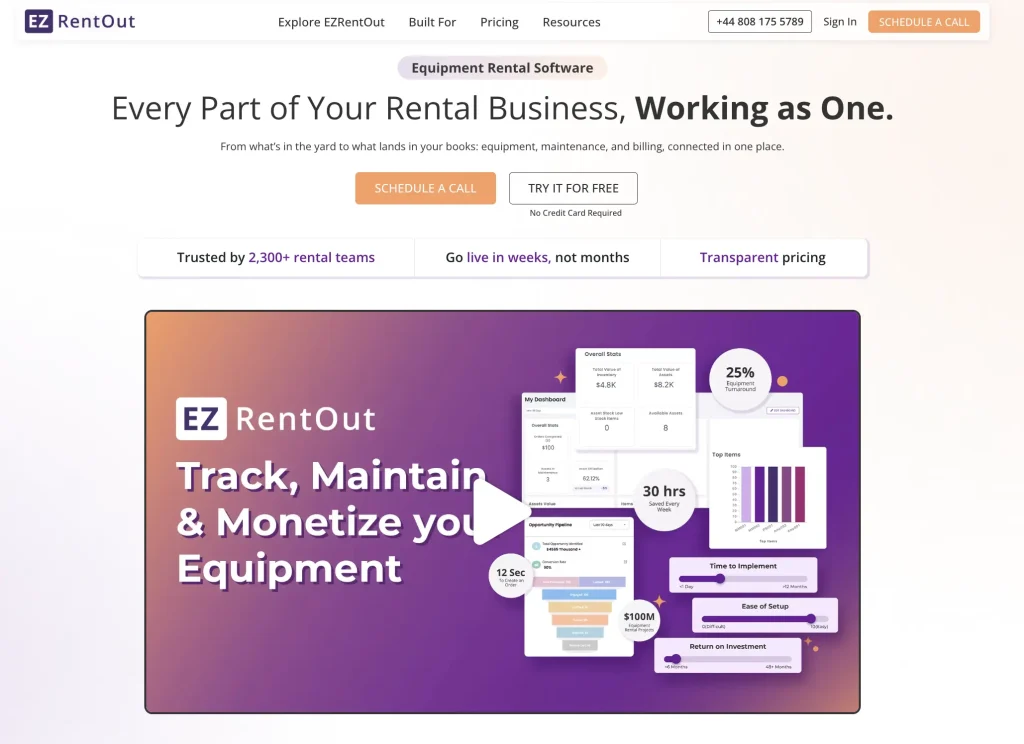
Best fit: Equipment rental operations teams that need fast, date-range availability decisions across individually tracked assets and bulk rental stock, with configurable treatment of overdue returns and maintenance status visibility in availability workflows.
Availability approach
EZRentOut helps rental teams check equipment availability, plan future bookings, and manage reservations from a centralized system. Its Availability Calendar provides a clear view of equipment status across selected dates, while the Check Availability feature lets staff quickly find available items when creating rental orders.
EZRentOut supports Assets for individually tracked rental equipment, Asset Stock for quantities of identical rental units, and Inventory for consumables or sale items. It also offers configurable overdue availability settings, helping businesses decide whether overdue equipment can be considered available for future bookings.
Key strengths
- Availability calendar: View equipment availability by hour or day, group items by category, and filter by location, including child locations.
- Quick availability checks: Search for equipment by name or identification number, or scan a barcode to check availability and add items to rental orders.
- Equipment status visibility: Track available, reserved, checked-out, overdue, and under-maintenance equipment from the Availability Calendar.
- Overdue availability controls: Configure whether overdue assets and asset stock can be considered available after their expected return dates. The setting also affects availability in orders, bundles, and the rental webstore.
- Maintenance management: Schedule equipment maintenance, track service activity, and identify units under maintenance in availability views to help avoid rental conflicts.
Pricing
EZRentOut’s Growth plan starts at $399/month, billed annually, while Premium starts at $499/month, billed annually. Enterprise pricing is available on request.
Reviews
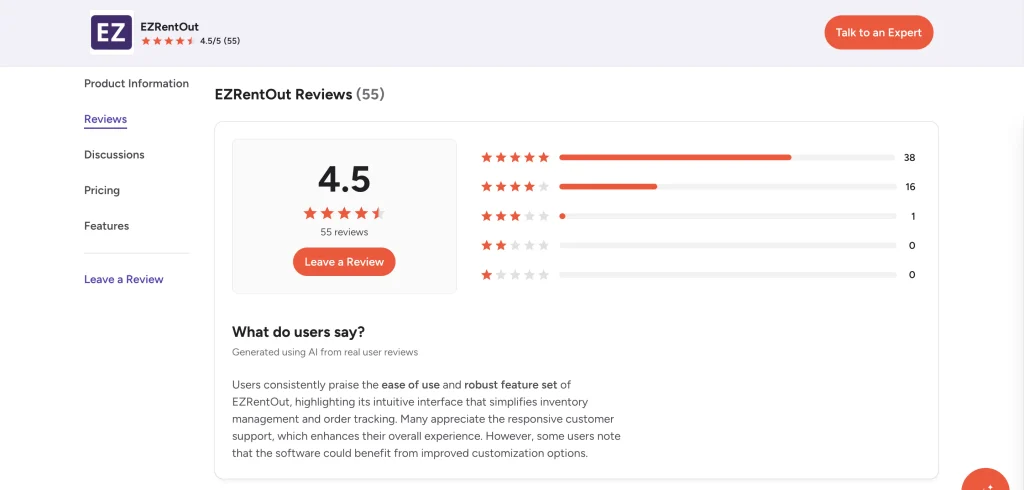
4.5/5 on G2. Reviewers highlight EZRentOut’s ease of use, inventory management capabilities, and range of rental management features.
2. Point of Rental: Best for online availability and rental bookings
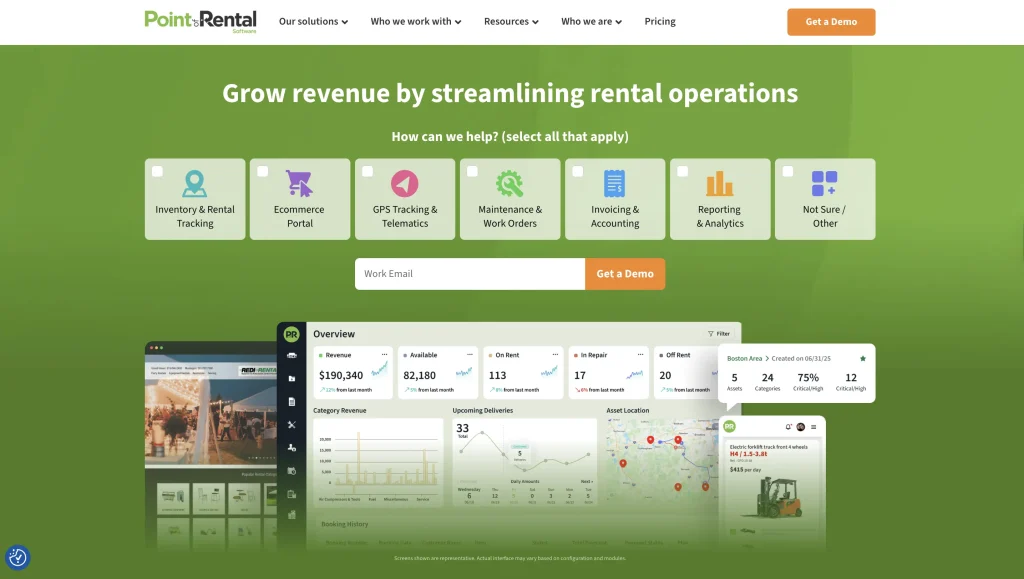
Best fit: Equipment rental businesses that want customers to check availability, generate rental quotes, and book online to reduce counter work for straightforward reservations.
Availability approach
Point of Rental combines rental inventory management with online booking capabilities, letting customers check equipment availability, view rental details, and book through an eCommerce storefront.
Its online rental workflows connect customer bookings with inventory availability, helping businesses accept reservations outside operating hours while reducing manual availability checks and routine customer inquiries.
Key strengths
- Online availability checks: Allow customers to view equipment availability and select rental dates through an online storefront.
- Self-service quotes: Let customers get rental quotes online without contacting the rental counter.
- 24/7 online bookings: Let customers browse equipment, make reservations, and complete online payment workflows outside business hours.
- Inventory synchronization: Keep rental rates, availability, and equipment details synchronized between the rental management system and online storefront.
- Multi-location availability: Support inventory visibility across rental locations, helping rental teams manage equipment availability across branches.
Pricing
Point of Rental offers quote-based pricing for its Essentials and Elite products. Pricing depends on business requirements, product selection, and needed features.
Contact Point of Rental for a customized quote.
Reviews
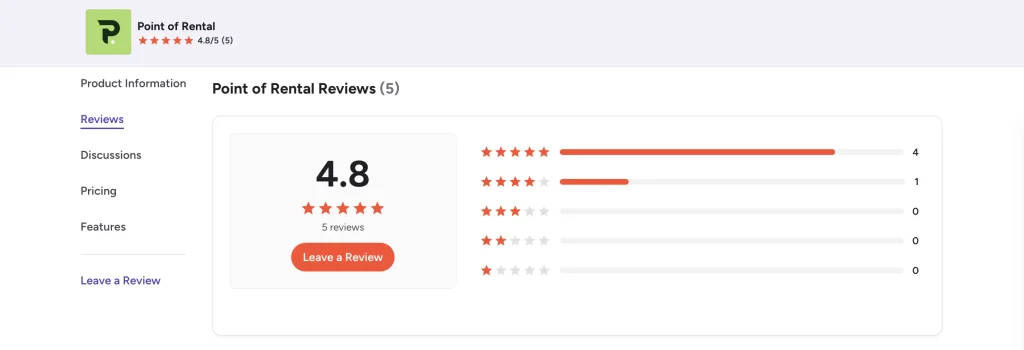
G2 rating: 4.8/5 (5 reviews). Reviewers highlight Point of Rental’s inventory management, reporting, and customer support.
3. Texada: Best for rental contracts and fleet availability
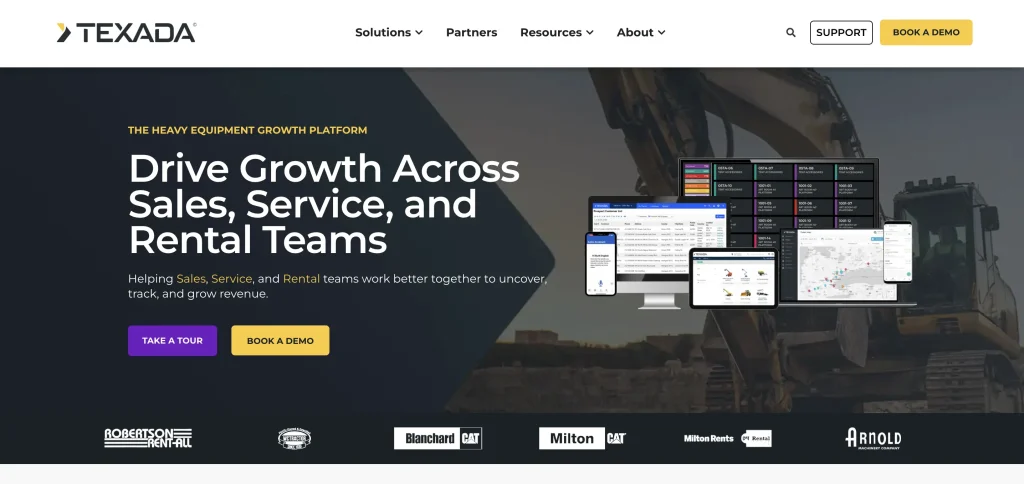
Best fit: Equipment rental businesses that need to manage quotes, contracts, and equipment availability across multiple locations while keeping rental counter operations connected to fleet activity.
Availability approach
Texada connects equipment availability with rental quoting, reservations, and contract management. Rental teams can check available equipment for selected dates while preparing contracts, helping them confirm bookings and identify potential shortages before committing inventory.
The software also brings fleet information, equipment locations, and rental activity into connected workflows, allowing counter staff to coordinate reservations, equipment assignments, and fulfillment across branches.
Key strengths
- Availability calendar: View equipment availability by date directly from contract screens, check available quantities, and compare availability across product groups.
- Availability-based quoting and contracts: Access equipment availability and rental pricing while preparing quotes and contracts to support accurate rental commitments.
- Equipment substitution: Identify unavailable products during contract creation and select suitable replacements to fulfill customer requirements.
- Multi-location fleet visibility: Track equipment locations, fleet status, and rental activity across branches to support inventory allocation and booking decisions.
- Mobile fleet access: Enable field teams to access equipment information, work orders, and delivery schedules through a mobile application with offline capabilities.
Pricing
Texada Rental Management offers custom pricing based on business size, number of users, and required solutions. Public starting prices are not available.
Contact Texada for a customized quote.
Reviews
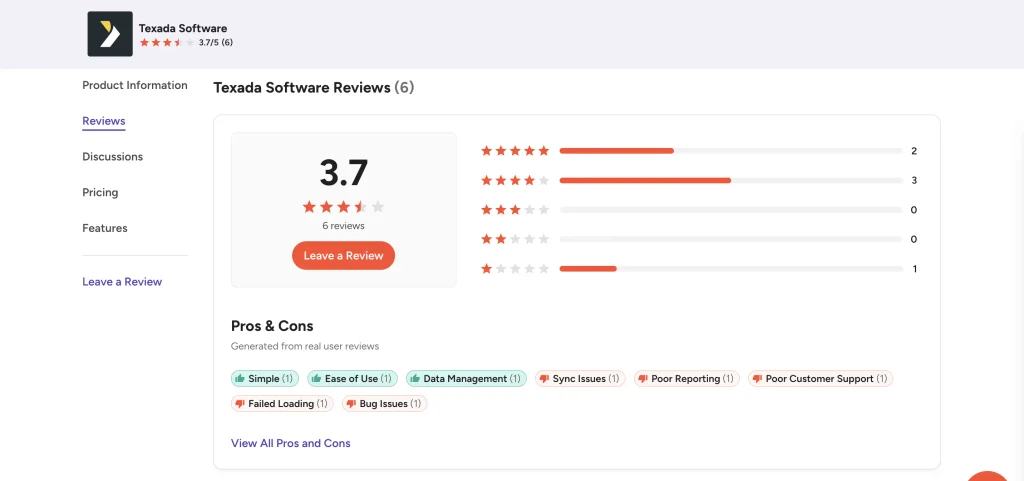
G2 rating: 3.7/5 (6 reviews). Reviewers highlight the software’s inventory management capabilities, contract workflows, and ease of navigation. Some users report challenges with system synchronization, reporting, and the transition to newer web-based workflows.
4. Wynne Systems RentalMan: Best for multi-branch equipment availability
Best fit: Enterprise rental businesses that need to check equipment availability across branches, manage reservations, and find alternative equipment when requested units are unavailable.
Availability approach
Wynne Systems RentalMan is an enterprise rental management platform that connects equipment availability with reservations, contracts, and fleet operations. Its Wynne Hub Counter solution (formerly IntelliSource) allows rental teams to check whether specific equipment is available for a customer’s requested dates and times.
The system also helps staff locate equipment at other branches or find alternatives with similar capabilities, making it easier to fulfill reservations when a particular location has limited inventory.
Key strengths
- Date-range availability checks: Check whether specific equipment is available for requested rental dates and times before confirming reservations.
- Cross-branch equipment visibility: Find available equipment at other branches or identify suitable alternatives when the requested item is unavailable.
- Color-coded availability indicators: Use red, yellow, and green indicators to quickly identify available equipment quantities and potential shortages.
- Reservation management: Create, edit, and manage reservations within the Wynne Hub Counter workflow, connecting equipment sourcing with rental contracts.
- Equipment status management: Update equipment availability statuses through Wynne Hub’s Service solution to help rental teams account for equipment undergoing service or maintenance.
Pricing
Wynne Systems RentalMan offers custom pricing based on business requirements and selected solutions. Public starting prices are not available.
Contact Wynne Systems for a customized quote.
Reviews
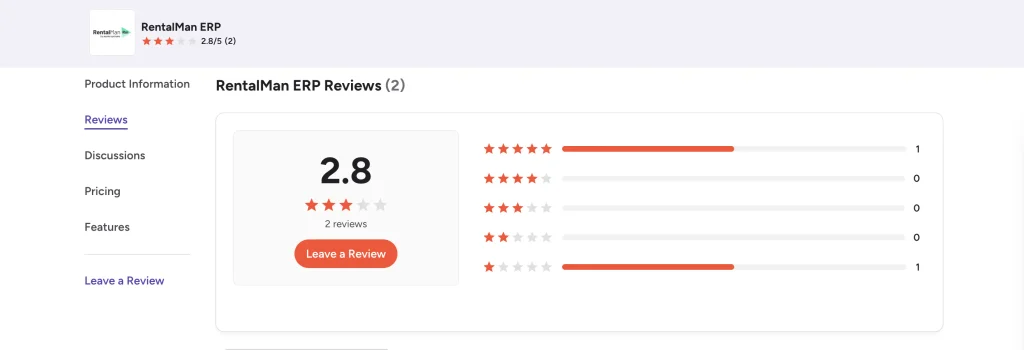
G2 rating: 2.8/5 (2 reviews). Reviewers mention keyboard-based navigation and the ability to manage rental and accounting activities within the same system. Reported concerns include technical issues and support response times. The small number of reviews limits how representative the rating is.
5. Quipli: Best for online bookings and synchronized availability
Best fit: Construction equipment and general tool rental businesses that need to manage online reservations, prevent double bookings, and maintain accurate equipment availability across multiple locations.
Availability approach
Quipli connects equipment availability with online booking, inventory management, and rental scheduling. Its integrated system keeps the online storefront and internal rental operations connected, helping businesses prevent customers from reserving equipment that is already booked.
The software also provides an inventory calendar for tracking available equipment and expected returns. Rental teams can manage reservations across multiple locations while keeping online and in-store bookings aligned with inventory records.
Key strengths
- Double-booking prevention: Connect equipment availability with reservations to prevent customers from booking equipment that is already committed to another rental.
- Inventory calendar: View available equipment, upcoming reservations, and expected returns by product or category to support rental scheduling.
- Multi-location inventory management: Track equipment availability across branches, manage location-specific stock, and coordinate inventory transfers.
- Online storefront and customer portal: Allow customers to browse equipment, submit rental requests, and make payments online through a mobile-friendly storefront.
- Integrated online and in-store bookings: Synchronize reservations made through the online storefront and internal point-of-sale system to maintain consistent equipment availability.
Pricing
Quipli’s Core plan starts at $6,000/year per location, while the Plus plan costs $10,000/year per location and adds Quinn AI agents and CRM capabilities. Both plans include unlimited users and customer support seven days a week. Special pricing is available for businesses operating multiple locations.
Reviews
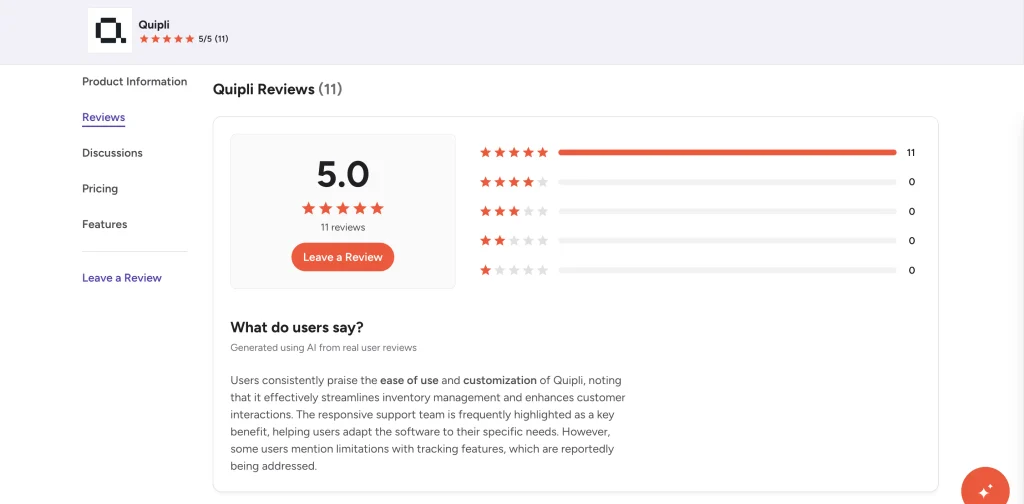
G2 rating: 5.0/5 (11 reviews). Reviewers highlight Quipli’s ease of use, inventory management, customizable features, and responsive customer support. Some users have reported challenges with certain tracking features and accounting integrations.
6. MCS Rental Software: Best for equipment allocation and availability planning
Best fit: Equipment rental businesses that need to track equipment availability, manage rental allocations, and coordinate bookings, contracts, and maintenance across daily operations.
Availability approach
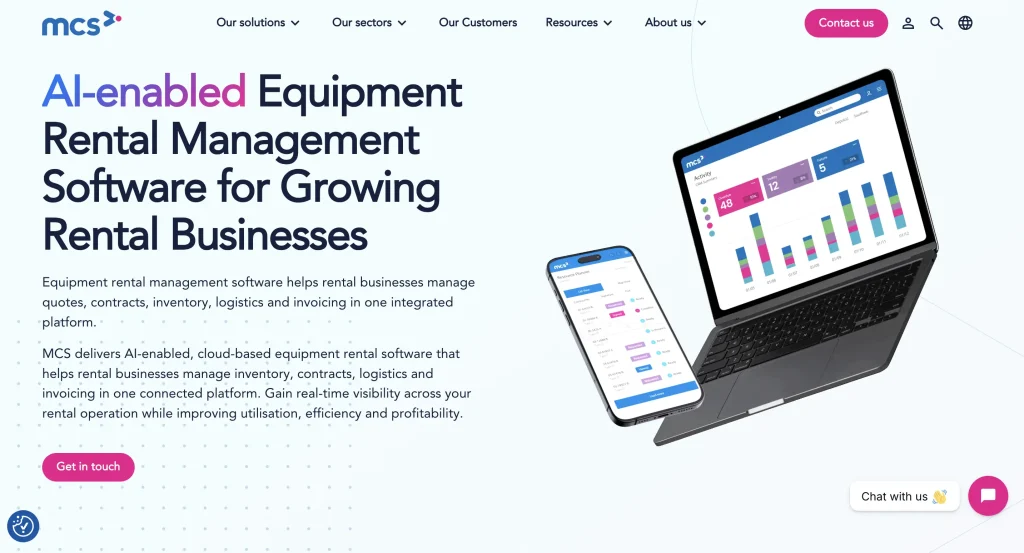
MCS Rental Software connects equipment availability with rental scheduling, inventory management, and contract workflows. Its Allocation Chart in MCS RM Web provides a centralized view of equipment assignments, availability, and upcoming bookings, helping rental teams plan equipment usage and respond to scheduling changes.
The software also allows staff to check equipment availability while managing customer inquiries and contracts. Its workshop management capabilities help teams account for maintenance requirements when determining whether equipment is ready for rental.
Key strengths
- Equipment allocation chart: View equipment assignments, availability, and future bookings in a browser-based chart to support rental planning and scheduling.
- Flexible equipment allocation: Move equipment between jobs using drag-and-drop functionality and assign specific units to rental bookings as requirements change.
- Availability checks: Access equipment availability information alongside customer details, rental rates, and contracts to support booking decisions.
- Mobile rental management: Check equipment availability, review contracts, and access customer information while working away from the rental counter.
- Maintenance management: Schedule preventive maintenance, receive automated service alerts, and access equipment maintenance histories. You can mark equipment due for servicing as unavailable for rental.
Pricing
MCS Rental Software offers custom pricing based on business requirements and selected solutions. Public starting prices are not listed.
Contact MCS Rental Software for a customized quote.
Reviews
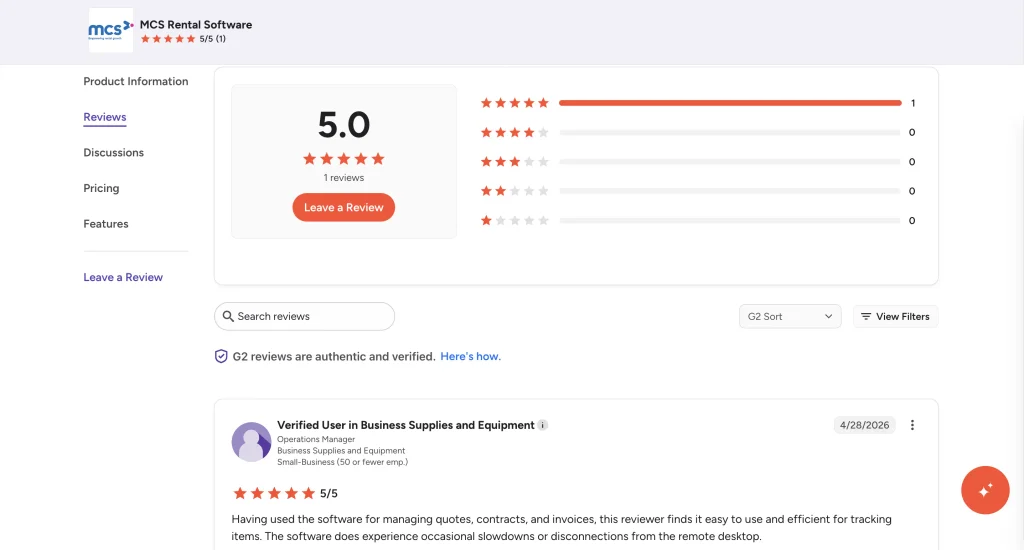
G2 rating: 5.0/5 (1 review). The reviewer highlights the software’s ease of use, centralized management of quotes, contracts, and invoices, and barcode-based equipment lookup. Reported concerns include occasional slow performance and remote desktop disconnections.
7. Baseplan: Best for multi-location equipment availability and rental readiness
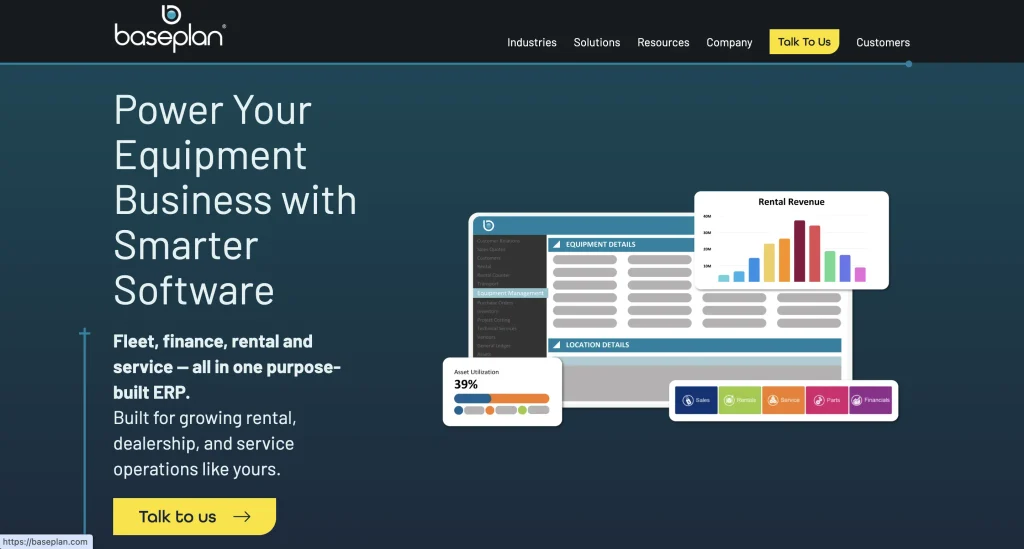
Best fit: Equipment rental businesses that need to track availability across multiple locations, manage equipment allocations, and confirm that assets are ready for rental based on their service and inspection status.
Availability approach
Baseplan is an equipment rental management platform that connects equipment availability with reservations, contract management, and maintenance workflows. It provides centralized visibility into equipment locations, rental status, and service requirements, helping rental teams determine which assets are available before confirming bookings.
The software also uses configurable availability statuses to identify equipment that requires servicing or inspection. This helps businesses prevent equipment that is not ready for use from being delivered to customers.
Key strengths
- Multi-location availability: View equipment availability, locations, and rental statuses across branches to identify suitable inventory for customer bookings.
- Rental allocation checks: Check available equipment quantities when adding items to rental contracts, with availability calculated against the expected rental period.
- Equipment readiness tracking: Monitor whether equipment is available, currently rented, or awaiting servicing to support accurate rental scheduling.
- Service and inspection restrictions: Configure a Service Overdue status that prevents equipment from being delivered until relevant servicing requirements are addressed.
- Mobile rental management: Enable field teams to manage rental contracts, allocate equipment, capture damage reports, and complete inspections through mobile workflows.
Pricing
Baseplan does not publicly list standard subscription prices. Businesses can contact the vendor to discuss their rental management requirements and request pricing.
Reviews
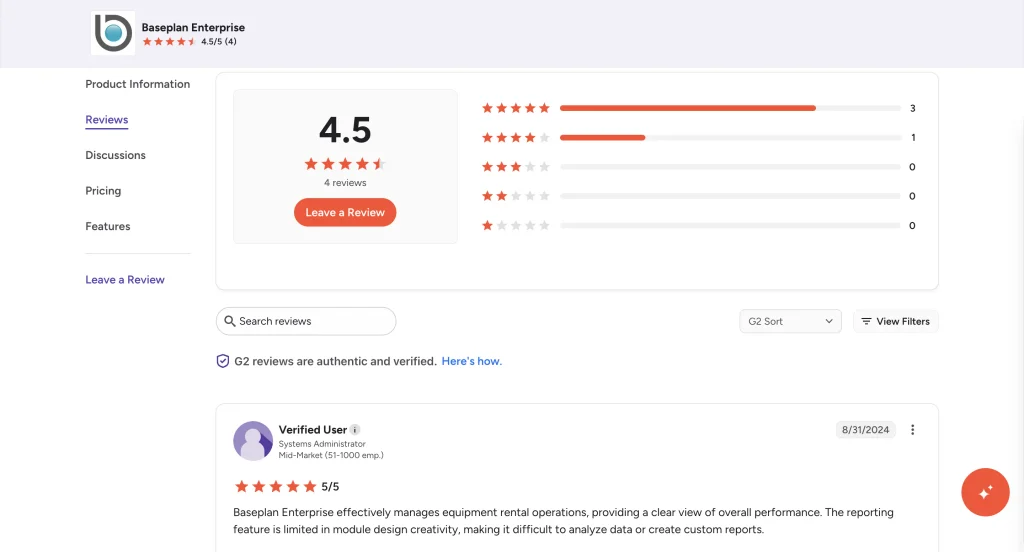
G2 rating: 4.5/5 (4 reviews). Reviewers highlight the platform’s ability to manage rental reservations, inventory, maintenance schedules, and other business operations from a centralized system. Some users report challenges with custom reporting and the learning curve associated with its extensive functionality.
8. Booqable: Best for configurable online rental availability
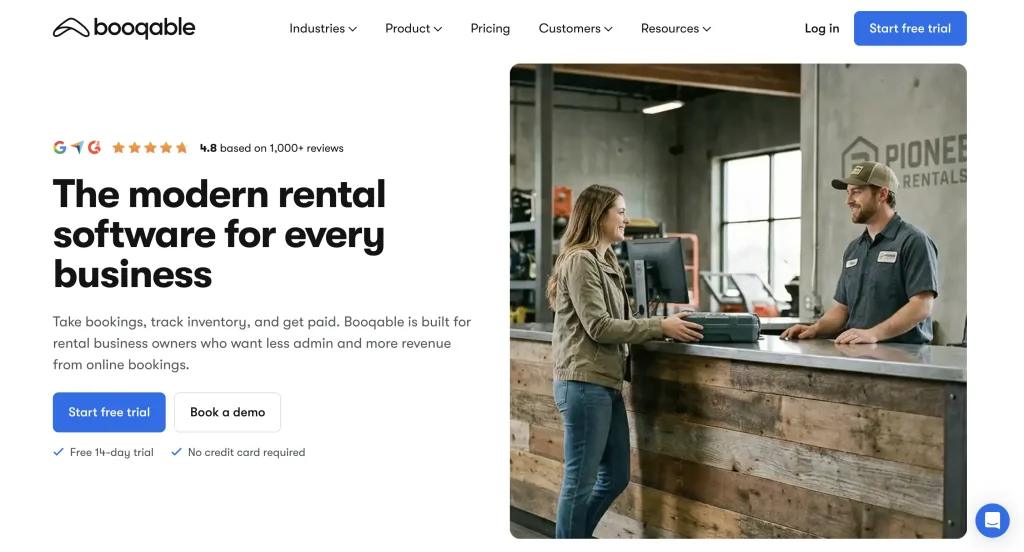
Best fit: Rental businesses that need flexible online booking controls, including the ability to prevent unavailable equipment from being booked, manage turnaround times, and accept quote requests instead of confirmed reservations.
Availability approach
Booqable connects online rental bookings with real-time inventory availability, allowing businesses to control how customers reserve equipment. With availability enabled and overbooking disabled, online bookings reserve available stock for the selected rental period.
Businesses can also disable online availability to accept booking requests without automatically reserving inventory. Booqable further supports buffer times, scheduled downtime, and location-specific stock availability to help rental teams manage equipment scheduling.
Key strengths
- Flexible booking controls: Choose between availability-based online bookings that automatically reserve stock and a request-based workflow where staff review orders before confirming reservations.
- Buffer time management: Add preparation or turnaround periods before and after rentals to account for cleaning, inspections, setup, or transportation.
- Downtime scheduling: Mark individual equipment units or bulk inventory quantities as unavailable during maintenance, repairs, or other planned downtime.
- Multi-location inventory: Track stock availability separately across rental locations and check available quantities for the selected pickup location.
- Bundle availability: Create rental packages containing multiple products, with availability determined by the limiting component, accounting for the quantity of each component required per bundle
Pricing
Booqable offers three plans: Start at $29/month, Grow at $69/month, and Scale at $149/month, billed annually. Downtime scheduling is available from the Grow plan, while multi-location management and the option to allow overbooking require Scale; additional locations incur an extra charge. Additional locations start at $29 per location per month.
A 14-day free trial is available.
Reviews
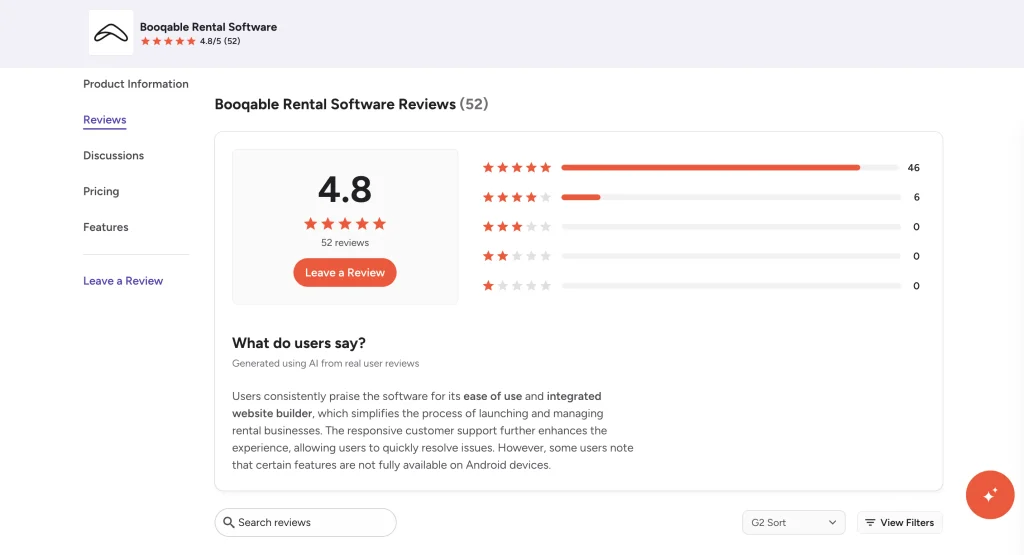
G2 rating: 4.8/5 (52 reviews). Reviewers highlight Booqable’s intuitive interface, online booking capabilities, website builder, and responsive customer support. Some users mention limitations in customization and certain mobile features.
9. Rentman: Best for equipment scheduling and availability planning
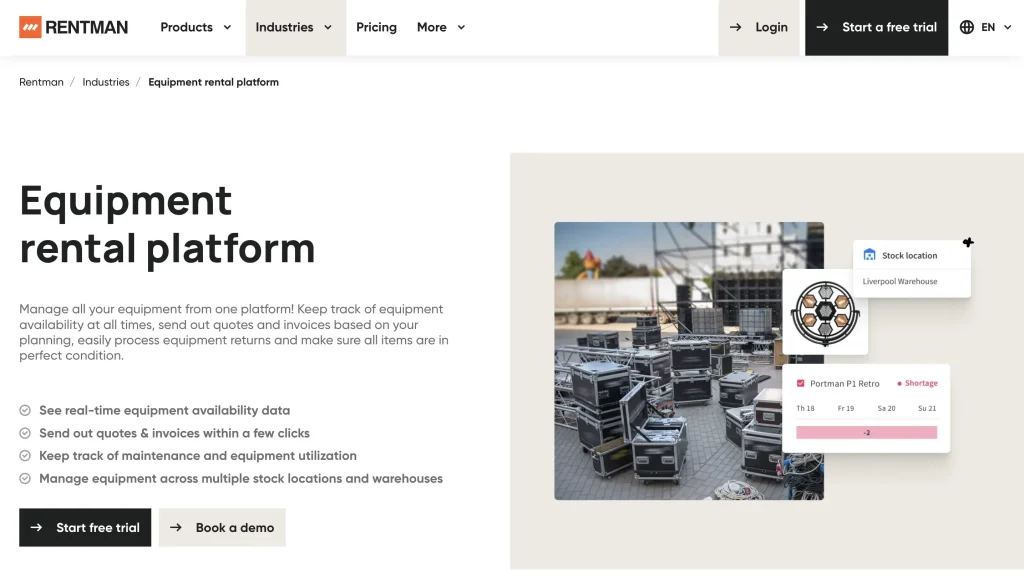
Best fit: Event production and audiovisual rental businesses that need to plan equipment for multiple jobs, check availability for specific dates, and manage inventory across warehouse locations.
Availability approach
Rentman combines equipment scheduling with inventory management to help rental teams plan equipment requirements for upcoming jobs. Its Equipment Timeline displays availability and utilization over time, allowing staff to identify shortages and adjust equipment allocations before confirming project requirements.
The software also provides a quick availability lookup feature for checking available quantities without opening individual projects. For businesses managing multiple warehouses, Rentman supports location-specific availability and equipment planning through an additional warehouse feature.
Key strengths
- Equipment availability timeline: View equipment availability, planned quantities, and potential shortages across projects using a visual timeline.
- Quick availability lookup: Check equipment availability and available quantities for selected dates without navigating through individual projects or inventory records.
- Serialized equipment tracking: Track individual equipment units by serial number to support accurate identification, allocation, and warehouse operations.
- Multi-location inventory: View equipment availability by warehouse, identify shortages, and coordinate equipment allocation between locations.
- Equipment kits and cases: Group frequently rented items into physical or virtual combinations to simplify equipment planning and keep related items organized.
Pricing
Rentman’s Rental bundle starts at €23 per power user/month for Standard and €28 per power user/month for Pro, plus a €39 monthly platform fee. Enterprise pricing is custom.
Additional warehouses are available with Inventory Pro at €5 per warehouse per power user/month. Serialized equipment tracking and warehouse scanning are supported through the optional Equipment Tracking add-on.
Reviews
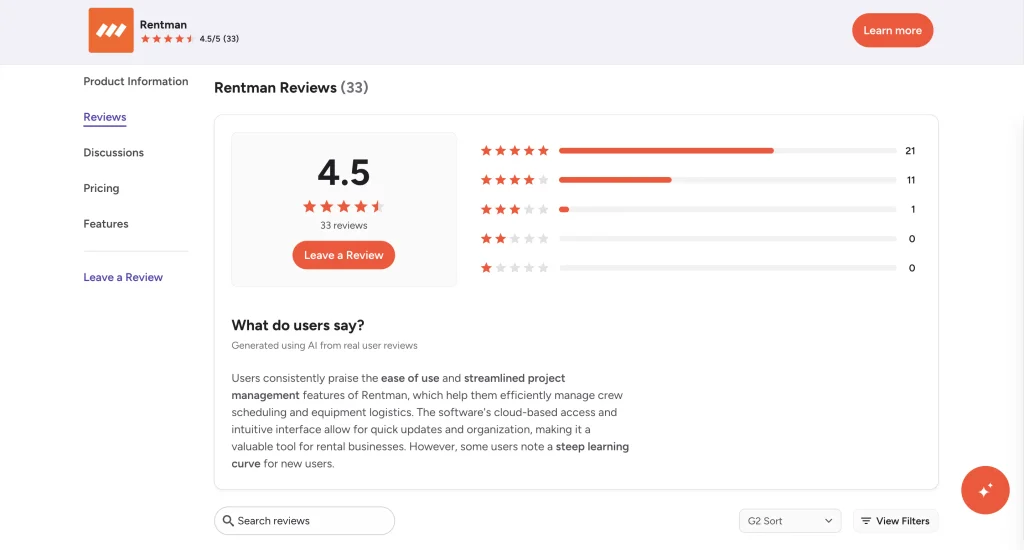
G2 rating: 4.5/5 (33 reviews). Reviewers highlight Rentman’s equipment availability tracking, project scheduling, and centralized management of equipment and crew. Some users mention a learning curve, limitations in mobile navigation, and the need for separate accounting or payroll tools.
10. InTempo Core: Best for rental reservations and inventory availability
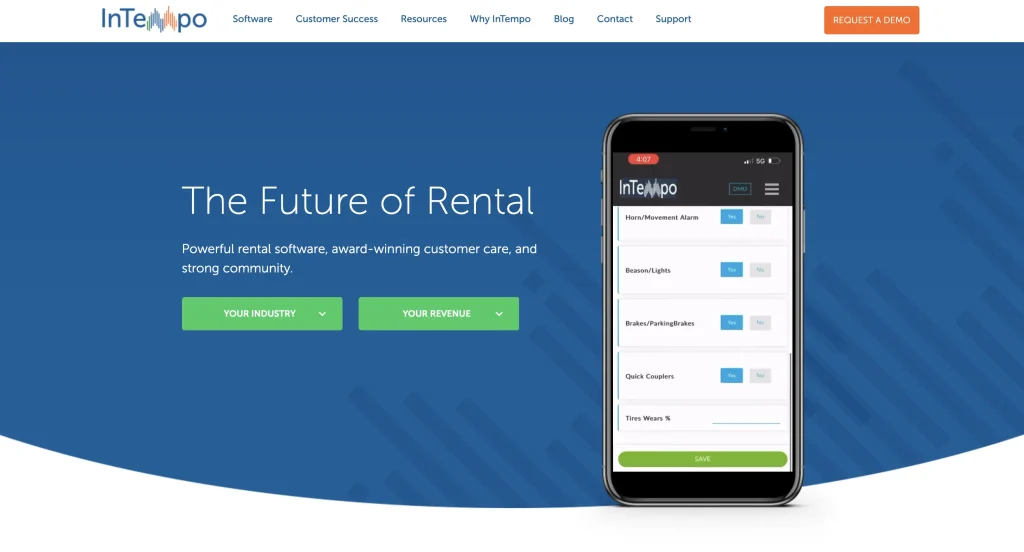
Best fit: Small and midsize equipment rental businesses that need to manage reservations, check equipment availability, and coordinate rental inventory across one or multiple locations.
Availability approach
InTempo Core connects equipment availability with rental quotes, reservations, and inventory management. Rental teams can check available equipment, create bookings, and manage inventory records through a centralized rental management system.
The software supports operations across multiple locations, helping businesses track equipment stock, manage returns, and coordinate rental commitments. It also connects maintenance information with equipment records, giving teams visibility into assets that require servicing.
Key strengths
- Rental availability checks: Check equipment availability when managing rental inquiries, quotes, and reservations to support booking decisions.
- Inventory status tracking: Monitor equipment quantities and statuses, including available, rented, and under-maintenance assets.
- Bulk and serialized inventory: Manage individually tracked equipment alongside quantity-based rental stock within the same inventory system. Confirm serialized and bulk rental-stock support in the proposed Core configuration.
- Multi-location inventory management: Track equipment across branches, manage stock transfers, and coordinate inventory requirements between locations.
- Maintenance management: Create preventive maintenance and repair work orders, track service histories, and identify equipment due for servicing.
Pricing
InTempo Core offers custom pricing based on business requirements and the selected software configuration. Public starting subscription prices are not available.
Reviews
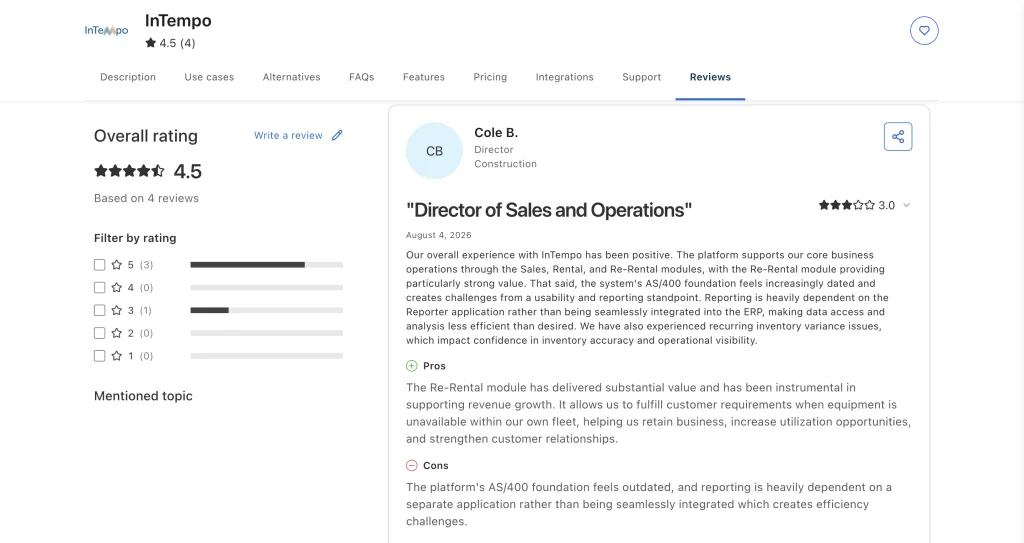
Capterra rating: 4.5/5 (4 reviews). Reviewers highlight InTempo’s rental and inventory management capabilities, reporting functionality, and ease of use. Some users report challenges with technical support, reporting workflows, and navigating the system’s extensive features.
Which equipment rental availability software fits your workflow?
The right equipment rental availability software depends on how your business manages reservations, equipment locations, and customer bookings. Here are some options to consider based on your operational priorities:
- For faster availability checks at the rental counter: Consider EZRentOut, Rentman, or MCS Rental Software. These platforms provide availability lookup or allocation views that help staff respond to booking inquiries without manually reviewing inventory records.
- For online equipment reservations: Point of Rental, Quipli, and Booqable are worth evaluating if you want customers to check availability and book equipment online. Compare how each platform handles unavailable items, booking confirmations, and inventory updates.
- For equipment availability across multiple locations: Texada, Wynne RentalMan, and Baseplan support rental operations across branches. Evaluate how easily staff can locate equipment at another site and account for transfers before confirming reservations.
- For maintenance-related availability restrictions: EZRentOut, Booqable, and Quipli offer maintenance-related availability controls. Check which equipment statuses affect bookings and whether restrictions are applied automatically or require configuration.
- For equipment kits and rental packages: Consider Booqable, Rentman, or EZRentOut. Verify how each platform handles component-level availability and what happens when an item within a package is unavailable.
Once you have identified the platforms that match your workflow, narrow your shortlist to two or three options for a practical evaluation.
How to test equipment rental availability software before buying
A product demo can show how availability features work, but it may not reveal how the software handles unexpected changes during daily rental operations.
Before committing, consider running a 2–4 week pilot using actual rental scenarios. Set up a sample inventory that includes individually tracked equipment, bulk stock, multiple locations, and equipment requiring maintenance.
Focus on the following tests:
| Test scenario | What to verify |
| Overlapping reservations | Confirm that the software identifies shortages or prevents conflicting bookings according to your configured rules. |
| Rental extensions and overdue returns | Extend an active rental into another reservation period and check whether availability updates and conflicts are flagged. |
| Equipment maintenance | Place an item on maintenance hold and verify that its bookable availability changes as expected. |
| Multi-location inventory | Check whether availability differs by branch and updates correctly when equipment is transferred. |
| Equipment bundles | Reserve a package with an unavailable component and verify whether the system identifies the shortage. |
| Online booking synchronization | Make an internal reservation and check whether customer-facing availability reflects the change. |
Document the results, including any manual workarounds, unexpected availability calculations, or delays in inventory updates.
Also establish clear policies for overdue equipment, booking overrides, and interbranch transfers. Even software with accurate availability calculations can create operational conflicts if staff follow inconsistent reservation rules.
The goal is to determine whether the platform can handle your actual equipment rental workflows reliably, not simply whether it offers the required features.
Choosing the best equipment rental availability management software
The best equipment rental availability management software is the one that helps your team make accurate booking decisions without unnecessary manual checks.
Prioritize platforms that match your rental workflows, support your equipment types, and account for the conditions that affect availability. Pay particular attention to how they handle overlapping reservations, maintenance restrictions, overdue returns, and inventory across locations.
Before making a final decision, compare your shortlisted platforms using the same test scenarios. Choose the solution that provides the most reliable availability information, fits your operational requirements, and allows your team to manage bookings efficiently as your rental business grows.