


EZO Government Asset Management Software

Government Asset Management Software

Keep Public Equipment Accountable and Ready

Connect property records, custody, maintenance, work orders, and lifecycle history across departments and sites. Help state, local, and federal operations teams reconcile assets, prepare for audits, and keep equipment ready.

No Credit Card Required
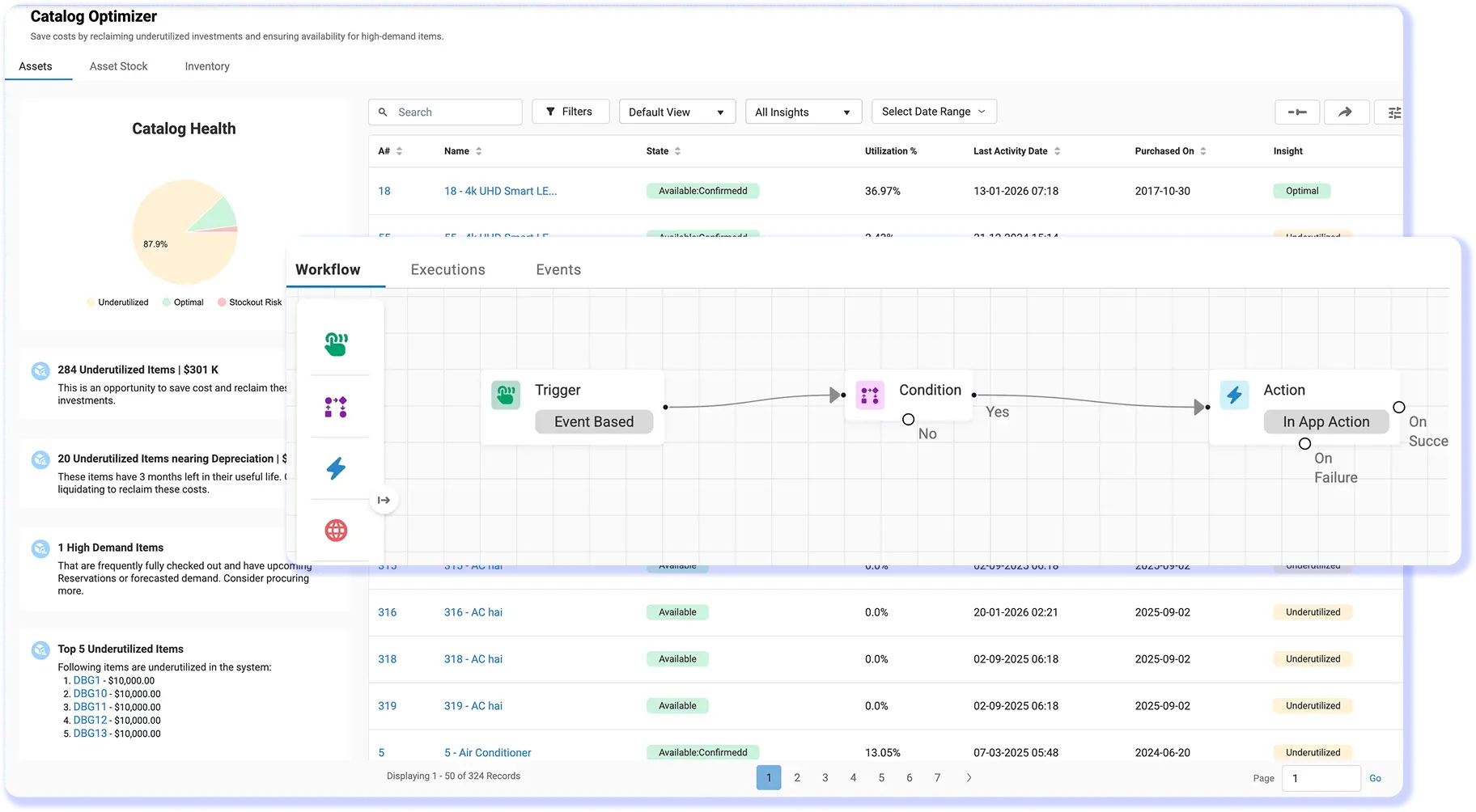
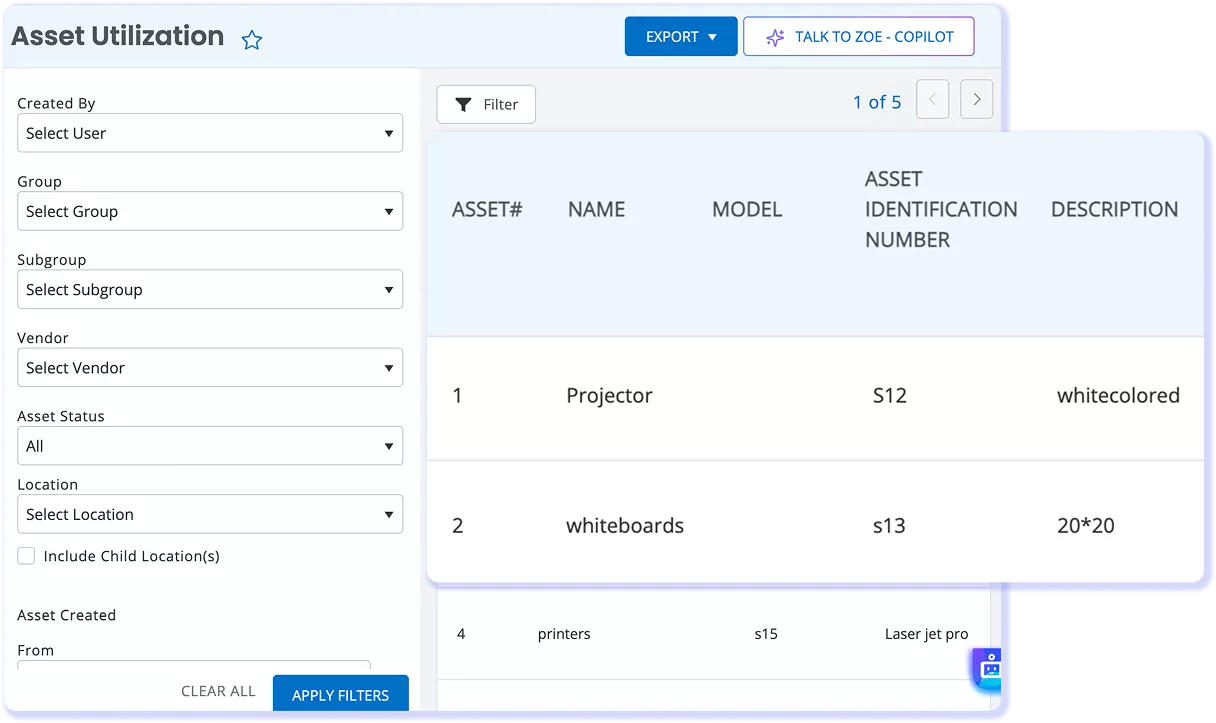
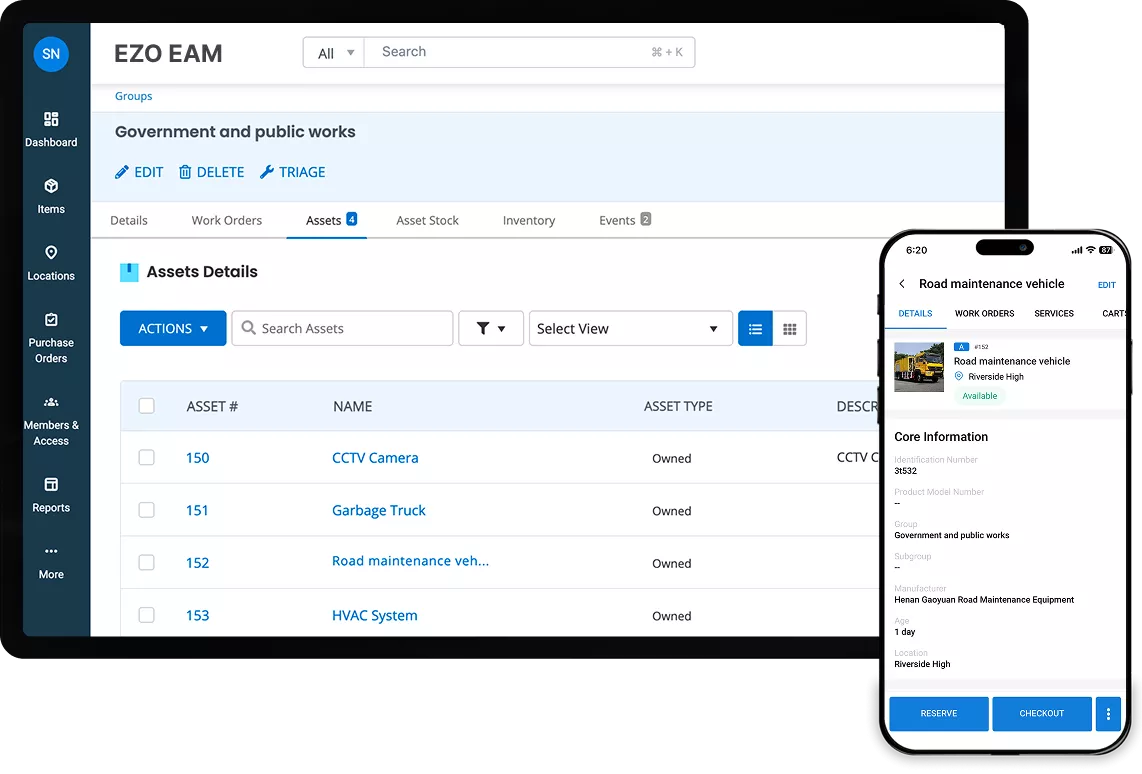
Government asset management software tracking public works equipment, custody, maintenance, and asset records in EZO EAM.

Trusted by Public Sector Operations Teams

When Public Asset Records Fall Behind Operations

Government teams rely on aging databases, paper logs, and institutional knowledge. That makes it hard to tell where equipment is, how old it is, or when it may fail.

Property Records Drift From Reality

Asset registers, departmental files, and physical equipment fall out of sync as assets move. Audit preparation then becomes a manual search for locations, custodians, transfers, and retirement records.

Equipment Write-Offs Become the Norm

When teams cannot locate assets during reconciliation, they may write off equipment before recovering it. Over time, unresolved losses can become a recurring entry in disposition reports.

Maintenance Work Falls Behind

Keeping schedules separate from equipment records makes it harder to see what is due, what is in service, and what can return to work. Gaps become visible when equipment is needed or records are reviewed.

Oversight Reports Take Too Long

Leadership, Finance, and auditors need answers about location, condition, utilization, and cost. Separate departmental records force teams to reconcile data before they can respond.

Control Every Stage of Public Equipment Operations

Manage Public Equipment Through Connected Workflows

PROPERTY ACCOUNTABILITY & AUDITS

Stay Audit-Ready, Year-Round

Keep public equipment records connected across departments, sites, and custodians. During an audit, property teams can verify physical assets against current records, investigate missing or mismatched items, and retain a documented history of transfers, maintenance, and lifecycle changes.
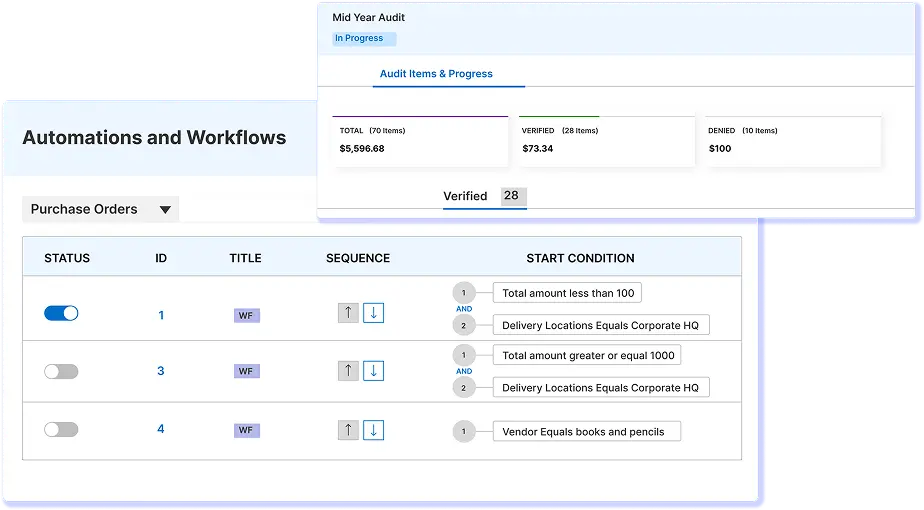
EZO EAM automation workflows and audit progress dashboard with purchase order rules and verification status
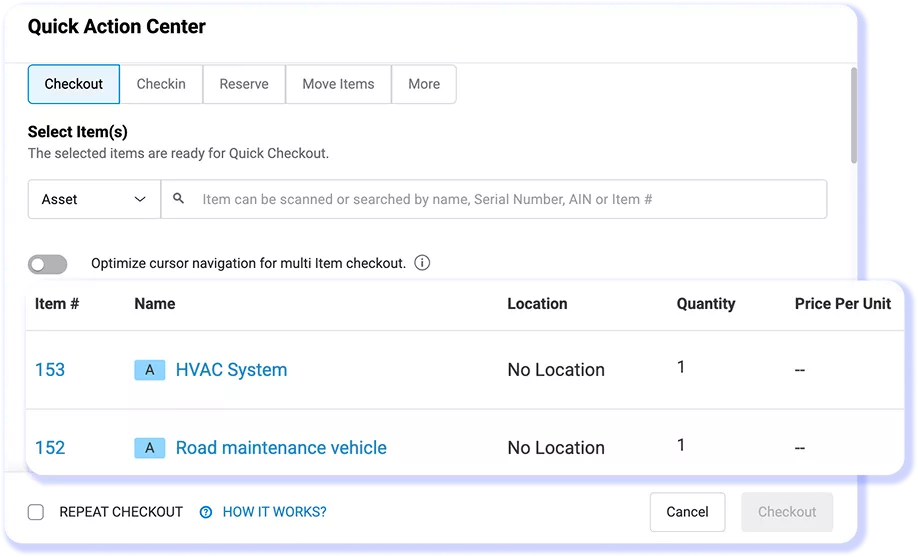
Asset fulfillment dashboard showing check-ins, checkouts, custodians, and return dates.

CUSTODY & FIELD OPERATIONS

Follow Equipment Across Every Handoff

When public equipment moves between departments, facilities, field crews, or emergency response teams, staff can record each assignment, checkout, return, or transfer. Authorized teams can confirm its custodian, location, and availability while retaining a documented history of every handoff.

MAINTENANCE & READINESS

Review Service Status Before Reassignment

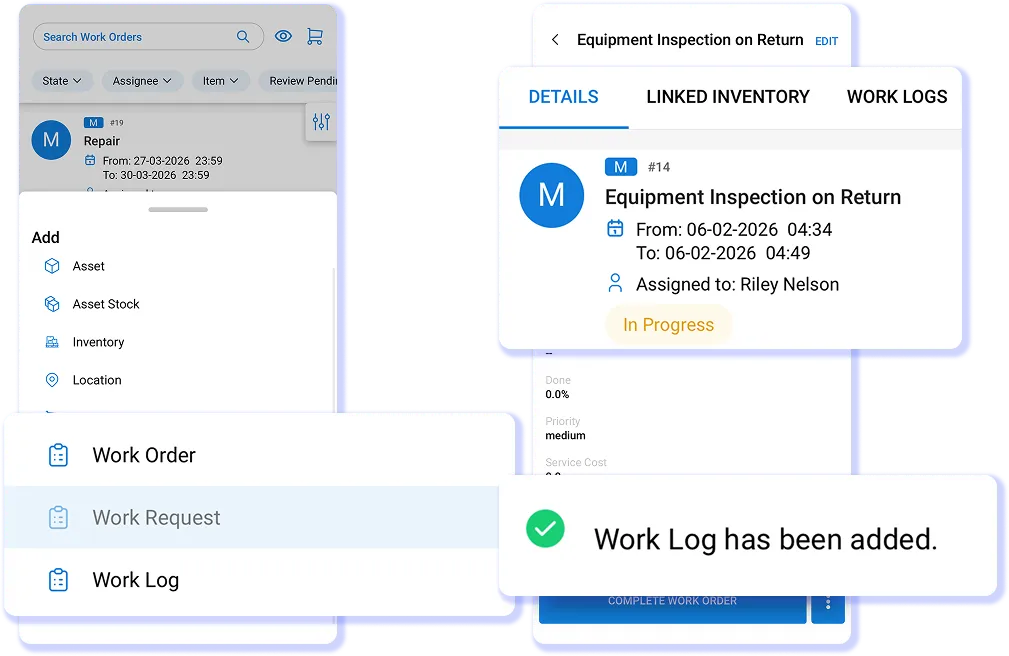
Make equipment readiness part of the return process. When you configure Service Triage, you can route checked-in assets for inspection or maintenance before they become available again, helping teams avoid reassigning equipment with unresolved service needs.
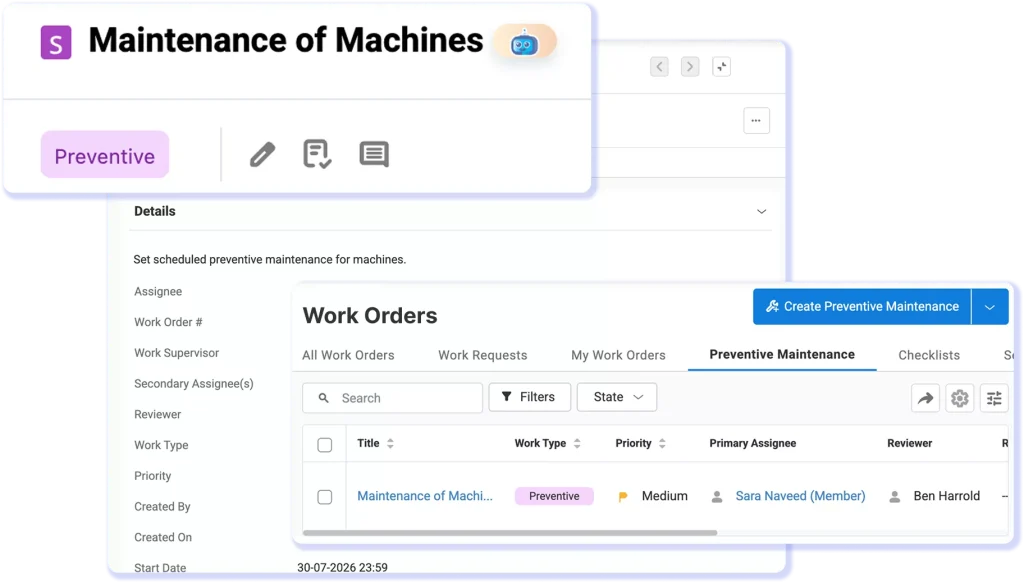
Mobile equipment inspection work order in EZO

SYSTEMS & OVERSIGHT

Keep Operational and Financial Records Aligned

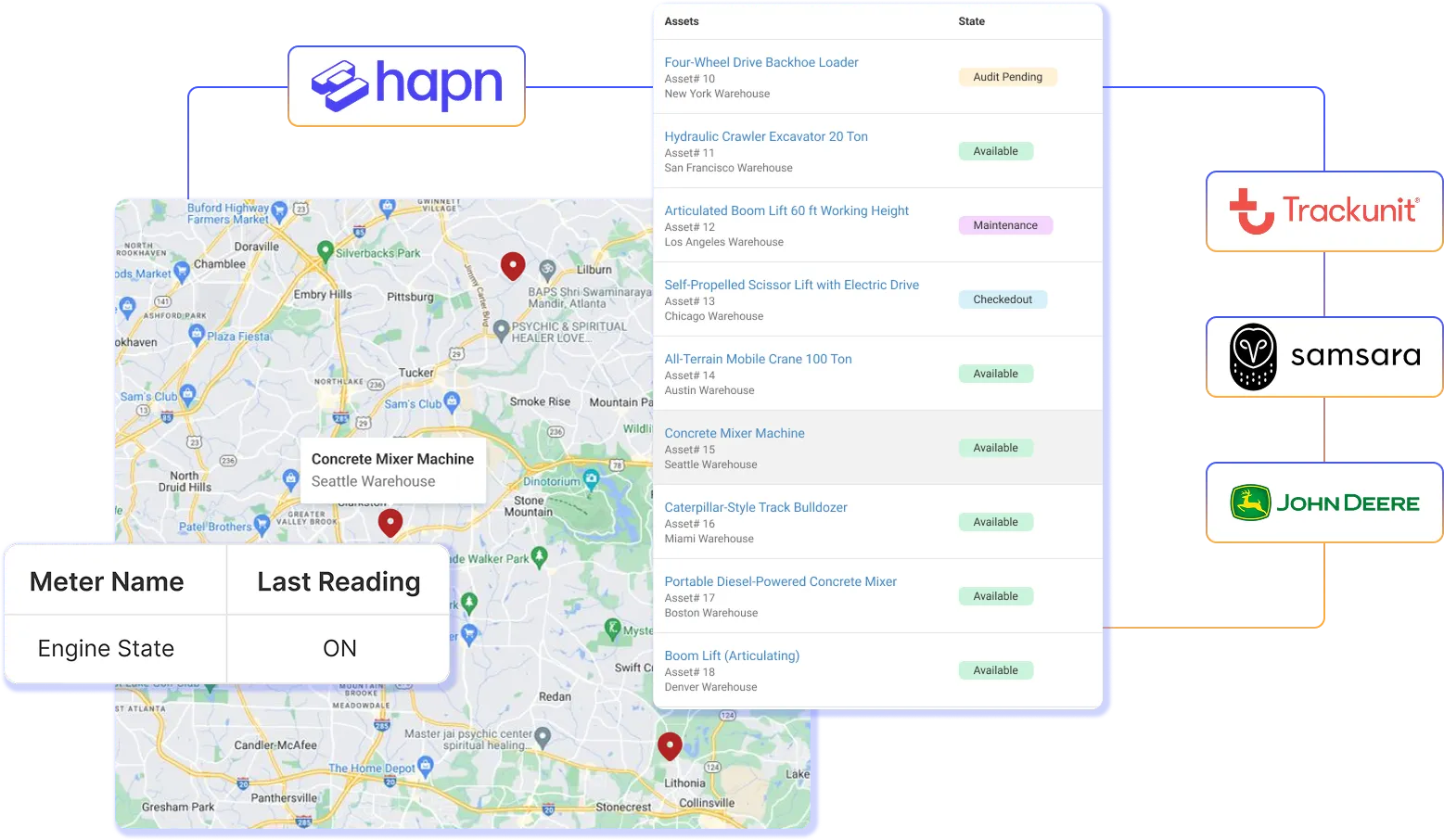
Connect EZO EAM with supported finance, identity, and service systems so departments can work from consistent asset information. Agencies can retain purchasing and financial records in their ERP while using EZO EAM to manage equipment custody, location, availability, and maintenance history.

Bring Accountability and Equipment Readiness Into One System

Measure the Outcomes Government Operations Teams Need to Improve

2,000+ hours

Saved Annually via Automation

Up to $200K

Cost Savings Annually

100%

Increase Operational Efficiency

Township of Hamilton Keeps Rescue Gear Service-Ready

The Township of Hamilton Dive Team, an all-volunteer water rescue and recovery team in New Jersey, needed a better way to manage critical gear and servicing. Its small team oversees scuba, ice rescue, swift-water, and boating equipment.

With EZO EAM, it created digital records for 126 items, added barcode labels, and used mobile scanning to capture details, location, custody, and condition. Custom fields and alerts track recurring inspections and service dates, while inventory records keep smaller consumables visible without individual tags. The team can plan maintenance, support funding requests with current records, and keep mission-critical gear ready for use.

What Public Sector Operations Teams Say

Frequently Asked Questions

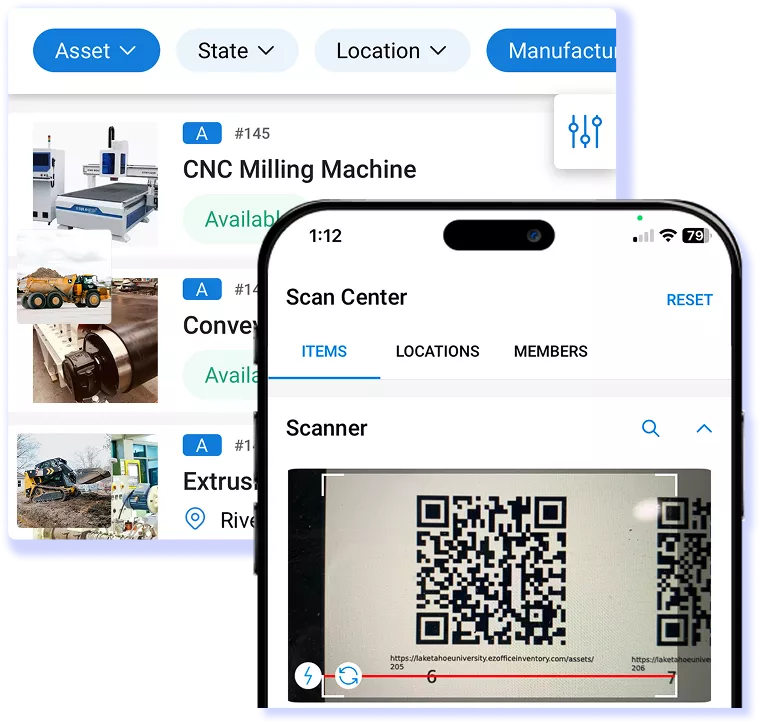
EZO EAM helps government agencies verify what property they hold, where it is, and who is responsible for it. Centralized asset records retain identifiers, locations, custody details, condition, and transaction history. With location and custody audits, designated auditors can scan barcode labels to check property against recorded locations and quantities, while custodians confirm possession of checked out items. These workflows help teams identify discrepancies and gather evidence for property accountability reviews.

Agencies still define their audit scope, resolve discrepancies, and determine whether the system meets their internal control and reporting requirements.

Yes. EZO EAM centralizes asset records across government departments and sites, with locations and sub-locations showing where equipment belongs and custody records identifying who holds it. Teams can track asset movements and conduct location and custody audits to verify property across offices, storage facilities, and field locations. This shared record helps departments coordinate asset oversight and investigate discrepancies.

EZO EAM tracks shared equipment through check-ins, checkouts, and custody transfers. At a shift handoff, the incoming employee can take custody of equipment already checked out to another user, keeping responsibility recorded as it changes hands. Transfers can include location details and signatures, with optional admin approval. Supervisors can review transfer history to trace handoffs and confirm who currently holds each item.

EZO EAM supports public works equipment maintenance with recurring schedules based on dates, usage, or meter readings. Teams can assign work orders and use maintenance inspection checklists to standardize checks across crews. Findings, photos, parts, costs, and completed work stay linked to each asset, helping managers plan follow-up repairs and review service history. Full preventive maintenance and work order functionality requires the CMMS add-on with Premium or is included with Enterprise.

EZO EAM can manage vehicles, machinery, power tools, cameras, computers, furniture, and other operational equipment, along with spare parts and consumable supplies. Its three item types support different tracking needs: Assets for individually tracked equipment, Asset Stock for interchangeable reusable items tracked by quantity, and Inventory for supplies consumed during use. This lets teams manage equipment custody and supply levels in one system.

Yes. EZO EAM supports government equipment from procurement and assignment through maintenance and retirement. Teams can retain purchase orders, vendor details, custody records, locations, service history, and lifetime costs through asset lifecycle management. This connected history helps agencies review equipment use, plan replacements, and document retirement decisions. Full preventive maintenance and work order functionality requires the CMMS add-on with Premium or is included with Enterprise.

EZO EAM connects with identity providers through SAML single sign-on and supports user provisioning through Microsoft Entra ID and Okta. Service desk integrations, including Zendesk, connect equipment records with support workflows. For government finance or other agency-specific systems, its REST API supports custom connections; the records exchanged, sync direction, and update frequency depend on the implementation.

Government agencies should evaluate data hosting and residency, encryption, user permissions, SSO and MFA requirements, audit logging, backups, incident response, and data retention and deletion. EZO publishes security documentation covering SOC 2 Type 2, ISO 27001, and TX-RAMP Level 1 and 2; agencies should request current evidence and confirm its scope applies to EZO EAM and their intended use. These credentials do not establish FedRAMP authorization or agency-specific approval.

Implementation involves organizing departments and sites, preparing and importing equipment records, configuring user permissions and SSO, and setting up labels, custody workflows, audits, and maintenance where required. EZO’s setup process supports bulk imports, custom fields, and location hierarchies. Agencies should also plan security review, integration testing, staff training, and a pilot before wider rollout. Timing depends on data quality, scope, integrations, and agency approvals.

Resources for Government Asset Management Teams

Manage Public Assets With Greater Accountability

Connect custody, maintenance, lifecycle, and audit records across departments so teams can keep public equipment ready and make reconciliation easier.