Key Takeaways:
- Asset-aware incident management gives technicians device history, warranty status, and service records so they can make better repair decisions.
Linking an asset to a ticket is not enough; technicians need relevant lifecycle context without extensive manual lookups.
Automatic device association is more common for endpoint-generated incidents than employee-reported issues.
Accurate device discovery and ownership records determine how reliably asset context appears in incident tickets.
Incident resolutions should update asset records so future technicians can identify recurring failures and previous repairs.
Compare incident management platforms using the same real-world ticket to assess context accessibility and workflow efficiency.
Repair-or-replace decisions should consider warranty coverage, accumulated repair costs, recurring incidents, and device age.
Most incident management software can tell a technician what the user reported. Far fewer can also show whether the device is under warranty, how often it has failed, which repairs were already attempted, and whether another repair still makes sense.
For IT Operations teams where hardware history shapes the fix, six platforms are worth evaluating in 2026: AssetSonar, Freshservice, ServiceNow, ManageEngine ServiceDesk Plus, InvGate, and NinjaOne.
This list ranks them by one standard: how much asset context reaches the incident, how it gets there, and whether the outcome is written back to the asset record for the next technician. It does not rank overall ITSM maturity. AssetSonar ranks first because its documented incident workflow brings warranty, service history, installed software, and prior incidents for the linked device into the ticket, within one per-asset ITSM plan.
What makes incident management software asset-aware?
Asset-aware incident management puts the affected device’s technical, warranty, service, and incident history inside the ticket, at the point where the technician decides what to do next. Five capabilities separate it from a ticket with an asset field:
- Device identification: the system knows, or narrows down, which device is involved without asking the user.
- Technical context: model, OS, installed software, configuration, and patch state.
- Warranty and service history: coverage status, prior repairs, service providers, and costs.
- Previous incidents: earlier tickets on the same device, so repeat failures are visible.
- Closed-loop history: incident updates the asset record.
Four levels of asset context
| Level | What the technician gets |
| 1. Asset link | A device can be associated with the incident. |
| 2. Asset context | Technical details are readable from the incident. |
| 3. Lifecycle context | Warranty, service history, age, ownership, and past incidents inform the decision. |
| 4. Closed-loop context | The incident’s outcome enriches the asset record for future troubleshooting. |
How the asset gets attached matters as much as what appears afterward. In this comparison, automatic means the system links the device without technician action, suggested means requester or device data narrows the options and the agent confirms, and manual means the agent searches and links. Most platforms surface context only after the link exists.
Incident management software comparison at a glance
AssetSonar and ServiceNow bring the most lifecycle context into the incident; NinjaOne links devices most automatically for managed endpoints.
| Platform | Best for | Asset association | Warranty context | Service history | Previous incidents per device | Lifecycle context |
| AssetSonar | Native ITAM and ITSM context | Suggested from requester’s assigned items, or manual | Dell, HP, Lenovo sync; Apple via Apple Business Manager | Service and maintenance events with costs | Available on linked device | Strong |
| Freshservice | Cloud ITSM with integrated ITAM | Manual (Associate Asset) | Warranty field on asset record | Not detailed in public docs reviewed | Tickets listed on asset | Cost and warranty on asset |
| ServiceNow | Enterprise ITSM, HAM, and CMDB | Affected CIs list | Asset record or attached contract | HAM repair workflows | Available via CI | Strong; closed loop on resolve |
| ManageEngine ServiceDesk Plus | ServiceDesk Plus asset administration | Manual; Lansweeper widget option | Warranty expiry field on asset | Not detailed in public docs reviewed | Not detailed in public docs reviewed | Acquisition date and cost on asset |
| InvGate | Mid-market ITSM and ITAM | Ticket-to-CI linking; users can attach | Asset fields shown in requests | Asset history from ticket view | Strong | Hardware and software lifecycle tracking |
| NinjaOne | Endpoint-led IT operations | Often automatic for managed endpoints | Dell, HP (non-Enterprise), Lenovo, Microsoft, Toshiba sync | Asset history in ticket | Device-level ticket dashboards | Refresh planning, warranty alerts |
Ratings reflect public vendor documentation and integration pages checked November 3, 2026. “Not detailed” means the reviewed sources did not describe the capability, not that it is absent. Packaging and plan availability change over time.
The 6 best incident management platforms for asset-aware IT support
1. AssetSonar: Best for incident management built on native IT asset lifecycle context
Why it stands out: AssetSonar ITSM runs on the same IT asset records used for hardware, software, warranty, maintenance, and lifecycle decisions. AssetSonar incident management tickets include the device model, OS, software, location, and prior incidents.
How asset context reaches the incident: Agents attach an item while creating a ticket or link one later from the ticket’s Items tab, where Requester Items lists the devices already assigned to that user. Once linked, the ticket shows the device’s status, specifications, warranty, and previous incident history (AssetSonar docs). That is a suggested model with agent confirmation, followed by post-link context.
Warranty and maintenance: AssetSonar warranty integrations sync coverage for Dell, HP, and Lenovo devices, and for Apple devices through Apple Business Manager. Service and maintenance events, including costs, are recorded on each asset, and technicians can act on linked items from the ticket.
Consider before buying: Confirm which asset fields appear in the ticket workspace without opening the asset record, and how AI diagnosis uses device history for your ticket categories.
See asset context inside the ticket. Watch AssetSonar connect an incident to the hardware, software, warranty, and service records a technician needs before choosing a fix. Talk to an expert
2. Freshservice: Best for established ITSM teams wanting integrated ITAM and CMDB
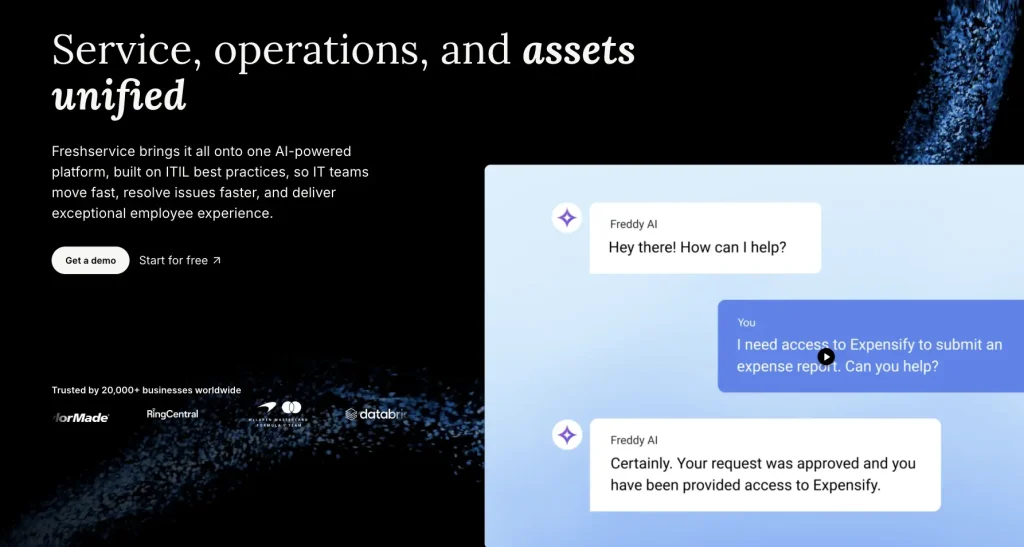
Why it stands out: Freshservice is a mature cloud service desk with asset management in the same suite. Its asset impact feature can raise an incident’s impact when it’s linked to a higher-impact asset.
How asset context reaches the incident: Agents select Associate Asset under the ticket description and pick the item, and the ticket then appears in the asset’s request list (Freshservice docs). Asset impact applies only to incident and alert tickets.
Consider before buying: Ask how much warranty and repair history is visible inside the incident versus one click away on the asset record.
3. ServiceNow: Best for large enterprises running deep ITSM, HAM, and CMDB workflows
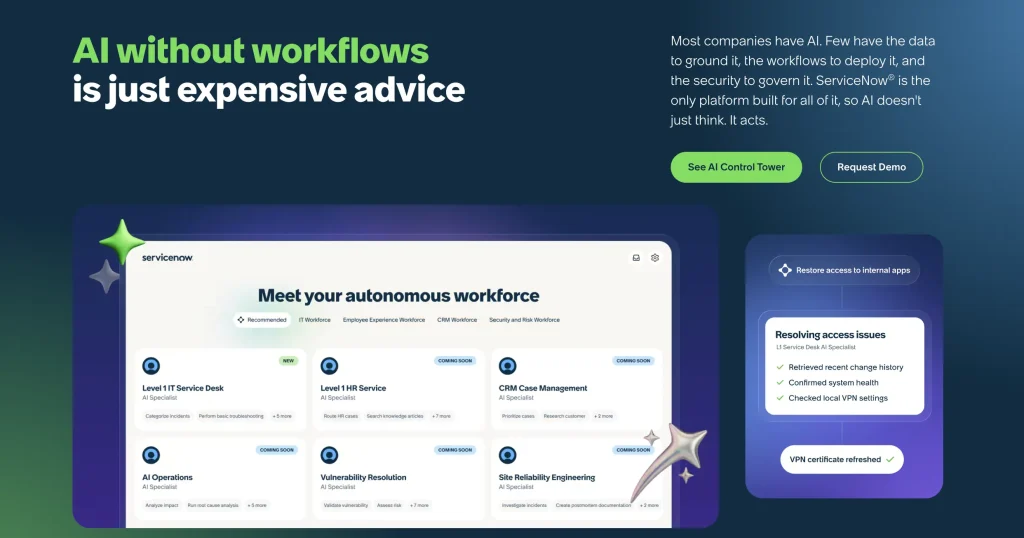
Why it stands out: ServiceNow connects Incident, the CMDB, and Hardware Asset Management. Before resolving, an agent records an asset action on each affected CI (update or repair, swap, or retire), and the CI updates when the incident is resolved (ServiceNow docs). That is closed-loop context by design.
How asset context reaches the incident: Through the Affected CIs list, with warranty end dates held on the hardware asset record or on an attached contract (ServiceNow Community).
Consider before buying: Depth depends on licensing HAM alongside ITSM, CMDB data quality, and the administrative capacity to maintain those connections.
4. ManageEngine ServiceDesk Plus: Best for traditional service desk and asset administration together

Why it stands out: ServiceDesk Plus pairs ITIL service desk workflows with asset records that carry fields such as warranty expiry date, acquisition date, and purchase cost.
How asset context reaches the incident: Technicians associate the asset from the request. With the Lansweeper integration, Lansweeper asset details load in a widget inside the request, and technicians can search Lansweeper when no asset is automatically associated.
Consider before buying: An asset module does not prove lifecycle context reaches the technician. Verify in-ticket warranty visibility, device-level incident history, and which edition includes asset management.
5. InvGate: Best for mid-market teams prioritizing connected ITSM and ITAM
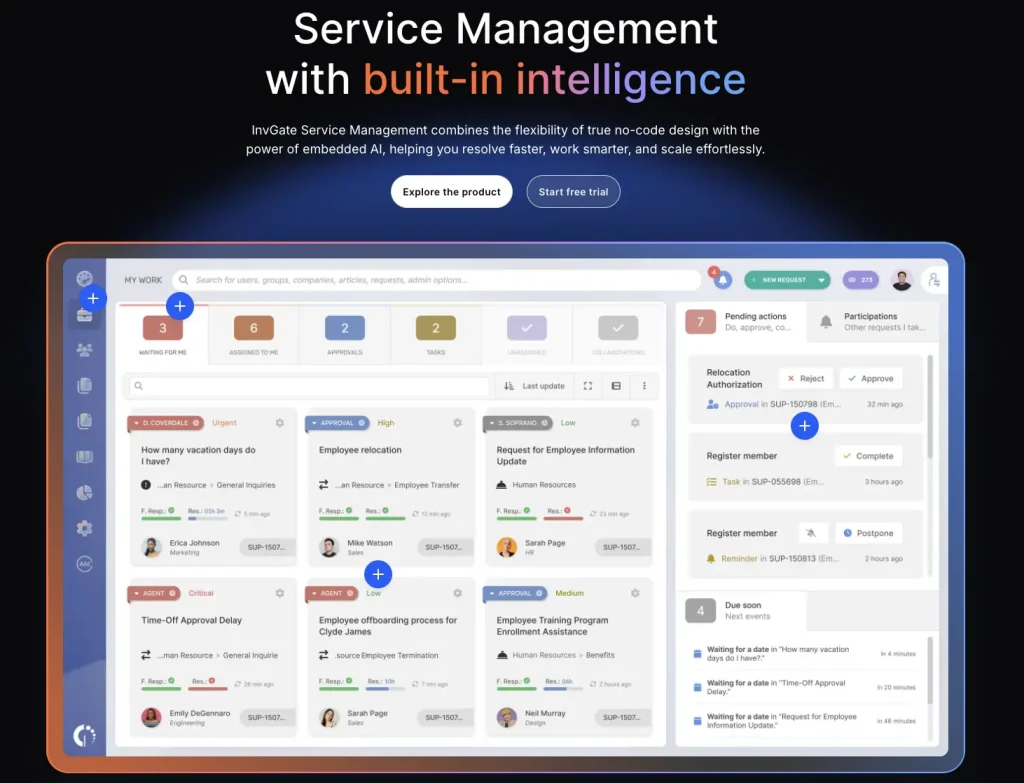
Why it stands out: InvGate Service Management links CIs to tickets and shows past incidents registered for a CI, which helps agents spot recurring problems.
How asset context reaches the incident: With InvGate Asset Management connected, agents see asset details, ownership history, and linked incidents from the ticket view, and end users can attach assets when submitting a ticket.
Consider before buying: ITSM and ITAM are separate products. Confirm licensing for both and how repair records surface in the ticket.
6. NinjaOne: Best for endpoint-centric IT teams that want ticketing close to device management
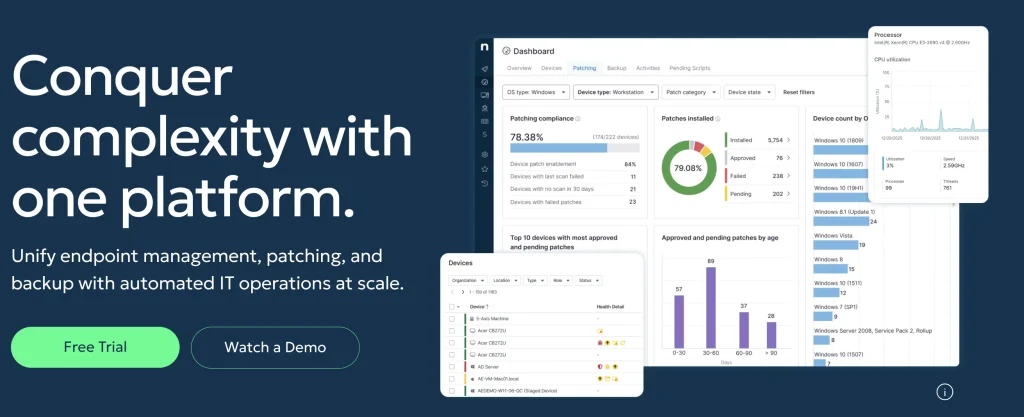
Why it stands out: NinjaOne starts from endpoint management. Tickets for managed endpoints are often mapped to the device automatically, and remote access, scripts, and app deployment run from inside the ticket (NinjaOne).
How asset context reaches the incident: Through the managed endpoint record. Device-level ticket dashboards filter tickets to each device, and warranty tracking syncs coverage for Dell, HP (non-Enterprise), Lenovo, Microsoft, and Toshiba devices with valid serial numbers.
Consider before buying: Assess problem, change, and service catalog depth, and how repair history is kept for devices without an agent.
Which incident management platform fits your environment?
- Choose AssetSonar if incident handling should draw on the same records used for hardware, software, warranty, and lifecycle decisions.
- Choose ServiceNow if you need enterprise HAM, CMDB, and ITSM architecture and can resource it.
- Choose Freshservice if ITSM process maturity comes first.
- Choose InvGate if CI-linked incident history is the priority.
- Choose ManageEngine ServiceDesk Plus if you already run ManageEngine tools.
- Consider NinjaOne if support is endpoint-first and automatic device mapping matters most.
How to test asset-aware incident management before you buy
Give every vendor the same ticket: “This laptop has stopped charging for the third time.” Ask them to show, in order:
- The device and the requester
- Warranty status
- Previous tickets on this device
- Repair and maintenance history
- Configuration and patch state
- Device age and refresh eligibility
- The resolution action: repair, swap, or escalate
- The asset record after the ticket closes
Classify each step as automatic, one click, manual lookup, another module, or an external system. The platform with the most steps in the first two categories gives technicians the most usable context.
Put AssetSonar through the asset-aware incident test
Bring a recurring hardware incident to a demo and see how much device and lifecycle context your technicians can access before deciding what to do next. Talk to an expert