








Meet the help desk that knows your IT from day one.

AssetSonar Features Itsm Service Catalog

IT Service Catalog

Receive Requests With Complete Device Context

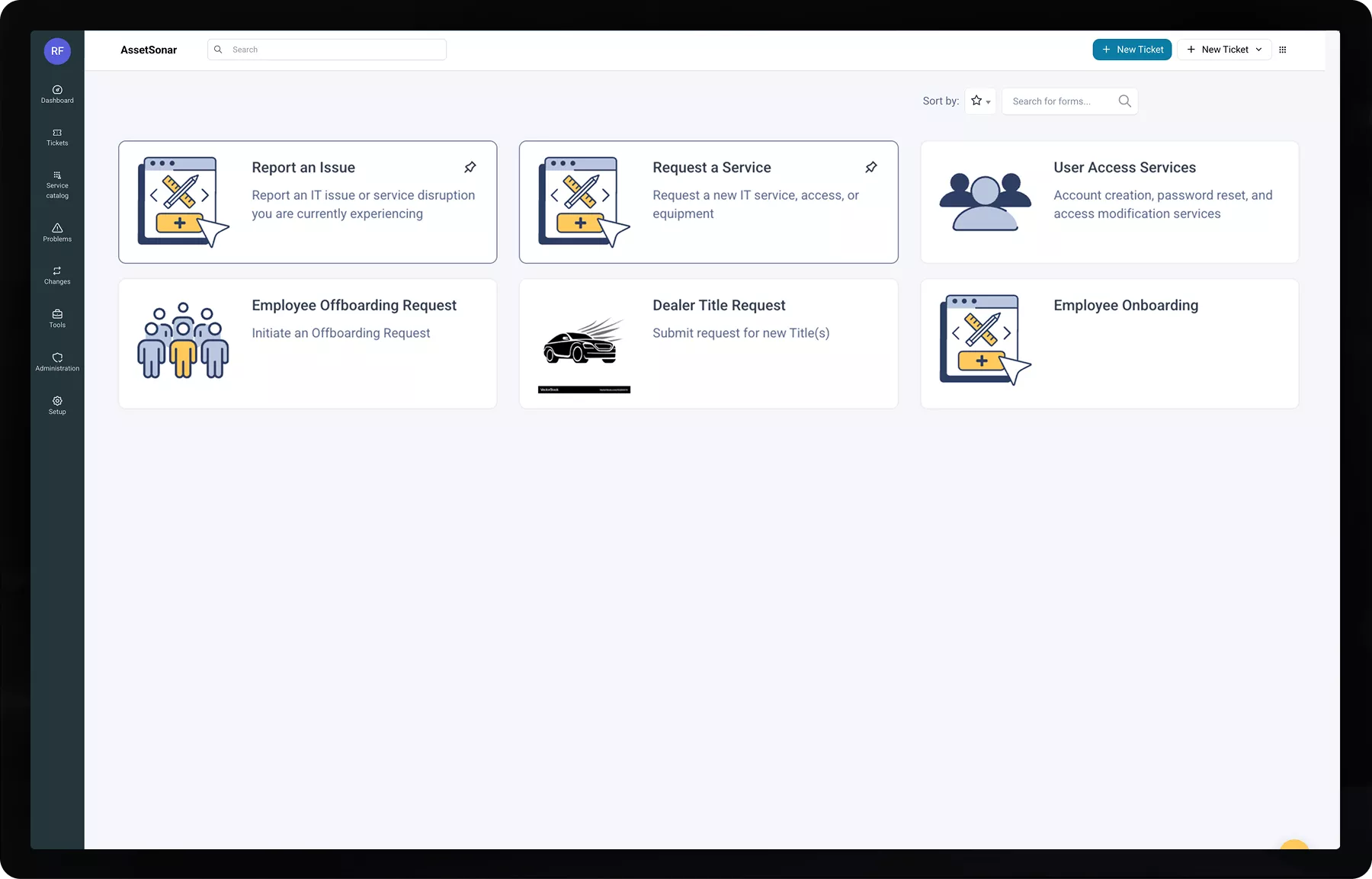
Built into AssetSonar ITSM, the IT service catalog lets admins define categories, create conditional forms, and set form visibility rules. IT gets the request details and device context needed to start fulfillment sooner.
Best Meets Requirements
AssetTracking HighPerformer Enterprise HighPerformer
best support-2026
Momentum-Leader.
No Credit Card Required
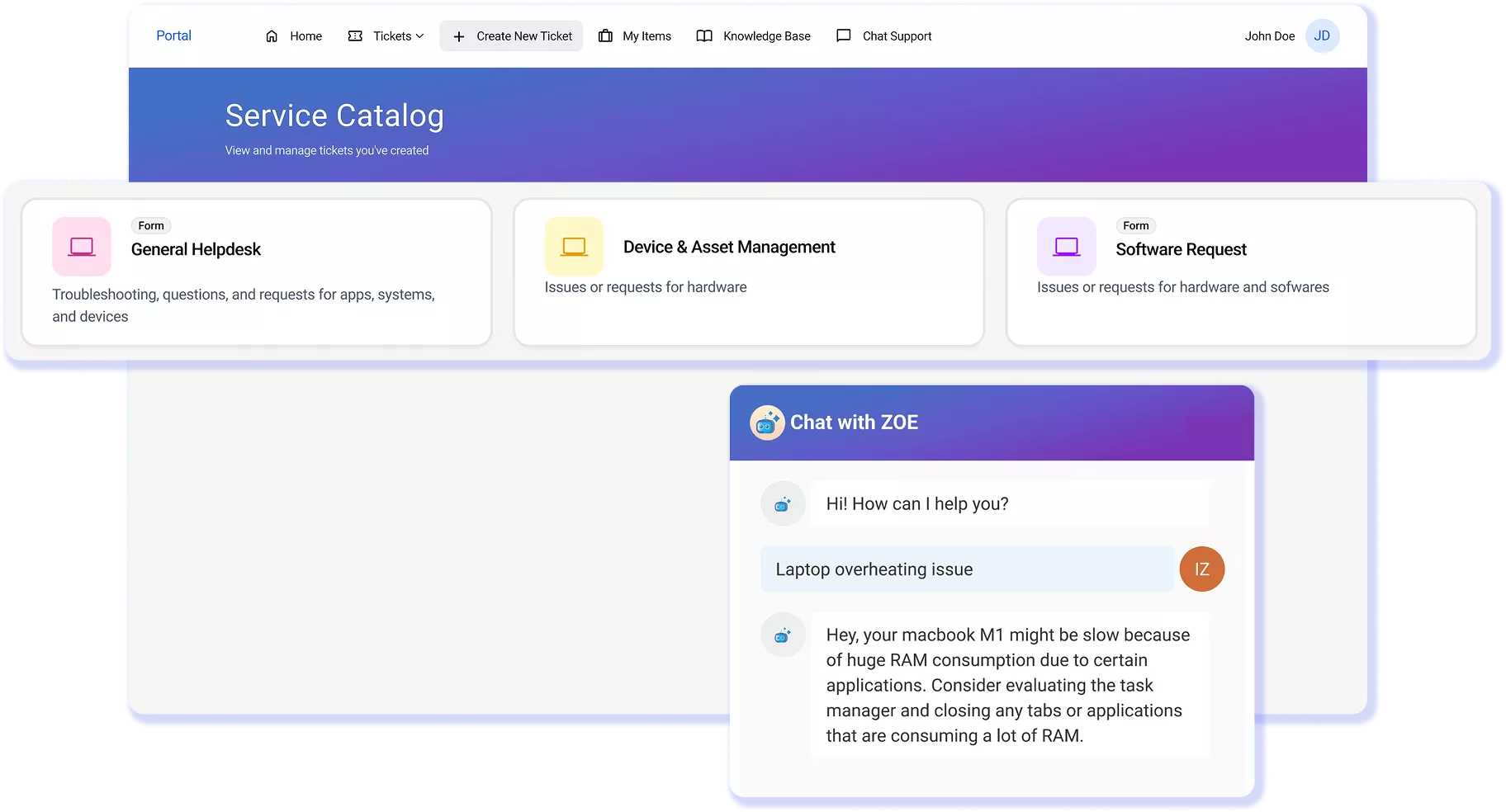
AssetSonar IT service catalog organizing requests for services, access, and equipment.

Proven Impact Across IT Teams

20%

Faster Ticket Resolution

90%

Automated Asset Discovery

100%

Automated CMDB Setup

A Service Catalog IT Can Control, And Employees Can Use

Build Forms That Fit Each Request

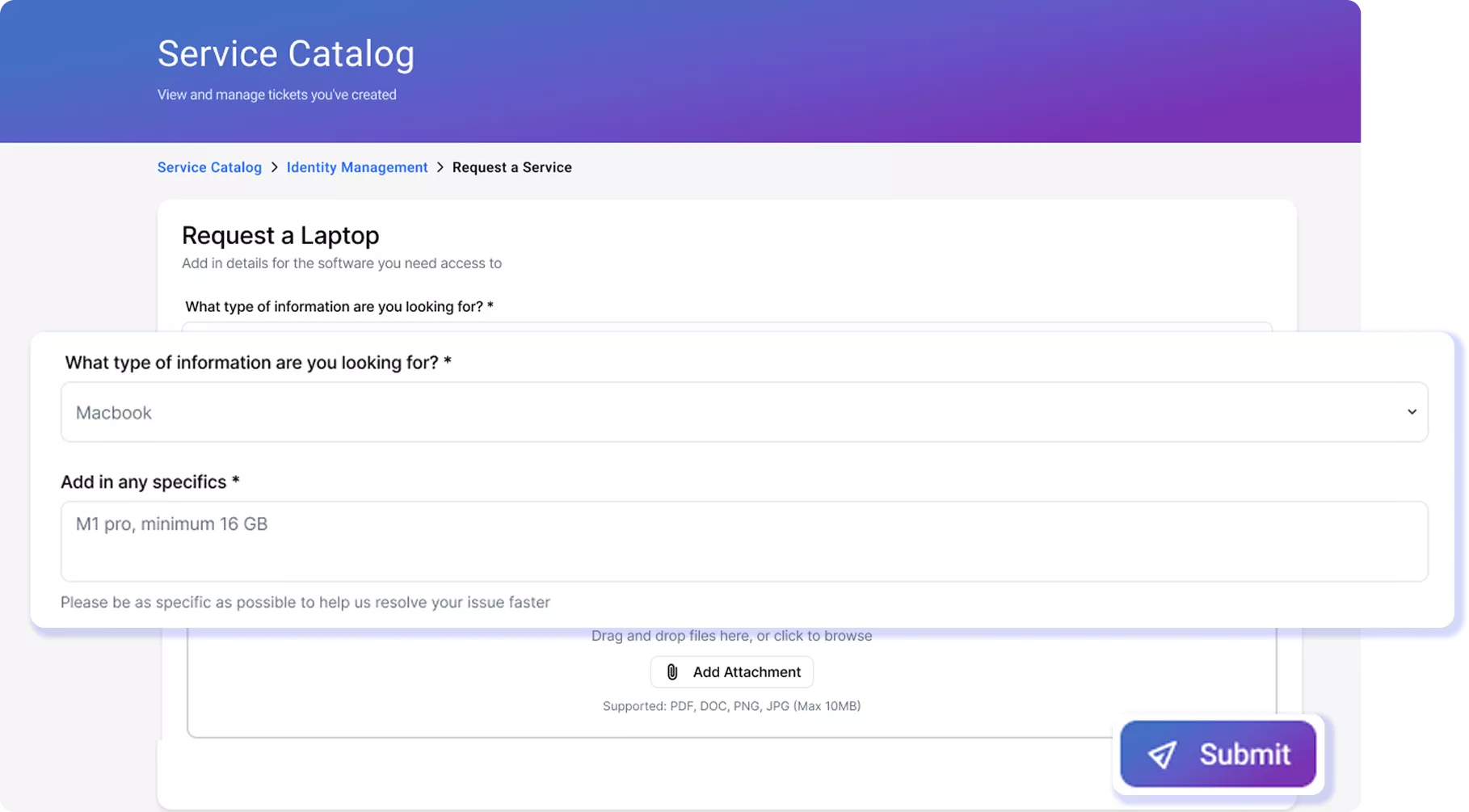
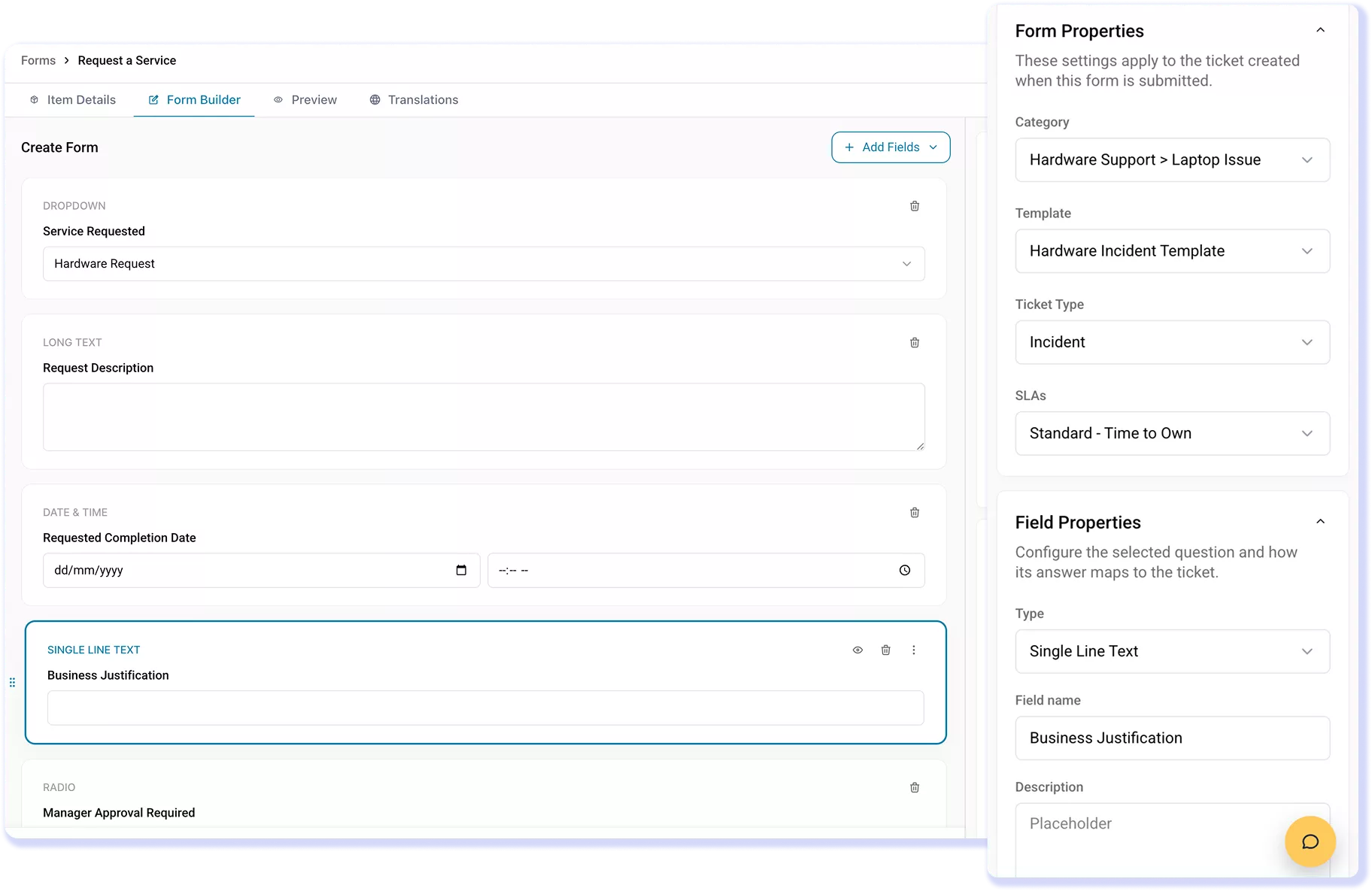
Give each service its own form and map responses to the resulting record, so IT has the details needed to start work rather than vague free-text requests.

Keep Every Form Short and Focused

Use conditional logic to show only the relevant follow-up fields, keeping hardware and software requests in a single catalog without burdening users.

Pull the Requester’s Own Devices

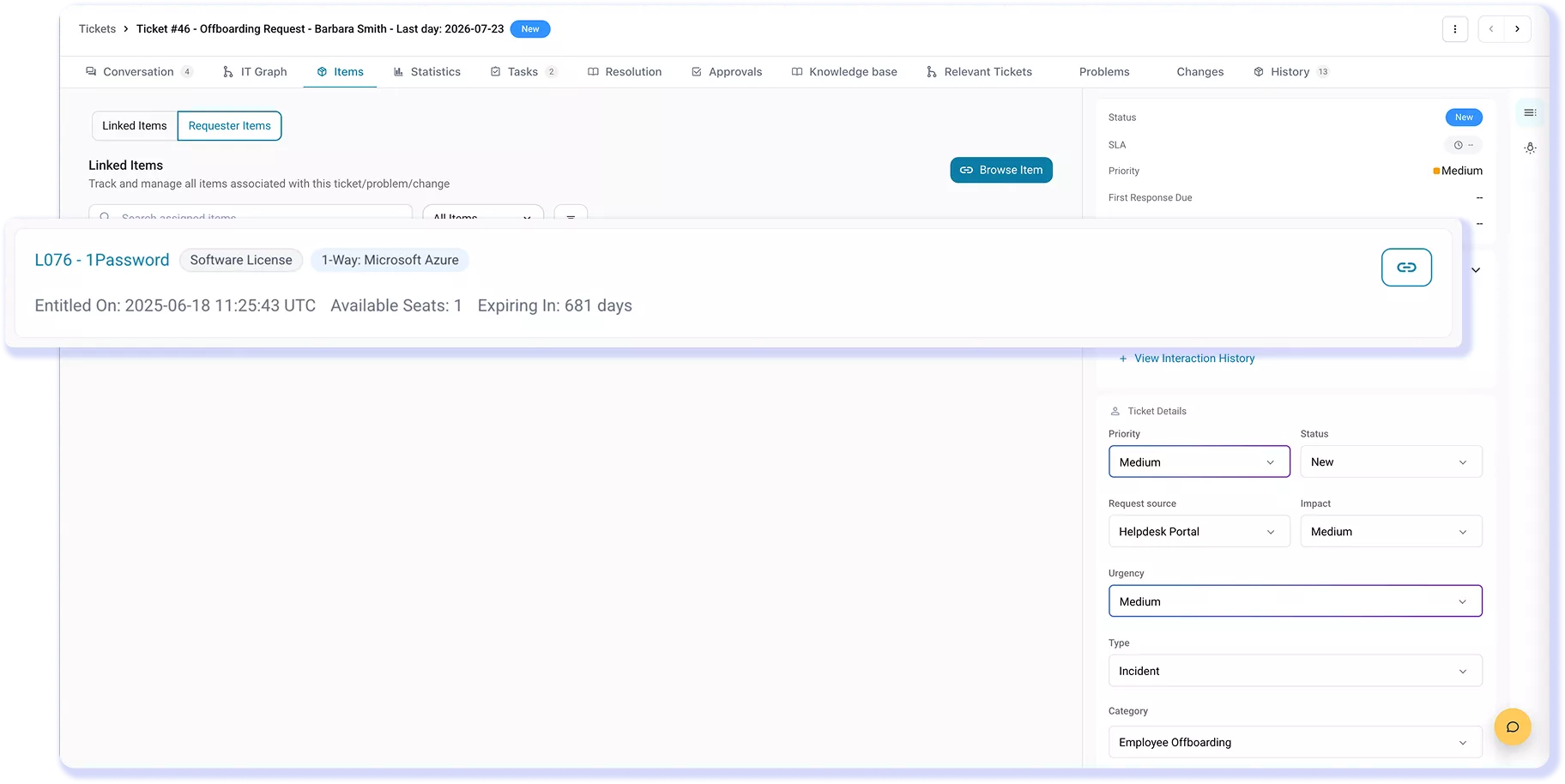
Use the asset selector to choose a device assigned to an employee and link it to the ticket, so IT can identify the affected device without follow-up.

Control Access to The Right Form

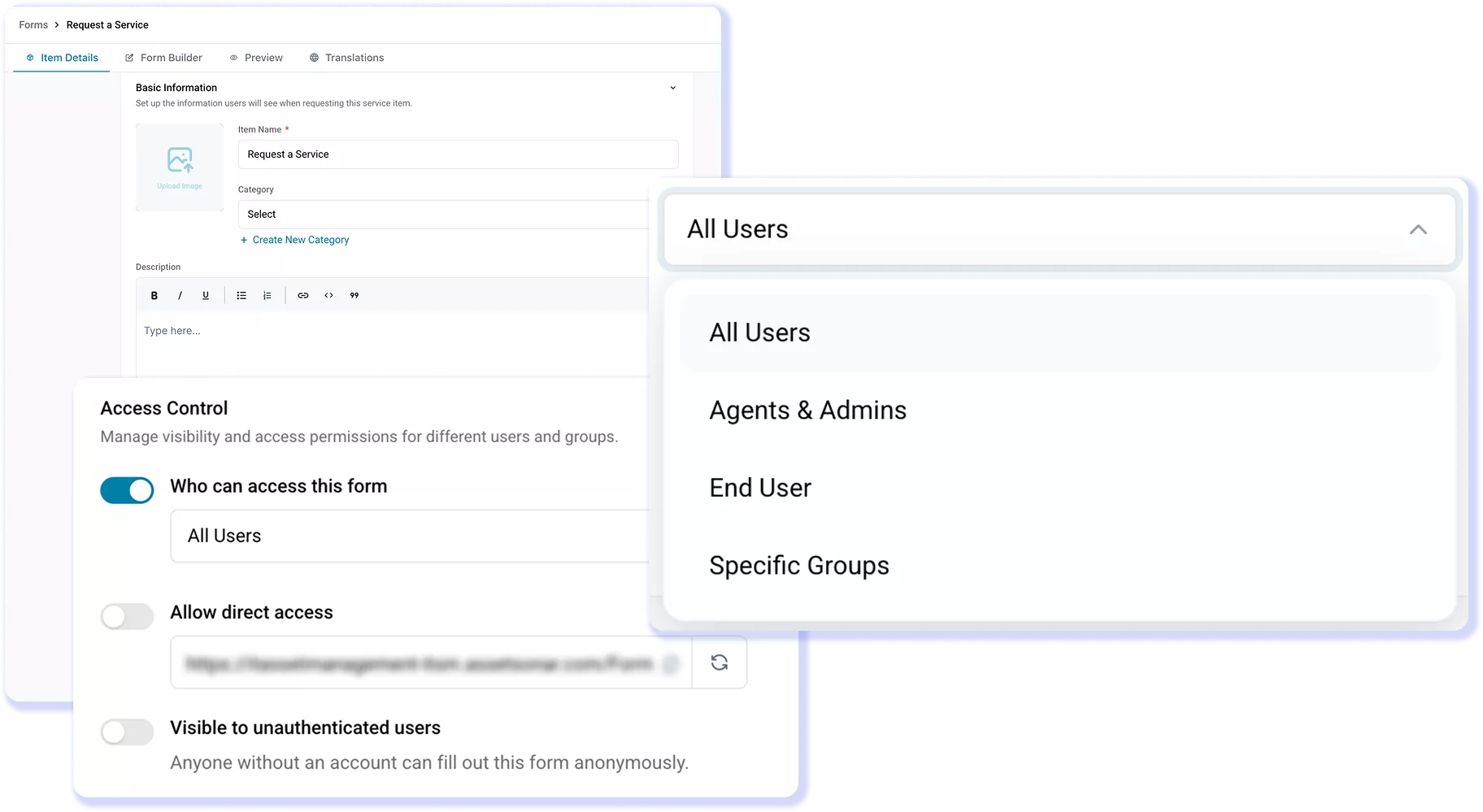
Limit each form to selected roles or groups, so employees see only relevant services and out-of-scope requests never reach the IT service desk queue.

Apply the Right SLA From the Start

Select a ticket template for each form to prefill the SLA when the ticket is created, so IT starts each request with the correct SLA rather than setting it after submission.

Map Form Answers to the Right Field

Map each question to a ticket field, such as the subject, description, or a custom field. AssetSonar places the submitted answers in the mapped fields when it creates the ticket.

Trusted by High-Performing IT Teams

See the Catalog Builder in Action

How IT Builds the Catalog and Routes Each Request

Customer Testimonials

Stop Parsing Requests. Start Fulfilling Them.

Explore More IT Service Catalog Resources

Frequently Asked Questions

Yes. Admins can use form access settings to make each form available to All Users, Agents & Admins, End User, or Specific Groups. For targeted access, select one or more ITSM Groups mapped from ITAM Teams. Only members of those groups can see and submit the form. This lets IT offer specialized services without showing every form to everyone.

No. When the form uses an Item response configured for User Devices, AssetSonar shows computers, phones, or monitors assigned to that requester rather than the full inventory. Selecting a device associates it with the resulting ticket, giving technicians direct access to the linked AssetSonar record and its available specifications and assignment details.

Yes. After submission, related work can be organized as parent-child tickets, with child tickets assigned to different technicians or teams and progress tracked from the parent. This supports requests such as onboarding, where device preparation, account access, and software tasks require separate owners while remaining part of a single coordinated request.

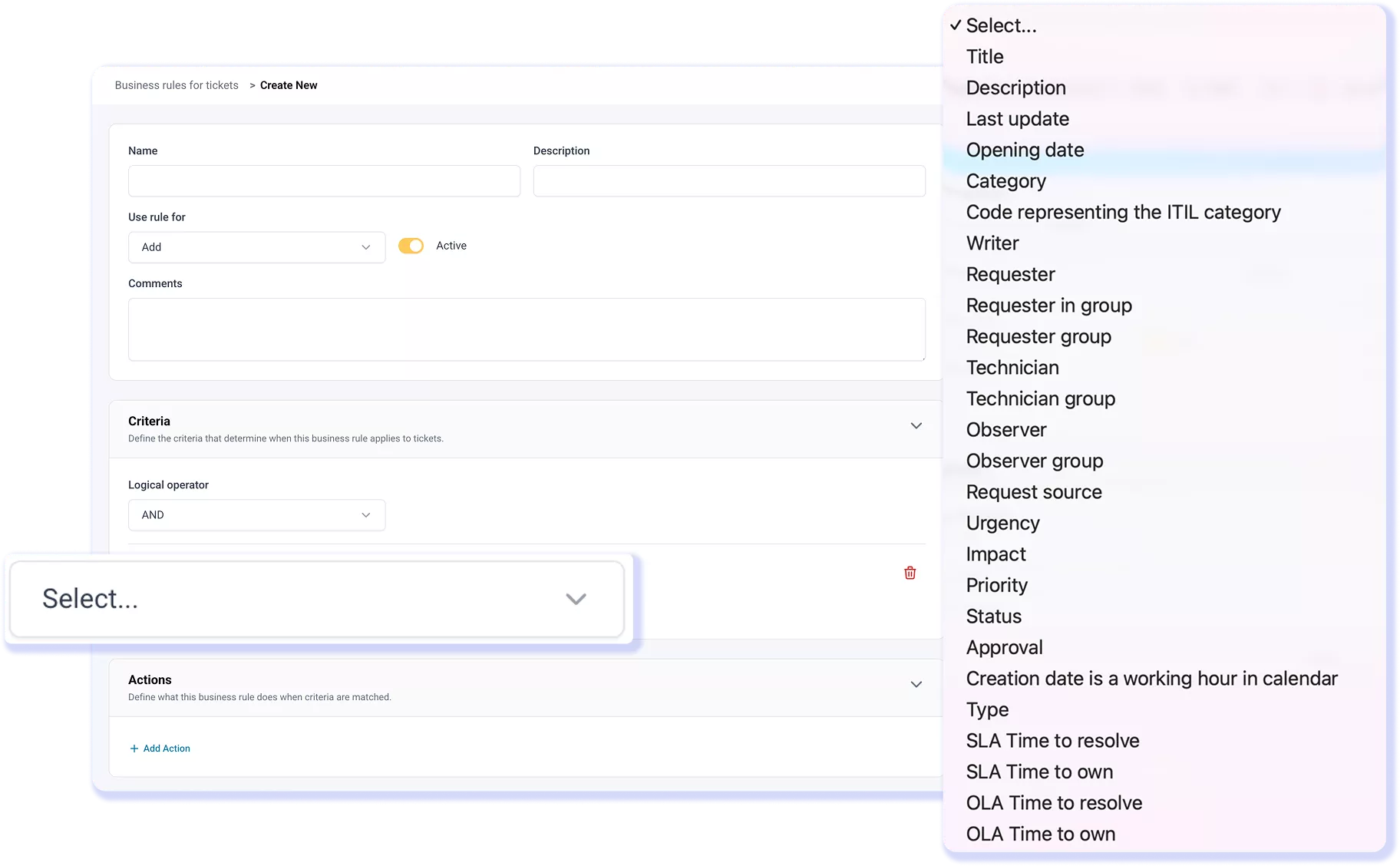
AssetSonar keeps routing rules and Smart Field Suggestions separate. Rules evaluate ticket attributes, route matching requests to a technician group, and update fields. Ticket Routing then assigns unassigned tickets within that group using load balancing or round robin. Smart Field Suggestions populate classification fields when a ticket is created, and technicians can review or override them before proceeding.

Not by default. The service catalog captures the software request, routes it through configured approvals, and assigns fulfillment tasks to the appropriate technician or team. Approved requests can trigger workflows, notifications, or actions in connected applications when configured, but approval alone does not automatically install software.

No. AssetSonar Service Catalog does not calculate or display catalog-item prices, inventory availability, or estimated fulfillment times. Admins can use custom fields to collect information needed for review, but those fields do not create pricing or delivery estimates. The resulting request can still follow defined tasks, approvals, routing, and SLA policies.

Yes. Admins can attach an AssetSonar SLA policy directly to a Service Catalog form in Form Builder under Form Properties. When an employee submits the form, the created ticket starts with that SLA policy applied. Templates can also prefill SLA details during ticket creation. This gives IT clear response and resolution targets from the moment the request enters the queue.

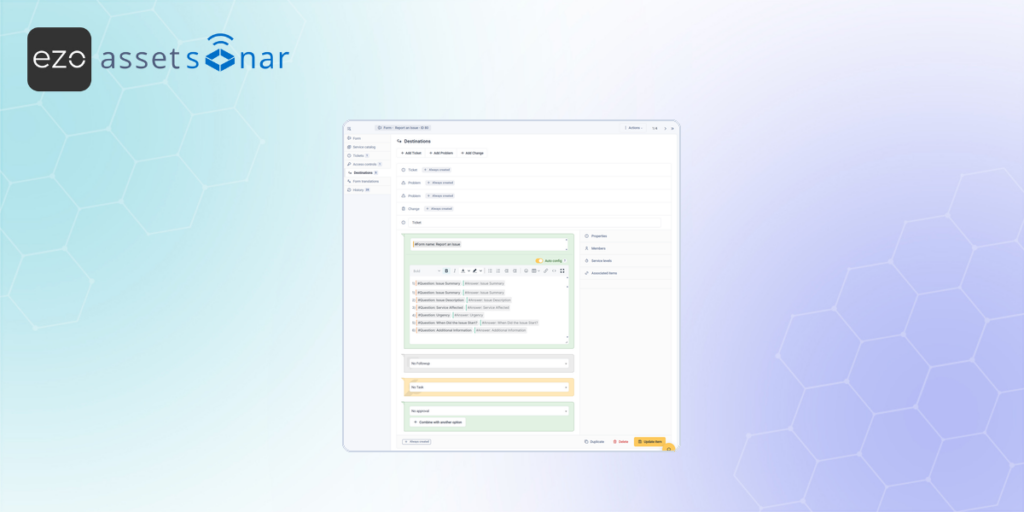
AssetSonar Service Catalog defines which services are available, what each form asks, who can see it, and which records, tasks, or approvals a submission creates. Service request management takes over after the ITSM record is created and handles routing, assignment, approvals, tasks, and fulfillment. The request data moves from the catalog into that work.

Give Every IT Service Request a Clear Path

Use AssetSonar IT service catalog to define services, build structured forms, control access, add device context, and create a clear fulfillment path.