Key Takeaways:
- AWS and Azure support is not enough for a CMDB because dependency depth determines whether teams can assess change impact and service risk.
- Cloud discovery progresses from resource inventory to infrastructure relationships, application dependencies, and service mapping, with each level answering increasingly operational questions.
- Provider APIs establish inventory and many infrastructure relationships, while runtime application dependencies usually require host access, agents, traffic observation, or top-down mapping.
- Dependency maps lose value when relationships become stale, so discovery source, retirement status, and last verification are key trust signals. Pasted markdown
- A meaningful CMDB proof of concept should test one production service across its real AWS, Azure, and on-premises dependencies.
- AssetSonar supports AWS and Azure discovery with Level 1–2 relationships, while teams needing runtime dependencies or service mapping should evaluate deeper platforms.
When the CMDB knows what exists but not what depends on it
Hypothetical scenario. Checkout latency on a customer portal has tripled. The on-call engineer opens the CMDB and finds every configuration item she expects: the EC2 instances, an Azure VM, the managed database, and the load balancer.
Then the change manager asks which of those components depend on the instance scheduled for patching tonight.
The CMDB has no answer.
Every record was accurate, and none helped the team approve or defer the change. A multicloud CMDB should be judged by how far it moves from “this resource exists” to “this resource supports this application, which supports this service,” and by whether it can show how it knows. For IT Operations and Infrastructure teams shortlisting a CMDB for AWS and Azure, discovery depth matters more than discovery breadth.
Why is “supports AWS and Azure” a weak CMDB requirement?
“Supports AWS and Azure” is a weak requirement because most serious CMDBs can now claim it, and the claim hides very different operational value. One platform returns EC2-3821 exists. Another returns EC2-3821 → application process → load balancer → database → checkout service. Only the second helps during an incident or a change review.
Three gaps sit behind the checkbox:
- Resource coverage says little about dependency coverage. A list of supported resource types shows what the CMDB can enumerate, not which relationships it creates between those resources.
- A relationship diagram may be partly manual. A line on a CMDB graph can come from cloud provider metadata, observed traffic, a spreadsheet import, or an engineer’s manual entry. Only some of those sources update when the IT estate changes.
- Multicloud makes stale relationships more costly. One request path can cross AWS, Azure, and an on-prem database, and a relationship correct in January can mislead a March change approval.
What are the four levels of CMDB cloud discovery?
CMDB cloud discovery operates at four levels. Each level answers a different operational question and relies on the level below it.
- Resource inventory: what exists? Discovery enumerates compute, storage, network, and database resources in each AWS account or Azure subscription.
- Infrastructure relationships: how are resources connected? The CMDB records that a volume is attached to an instance, the instance sits in a subnet, and a load balancer target group includes it.
- Application dependencies: what communicates with what? Discovery identifies running software, processes, and connections, including which application component relies on which database or queue.
- Service mapping: which service depends on this chain? Dependencies roll up into a named business or application service, such as checkout or payroll.
| Level | Question answered | Typical operational use |
| 1. Resource inventory | What exists? | Governance, cost, lifecycle |
| 2. Infrastructure relationships | What connects to what? | Impact exploration, cleanup |
| 3. Application dependencies | What relies on what at runtime? | Troubleshooting, migration |
| 4. Service mapping | Which service is affected? | Incident and change management |
This model also explains the difference between CMDB relationships and service mapping. Relationships (Levels 2 and 3) link individual configuration items. Service mapping (Level 4) organizes those links into a service model, so a team can start from the service and see every component beneath it.
Which discovery level does your IT team need?
The right discovery level depends on the decision your team must make with confidence. Higher levels bring more collectors, credentials, and configuration.
| Decision | Minimum level |
| What cloud resources do we own, and who owns them? | Level 1: breadth, accurate attributes, reconciliation |
| Can we retire this instance safely? | Levels 2 and 3: relationships and runtime dependencies |
| Why did this application fail? | Level 3: application-level context |
| Which customer-facing service will this change affect? | Level 4: service mapping |
A shortlisting team should be able to complete this sentence: “We need Level 3 discovery across AWS and Azure because our main use case is change impact on hybrid applications.” If the team cannot finish it, the shortlist is not ready.
How does a CMDB discover cloud assets and dependencies?
A CMDB discovers cloud assets and dependencies through five methods, and the method determines which questions the map can answer.
- Cloud provider APIs. Read-only AWS or Azure credentials let the CMDB pull resource data. APIs cover Level 1 and most of Level 2, but cannot see software running inside an instance.
- Host and process discovery. Credentialed scans inspect processes, installed software, ports, and connections. Level 3 usually begins here.
- Network and flow observation. Traffic analysis shows which endpoints communicate, though it needs host context to identify them.
- Agent-based discovery. An agent on each host reports processes and connections as they change. Agents give the most host detail but must be maintained across autoscaling fleets.
- Top-down mapping. Mapping starts from a service entry point, such as a URL, and follows connections downward. It is the most direct route to Level 4 and requires the most configuration.
Do you need agents for cloud dependency mapping? Not for inventory or provider-defined relationships. Runtime application dependencies generally require agents or credentialed host access.
Stale relationships are the quiet failure
Can CMDB relationships be maintained automatically? Yes, within the limits of discovery frequency, coverage, and the rules for retiring relationships that no longer exist. CMDB discovery is usually judged by what it adds, but the harder test is what it removes. Every CMDB accumulates relationships faster than it retires them, such as a database link from an application decommissioned last quarter or a line drawn by hand before a migration. None look stale on a diagram, and each makes the next impact analysis broader and less trusted.
Three distinctions decide whether a dependency map stays honest:
- Discovered versus manual relationships. You can re-verify a discovered relationship on the next run. A manual relationship stays true only until someone remembers to edit it, so label and own it.
- Retired versus deleted resources. Keeping a retired resource with its history supports audits and post-incident review. Deleting it removes its relationships. The CMDB should make that choice explicit.
- Last seen versus last verified. A record seen this morning doesn’t prove its relationships were checked that morning.
A team that stops trusting the map goes back to asking whoever built the system, and the CMDB becomes an inventory again.
Which CMDB tools map dependencies across AWS and Azure?
Six commonly shortlisted CMDB platforms document AWS and Azure discovery, and each is strongest at a different level. The summary below reflects each vendor’s public documentation, checked on October 12, 2026.
| Platform | Documented strength | Fits teams that | Validate |
| ServiceNow | Levels 1 to 4 | Run a mature IT operations management (ITOM) practice with formal service models | Service mapping configuration effort and licensing scope |
| BMC Helix Discovery | Levels 1 to 3 | Need cloud and data center hosts in one dependency map | Host access coverage in each cloud |
| Virima | Levels 1 to 4 | Want discovery and service mapping without a full enterprise ITOM platform | Runtime dependency depth on your own workloads |
| Device42 | Levels 1 to 3 | Plan migrations and need infrastructure-level ADM | Which ADM workflows cover which cloud |
| Lansweeper | Levels 1 and 2 | Need broad AWS, Azure, and Google Cloud inventory alongside network and endpoint discovery | Runtime application dependencies |
| AssetSonar | Levels 1 and 2 on AWS and Azure | Need cloud resources in the same IT Graph as devices, users, software, contracts, and tickets | Runtime application dependencies and service mapping |
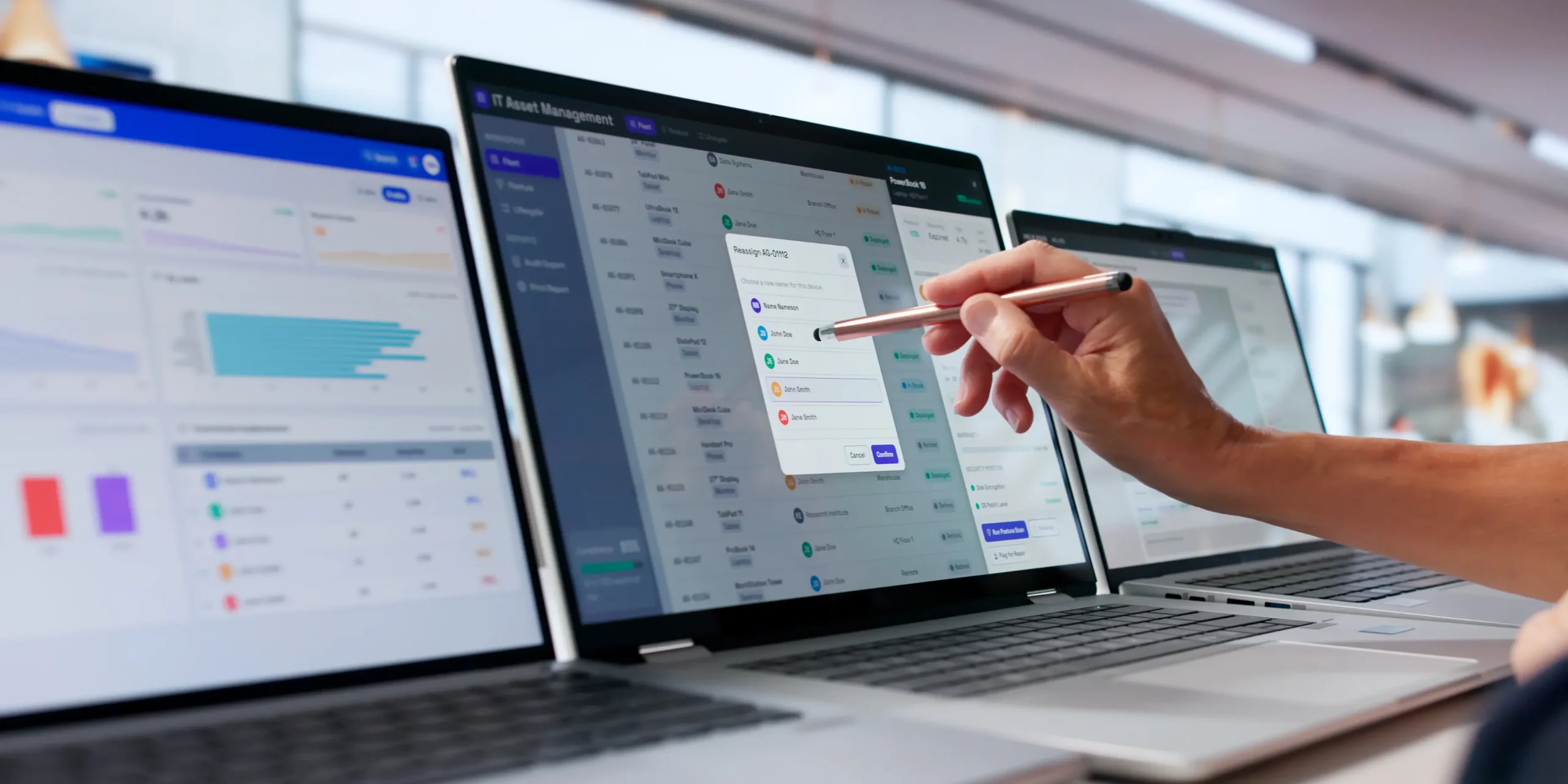
I work on AssetSonar. AssetSonar discovers AWS and Azure resources through read-only integrations and maps the relationships each cloud provider defines, such as a VM attached to a managed disk or a scale set registered in a backend pool. Those cloud resources sit in AssetSonar IT Graph alongside devices, members, software, licenses, contracts, vendors, and tickets, so ownership and service context appear on the same map. AssetSonar documentation doesn’t describe runtime, process-level application dependency mapping or top-down service mapping, so teams whose main requirement is Level 3 or Level 4 should weigh the platforms above for that layer.
Which CMDB is best for hybrid cloud? It depends on the level of decision required. ServiceNow and BMC Helix Discovery are the most established options for deep hybrid service mapping; Virima and Device42 offer dependency discovery with a lighter footprint; and Lansweeper and AssetSonar fit when inventory or connected-asset context comes first.
For product-level detail, EZO publishes side-by-side pages for AssetSonar vs ServiceNow, AssetSonar vs BMC Helix, AssetSonar vs Device42, and AssetSonar vs Lansweeper.
How should you test a CMDB’s dependency mapping?
Test dependency mapping with one shared scenario rather than a scripted demo.
“This production database will be retired Friday. Show us everything that depends on it.”
Then check:
- Was the database discovered automatically?
- Were its relationships created automatically or by hand?
- When was each relationship last verified?
- Which applications use the database, beyond the hosts near it?
- Does the chain reach a business or application service?
- Are AWS, Azure, and on-prem dependencies shown in one chain?
- What evidence supports each relationship: API metadata, host scan, traffic, agent, or manual entry?
- When the database is gone, do you retire each relationship, flag it, or leave it in place?
Questions 7 and 8 separate platforms most clearly, because they test whether the map can explain and retire its own relationships.
What should a cloud CMDB RFP ask?
A cloud CMDB RFP should ask five questions:
- Which relationships are discovered automatically, and which are configured manually? Ask per relationship type. Instance-to-subnet and process-to-database are very different results.
- Which AWS and Azure resources get deep discovery, and which are inventory-only? Ask for the split by cloud.
- How does the platform establish a dependency? Each method has blind spots, so the answer shows which questions the map cannot answer.
- How often does discovery run, and what triggers an update? For an autoscaling estate, a nightly run leaves part of the map out of date for most of the day.
- Can you show where every relationship came from? Each relationship should carry its source and last verification time.
The fifth question carries the most weight. A change approved on a map that cannot explain its relationships is a decision nobody can defend afterward.
Choose the CMDB your team will trust during a change
The best map is the one your operations team trusts when they are about to change one of its nodes.
- Reliable inventory and ownership: prioritize breadth and reconciliation across discovery sources.
- Change impact analysis: prioritize automatically maintained infrastructure and application relationships.
- Faster troubleshooting: prioritize runtime dependencies and discovery frequency.
- Mature ITOM practice: prioritize service mapping integrated with incident and change workflows.
- Connected asset, user, software, ticket, and cloud context without a full ITOM deployment: evaluate connected ITAM and ITSM platforms such as AssetSonar, and confirm the depth of relationships each cloud receives.
Before your next vendor call, pick one production component your team changed recently. Ask each finalist what depends on it, how they know, and when they last checked.