IT assets move among offices, stockrooms, labs, and regional teams. Separate spreadsheets can create conflicting inventories, missed transfers, and duplicate purchases.
Multi-location asset-tracking software for IT equipment combines discovery, scanning, integrations, and manual updates within a governed inventory. Data freshness depends on each source. Some teams need connected tools for discovery, physical audits, and controlled transfers.
This guide compares 11 tools using location hierarchies, discovery, audits, transfers, site reporting, regional access, pricing, and documented limitations.
Quick comparison of multi-location IT asset tracking software
| Tool | Best for | Assignment / custody | Location method | Financial / cost tracking | Pricing model | G2 rating |
| AssetSonar | Asset ownership across locations | User and location assignment, custody history | Records, discovery, mobile scans | Purchase and lifecycle cost records | $0.75/asset/month billed annually; 100 minimum; SAM +$0.42/asset/month | 4.5/5 |
| ManageEngine AssetExplorer | Multi-site IT asset management | User and department assignment | Agents and network scans | Purchase, contract, and asset cost records | Cloud from $1,245/year; on-premises from $955/year | 4.2/5 |
| InvGate Asset Management | Location and ownership hierarchies | User, department, and location assignment | Agents, scans, QR, imports | Procurement and financial asset fields | $1,499/year for 500 IP devices | 4.7/5 |
| ServiceNow HAM | Enterprise asset lifecycle governance | User, stockroom, and location custody | CMDB, workflows, mobile tools | Cost, depreciation, contracts, and lifecycle data | Custom quote; modules priced separately | 4.3/5 |
| Lansweeper | Distributed device visibility | Primarily discovered user/device relationships | Sensors, agents, network targets | Limited compared with full ITAM platforms | Free for 100 assets; Starter from $219/month | 4.4/5 |
| Tanium Asset | Endpoint ownership visibility | Endpoint and user context | Distributed endpoint client | Primarily technical inventory rather than financial ITAM | Custom quote | 4.5/5 |
| Asset Panda | Configurable custody and audits | Employee assignments and check-in/out | Barcode and QR scans | Configurable purchase and asset cost fields | Asset-based custom quote | 4.2/5 |
| Reftab | Equipment assignments and site audits | User checkouts and custody workflows | Barcode, QR, and workflows | Purchase and configurable cost records | Free for 50 assets; Starter from $31.25/month | 4.3/5 |
| Snipe-IT | Open-source asset custody | User and location checkouts | Records, checkouts, API | Purchase cost, depreciation, and asset value fields | Self-hosted free; hosting from $39.99/month | 4.6/5 |
| Oomnitza | Cross-system asset intelligence | User and ownership context from connected systems | Connected source systems | Financial context depends on connected procurement and business systems | Custom quote | 4.6/5 |
| Device42 | Infrastructure ownership and mapping | Device ownership and assignment records | Automated discovery and mapping | Cost information available, but financial asset management is not its main focus | Annual, per-device custom quote | 4.7/5 |
What is multi-location IT asset tracking?
Multi-location IT asset tracking provides governed visibility across offices, branches, rooms, stockrooms, and data centers. It may use one system of record or reconciled regional systems.
Each asset record can store an assigned site, custodian, last verified location, network-derived site, and transfer destination.
Most tools record evidence that is assigned, scanned, or network-derived. Continuous location tracking requires compatible real-time location system hardware and infrastructure.
Here, tracking means location and custody. IT asset management adds lifecycle, financial, and contractual governance. Discovery, mobile device management, and CMDB data provide supporting evidence.
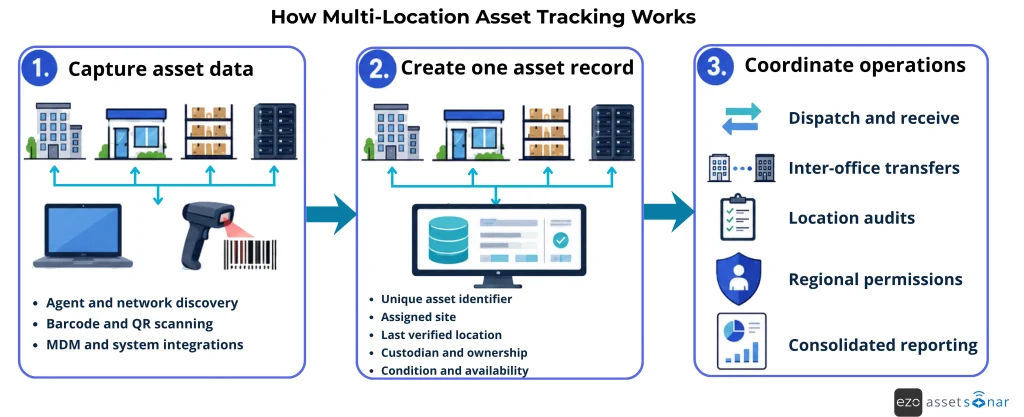
The workflow below shows how discovery, scanning, and integrations support transfers, audits, permissions, and reporting.
For IT asset tracking for remote teams, including employee custody and remote lifecycle workflows, see our hybrid and remote workforce guide.
How we evaluated the tools
We reviewed current product pages, documentation, and pricing pages. Every product received the same location-focused review. The order does not represent a universal ranking.
The shortlist spans five solution types: full ITAM, discovery and endpoint inventory, physical tracking, infrastructure CMDB, and integration-led asset intelligence. Self-hosting is a deployment choice, not a solution type. The analysis is further guided by the following functionalities:
- Asset discovery: Discover devices through agents, network scans, MDM tools, APIs, and integrations.
- Location management: Organize IT assets across regions, offices, stockrooms, rooms, and data centers.
- Custody tracking: Track assignments, check-ins, checkouts, and custody histories.
- Barcode and QR scanning: Verify physical assets through mobile scans and site audits.
- Asset transfers: Track dispatch, in-transit, receipt, discrepancy, and final-location records.
- Asset audits: Identify missing, unlisted, and misplaced devices.
- Access controls: Manage asset visibility and user permissions across regions, locations, and teams.
- System integrations: Connect with HR, identity, endpoint management, ITSM, procurement, and CMDB platforms.
- Data reconciliation: Consolidate and reconcile asset information collected from multiple systems.
- Software tracking: Monitor software installations, usage, and license data across endpoints.
- Reporting: Review asset locations, transfer statuses, audit results, and data freshness.
- Distributed asset coverage: Track remote, off-network, stored, and in-transit equipment.
- Implementation requirements: Assess pricing, deployment needs, setup effort, and product limitations.
Detailed breakdown of best IT asset tracking software for multi-location teams
1. AssetSonar
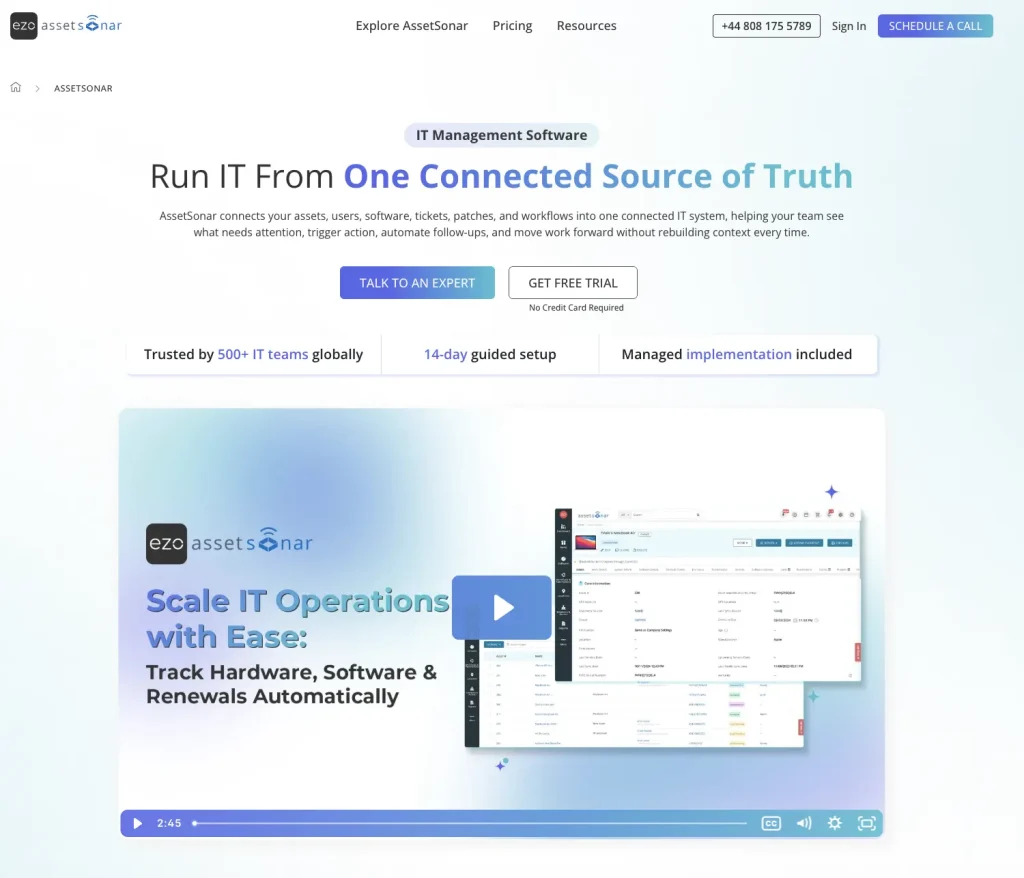
AssetSonar is a full IT asset management (ITAM) platform designed to give organizations centralized control over hardware, software, and lifecycle tracking.
It combines automated discovery, location records, mobile audits, and detailed custody history to maintain accurate, real-time visibility of assets across multiple sites.
Integrations with ITSM, identity, and procurement systems help align device, user, and lifecycle data. This makes it easier to track ownership changes, usage patterns, and compliance status throughout the asset lifecycle.
On the software side, AssetSonar also includes software asset management (SAM) capabilities. It gives IT teams clear visibility into installed applications, real-time license utilization, and compliance gaps across distributed endpoints. This helps reduce overspending, avoid audit risk, and standardize software usage across locations.
Why it fits multi-location IT teams:
- Maintains assigned location records across offices, regions, and stockrooms with centralized visibility and audit history
- Supports physical verification of assets through mobile barcode and QR audits at each site
- Extends visibility into software assets (SAM), helping track license allocation and usage across locations
- Links offboarding with custody records and return locations across sites
Main limitation: Asset location data depends on timely scans, check-ins, and custody updates unless compatible RTLS hardware is deployed.
2. ManageEngine AssetExplorer

ManageEngine AssetExplorer supports assets spread across multiple sites. It combines hardware discovery, software inventory, lifecycle records, and reporting. Teams can group assets using geography or location.
Why it fits multi-location IT teams:
- Discovers devices across distributed office networks and maps them to defined site locations
- Organizes assets by region or branch to support consolidated reporting across multiple locations
- Tracks installed software and license usage across endpoints for basic SAM visibility
Main limitation: Automated discovery updates device inventory but does not continuously track physical movement; teams must scan assets or update location and custody records when devices move.
3. InvGate Asset Management
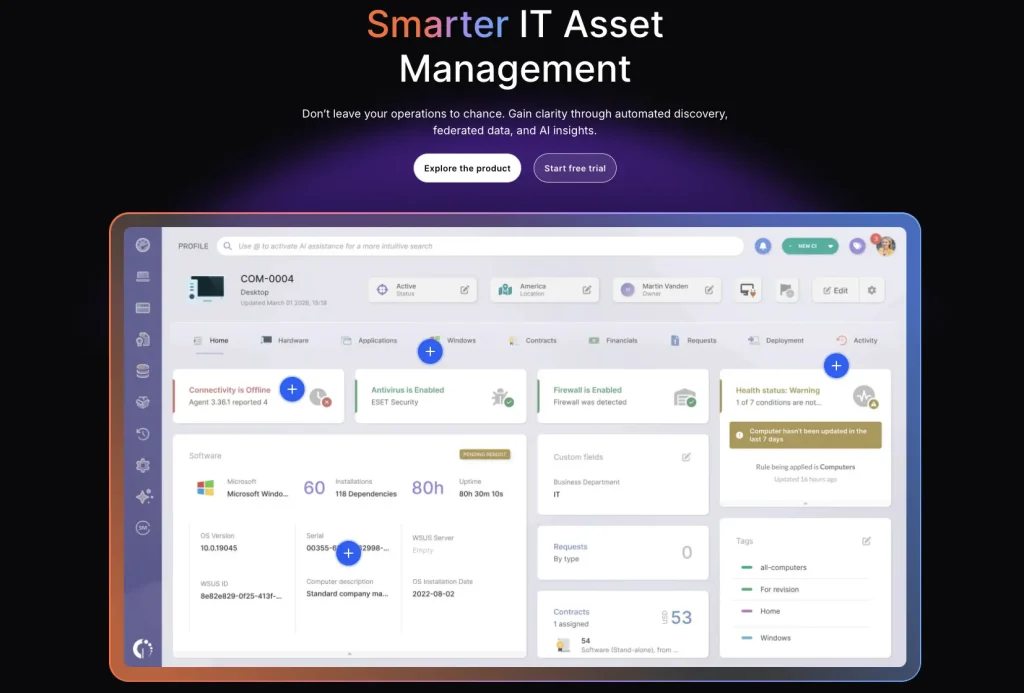
InvGate Asset Management supports location-based inventory across multiple sites. Teams can filter assets and reports by location. Assignment and transfer events remain within each asset’s history. It also includes software tracking to help monitor installed applications and license compliance.
Why it fits multi-location IT teams:
- Structures assets into hierarchical locations such as regions, offices, and departments
- Tracks asset movement between sites with recorded transfer and assignment history
- Provides software inventory visibility to support SAM-style license tracking across environments
Main limitation: Automated geolocation is limited to Windows devices with the InvGate Agent; other assets require QR scans or manual updates to keep location records current
4. ServiceNow Hardware Asset Management
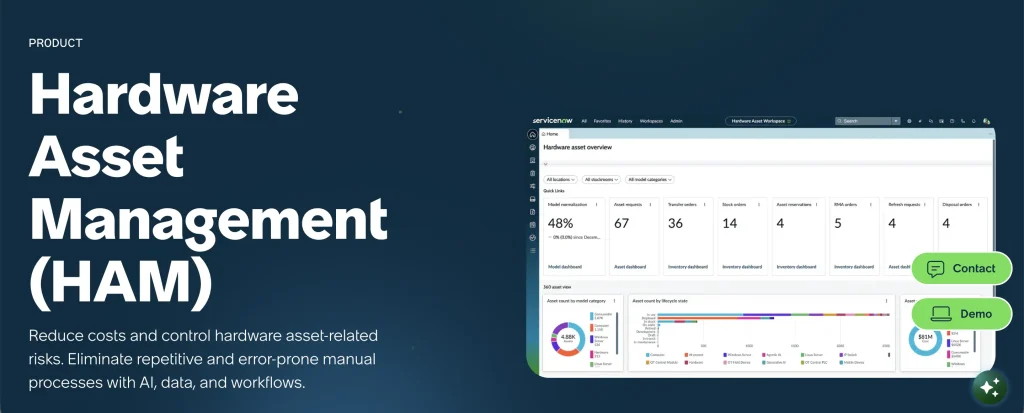
ServiceNow Hardware Asset Management is well-suited to complex enterprise distribution. It connects hardware records with CMDB data and lifecycle workflows. Stockrooms, sourcing, and transfer orders support regional inventory movement. It also integrates with ServiceNow Software Asset Management (SAM) for license tracking and compliance governance.
Why it fits multi-location IT teams:
- Manages stockrooms and asset transfers across distributed enterprise locations
- Links location-based inventory with CMDB records for cross-site governance and reporting
- Extends into SAM workflows to manage software licenses, entitlements, and compliance across sites
Main limitation: Its breadth can increase implementation and administration work. Buyers should confirm required modules before comparing total costs.
5. Lansweeper
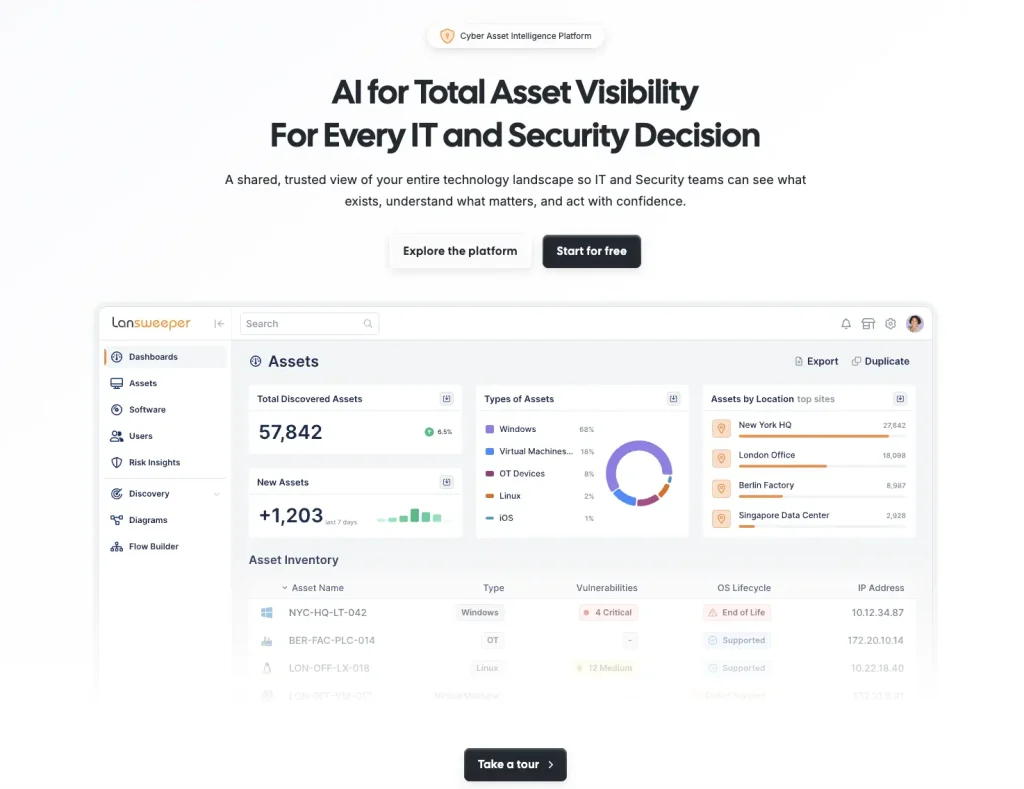
Lansweeper focuses on discovery and asset intelligence. Sensors, agents, and network targets cover separate technical environments. Teams can organize and report data across several installations. It also provides software inventory insights for tracking installed applications and license exposure.
Why it fits multi-location IT teams:
- Discovers devices across multiple network environments and maps them to site-level groupings
- Consolidates distributed infrastructure data into a unified inventory view across locations
- Identifies installed software across endpoints to support lightweight SAM visibility
Main limitation: Physical custody and transfer workflows may require another platform.
6. Tanium Asset
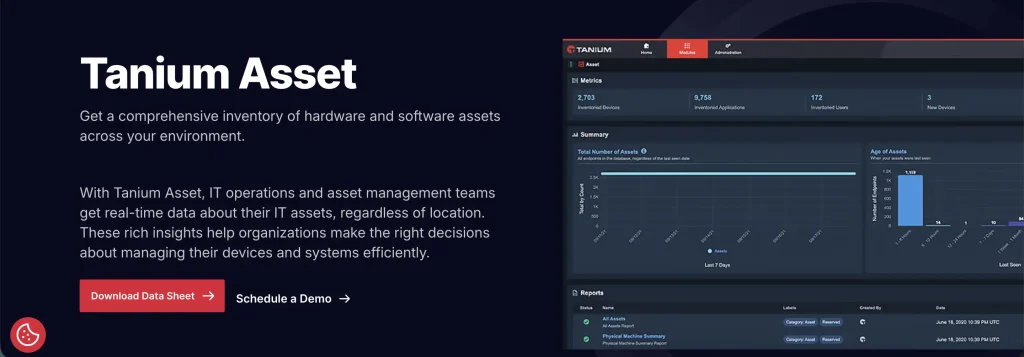
Tanium Asset provides current hardware and software inventory. It covers remote, on-premises, and cloud-managed endpoints. Tanium can also surface unmanaged or transient devices and track installed software for compliance and license monitoring.
Why it fits multi-location IT teams:
- Provides real-time endpoint inventory across distributed offices and remote environments
- Identifies devices across multiple sites to support centralized reporting and compliance
- Tracks installed software across endpoints to support enterprise SAM and license governance
Main limitation: Endpoint visibility does not provide barcode audits or stockroom transfers.
7. Asset Panda
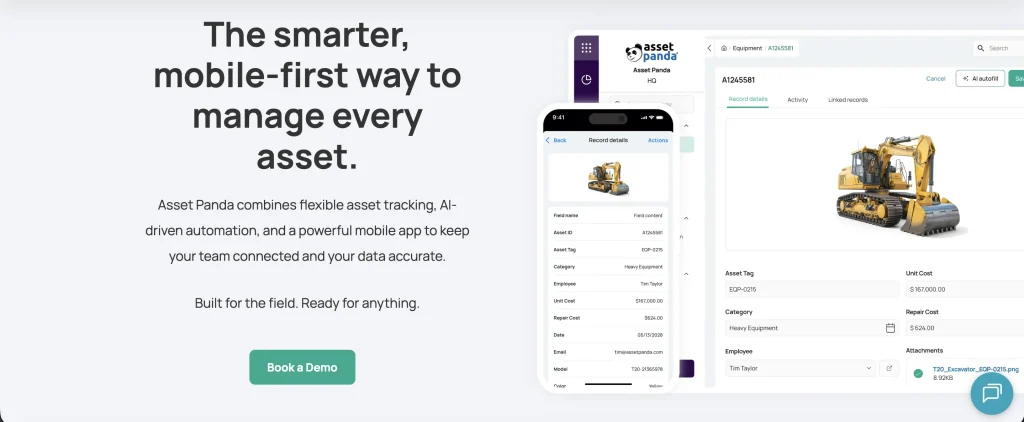
Asset Panda is a configurable physical asset platform. Mobile barcode and QR scanning support assignments, updates, and audits. Teams can adapt fields, actions, reports, and workflows. It also allows tracking of software assets, though SAM depth depends on configuration.
Why it fits multi-location IT teams:
- Enables barcode and QR-based audits across offices, warehouses, and field locations
- Tracks asset updates and assignments during on-site inspections at distributed locations
- Supports basic software tracking fields for license and application visibility across assets
Main limitation: Configuration takes planning. Network discovery is not its central strength.
8. Reftab
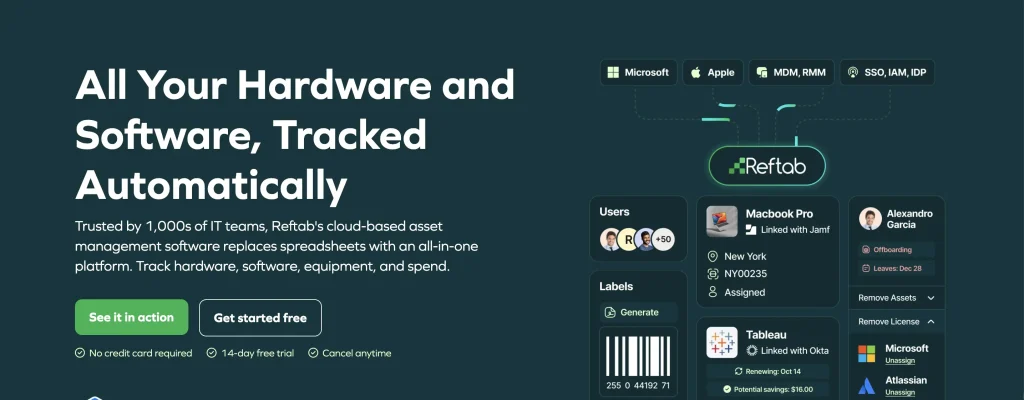
Reftab combines location records with mobile scanning. Audits flag missing, unlisted, and wrong-location equipment. Workflows and bulk actions can move assets between locations. It also includes license tracking for software assets, supporting lightweight SAM use cases.
Why it fits multi-location IT teams:
- Supports site-based audits to identify missing or misallocated assets across locations
- Records asset movement between offices, sites, and departments through structured workflows
- Tracks software licenses alongside hardware assignments for basic SAM visibility
Main limitation: Location records depend on scans, check-ins, and workflow updates; Reftab does not natively provide continuous physical location tracking
9. Snipe-IT
Snipe-IT tracks assets, accessories, licenses, and locations. Teams can check equipment out to users or locations. Self-hosting provides control without software licensing costs. It also includes a built-in license module for tracking software entitlements (light SAM functionality).
Why it fits multi-location IT teams:
- Assigns assets to specific locations such as offices, rooms, or stockrooms
- Tracks check-in and check-out activity across distributed teams and sites
- Manages software licenses and assignments for basic SAM tracking needs
Main limitation: Snipe-IT lacks a native discovery agent. Automated updates require integrations or API work.
10. Oomnitza

Oomnitza builds asset records from connected business systems. HR, identity, endpoint, procurement, and service data support lifecycle workflows. This model also covers offline, stored, and in-transit equipment. It extends into software asset management by aggregating license and entitlement data from connected systems.
Why it fits multi-location IT teams:
- Aggregates asset data from multiple systems to reflect location across distributed environments
- Maintains centralized visibility of assets stored, deployed, or in transit between sites
- Consolidates software license and entitlement data to support enterprise SAM governance
Main limitation: Location records quality depends on connected sources and reconciliation rules.
11. Device42
Device42 combines discovery, ITAM, CMDB, and data-center mapping. Teams can model buildings, rooms, racks, servers, and network equipment. Reports support infrastructure reviews across locations. It also includes software inventory tracking for installed applications and license visibility.
Why it fits multi-location IT teams:
- Maps infrastructure assets to physical locations such as data centers, rooms, and racks
- Tracks hardware distribution across multiple facilities for centralized infrastructure visibility
- Provides software inventory data to support SAM and license compliance reporting across environments
Main limitation: Employee custody and BYOD workflows are less central.
How can teams track high-value IT assets by employee?
For higher-value equipment, knowing where an asset is located does not always answer who is accountable for it. Linking each device to a current custodian gives IT teams a clearer record of responsibility, especially when equipment moves between employees, departments, or locations.
When assignment data is combined with purchase cost and lifecycle information, Finance can review where expensive hardware is allocated without reconciling separate employee and asset records. This also makes it easier to identify unassigned equipment, investigate missing devices, and verify custody during offboarding or audits.
The most useful tools for this use case, therefore, connect employee assignment, custody history, cost data, and asset status within a single governed inventory.
What does asset location mean?
Many platforms use “location” for different data points. Buyers should confirm the exact meaning before purchasing.
| Location signal | What it establishes | Main caveat |
| Assigned location | Intended home site | Requires updates after moves |
| Audit-verified location | Tag scanned during a named site audit | Depends on tag and audit integrity |
| Network-derived site | Network that last observed the device | VPNs and unmapped subnets can distort it |
| In-transit destination | Intended receiving site | Requires receipt confirmation |
Most ITAM platforms do not provide continuous GPS tracking. They usually store assigned, scanned, or network-derived locations.
Which IT asset tracking capabilities matter across multiple sites?
The essentials include hierarchies, discovery, scanning, transfers, audits, access, and integrations.
Central inventory and clear location hierarchies
Use one hierarchy across every region. A practical structure follows this pattern:
A controlled transfer records the sender, receiver, dispatch date, expected arrival, receipt, condition, discrepancies, and final location. Keep the asset in transit until receipt is confirmed.
Also validate location-scoped role-based access control, single sign-on, audit logs, offline mobile behavior, bulk actions, and data residency.
Local spreadsheets should not become separate systems of record.
Discovery and physical verification
Agents update managed laptops and desktops. Network scans find printers, switches, and other connected devices. APIs import data from cloud and endpoint tools.
Barcode and QR scans confirm physical presence during location audits. Discovery and scanning solve different problems. Many multi-site teams need both methods.
Transfers, audits, and regional access
A transfer should record dispatch, receipt, and final location. Overdue receipts should remain visible until someone resolves them.
Site audits should show missing and misplaced assets. Regional administrators need access to their assigned locations. Central IT still needs consolidated reporting.
Integrations and source ownership
Disconnected systems often disagree on information related to the same asset. Define one owner or location for every asset so it can be tracked through a single source of truth.
HR systems usually own employment status. MDM tools own enrollment and device state.
Many teams assign ITAM ownership of location, custody, lifecycle, and audits. ITSM adds request and incident context. The system you use will determine how the ITAM and ITSM information interacts to give a holistic picture of the location and ownership of your IT assets.
How should teams implement multi-location asset tracking?
Start with data standards, then test real site workflows.
- Define one location hierarchy and naming standard.
- Select unique identifiers and required asset fields.
- Map discovery methods across sites and asset types.
- Choose consistent barcode or QR tagging standards.
- Define transfer, receipt, and discrepancy workflows.
- Assign each field to an authoritative source.
- Set regional permissions and central oversight.
- Audit every site before trusting migrated data.
Start with a two-site pilot. Include 100 to 200 varied assets. Move ten assets between those sites. Test missing and wrong-location audit results. Also test one offboarding event and one BYOD record.
Which operating model fits your team?
Choose by operating model, not total feature count.
| Primary need | Start by evaluating | Key validation question |
| One governed ITAM record | AssetSonar, InvGate, ManageEngine, ServiceNow | Can it model your hierarchy? |
| Distributed discovery | Lansweeper, ManageEngine, Tanium, Device42 | How are sites assigned? |
| Integration-led reconciliation | Oomnitza | Which source owns each field? |
| Mobile physical audits | Asset Panda, Reftab | Which scanning workflows are native? |
| Open-source control | Snipe-IT | Can your team maintain it? |
| Enterprise stockroom transfers | ServiceNow HAM | Which modules are required? |
Which tools should your IT team shortlist?
When comparing the best IT asset tracking software 2026 options, the right platform depends on your main tracking problem. Full ITAM supports centralized governance, while discovery tools improve technical visibility.
Scanning platforms strengthen location transfers, physical audits, and compliance. Integration-led tools reconcile fragmented systems.
Define your location model before comparing products. Then test discovery, transfers, audits, permissions, and data ownership. Those tests reveal more than a long feature checklist.