If your organization purchases hardware or software through SHI, manually recreating those purchases in your IT asset management system can add unnecessary work and delay asset visibility.
AssetSonar’s SHI integration is designed to bring procurement data directly from SHI into AssetSonar. It can sync eligible SHI orders, create corresponding Purchase Orders, and use purchased line-item information to create the relevant hardware or software records.
This guide explains how to connect SHI with AssetSonar and start syncing procurement data.
1. Get Your SHI API Credentials
Before connecting SHI with AssetSonar, you need access to SHI’s Customer API.
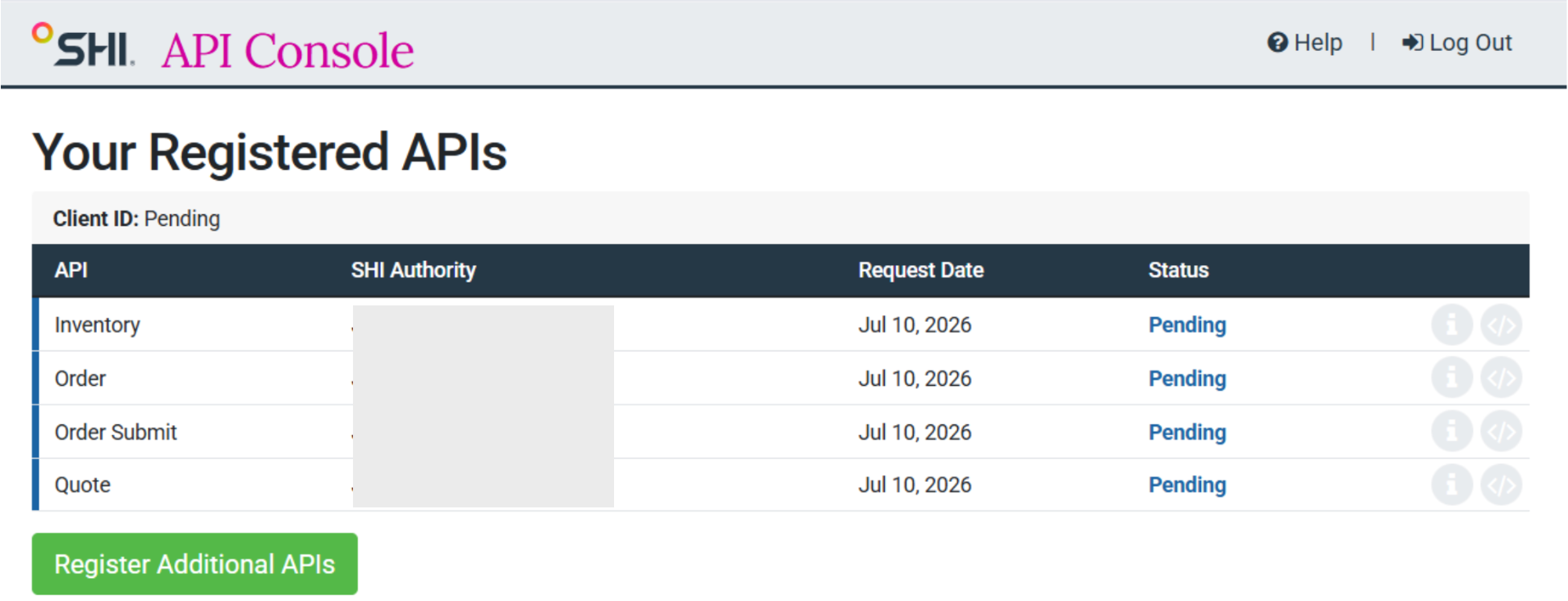
Create an account through the SHI API Console. When creating the account, you’ll also need to provide your SHI account executive’s email address.
Next, request access to the required SHI APIs. Once your API access has been approved, SHI will provide:
- Client ID
- Client Secret
If you need assistance obtaining API access or identifying your SHI account executive, contact your SHI representative.
2. Enable the SHI Integration
Go to Settings → Integrations → SHI Integration and select Enabled.
Once enabled, click Add Credentials and enter your:
- Client ID
- Client Secret
These credentials are used to connect AssetSonar with SHI and retrieve procurement information.
3. Select When to Start Syncing Orders
Once enabled, use the Sync Orders data from field to select the date from which you want to retrieve SHI order data.
The selected date determines how far back the initial order sync goes.
Afterward, the integration checks for new or updated order activity incrementally instead of retrieving your complete order history during every sync.
4. Sync SHI Orders as Purchase Orders
Once connected, the integration retrieves eligible SHI orders and creates corresponding Purchase Orders.
Each individual SHI Order Number maps to one Purchase Order.
A single SHI PO Number can contain multiple separate orders placed at different times. AssetSonar therefore uses the individual SHI Order Number to identify each Purchase Order while retaining the original SHI PO Number as reference information.
5. Create Records from SHI Purchases
The integration uses information associated with qualifying SHI order lines to determine what type of record should be created.
Depending on the item, SHI purchases can be mapped to:
- Assets for serialized hardware
- Asset Stock for non-serialized hardware
- Software Licenses for software or subscription items
Service lines and credit or adjustment lines are excluded from asset creation.
Need help setting up the SHI integration? Contact us at support@ezo.io.
